

Photorealistic mockups are transforming how tech accessory sellers compete online. Studies show photorealistic mockups can boost e-commerce sales by up to 40%, making them essential for phone case and AirPods retailers. This guide examines the critical criteria for selecting mockup designs in 2026, compares PSD, Canva, and animated templates, and delivers actionable recommendations to elevate your product listings and drive conversions.
Table of Contents
- Key Selection Criteria For Mockup Designs In 2026
- Photorealism Techniques In Mockup Design
- Comparison Of Mockup Template Types: PSD Vs Canva Vs Animated
- Customization Features For Brand Consistency
- Platform Compatibility And Mockup Format Benefits
- Pricing And Accessibility Of Premium Mockups
- Summary Comparison Of Top Mockup Approaches
- Situational Recommendations For E-Commerce Entrepreneurs
- Elevate Your Tech Accessory Listings With BetterMockups
Key Takeaways
| Point | Details |
|---|---|
| Sales Impact | Photorealistic mockups increase sales by up to 40%. |
| Editing Speed | Canva templates cut editing time in half for non-designers. |
| Engagement Boost | Animated mockups double social media engagement rates. |
| Brand Trust | Consistent customization raises brand trust by 30%. |
| Workflow Efficiency | Platform compatibility improves workflow and conversions by 25%. |
Key Selection Criteria for Mockup Designs in 2026
Choosing the right mockup template requires evaluating five essential criteria. Photorealism quality directly impacts buyer trust and conversion rates, making it the foundation of effective product visuals. Your mockup format must align with your selling platforms, whether Shopify, Amazon, or Etsy, to ensure seamless uploads and consistent display quality.
Customization flexibility allows you to maintain brand consistency across every listing. Color schemes, logo placement, and style adjustments should be straightforward, enabling you to create cohesive visual identities. Template formats vary widely, from layered PSD files for advanced designers to drag-and-drop Canva templates for quick edits, plus animated options for social media campaigns.
Pricing structures affect accessibility for small businesses. Subscription models typically range from $20 to $50 monthly, while individual template purchases offer flexibility. Understanding platform compatibility benefits helps you choose formats that streamline operations and improve workflow and conversions by 25%.
Pro Tip: Test mockup templates with your actual product designs before committing to a subscription. This ensures the template’s style matches your brand aesthetic and technical requirements.
- Photorealism quality determines buyer confidence and purchase decisions
- Format compatibility prevents upload errors and display issues
- Customization options enable consistent brand presentation
- Template complexity should match your design skill level
- Pricing models affect long-term budget sustainability
Photorealism Techniques in Mockup Design
Photorealism delivers authentic, detailed visuals that mirror professional product photography. These mockups incorporate realistic lighting that mimics natural or studio conditions, creating depth and dimension. Shadows and reflections add authenticity, making products appear tangible rather than digitally rendered.
Texture detail separates premium mockups from generic templates. High-resolution images preserve fabric weaves, glossy finishes, and material characteristics that buyers scrutinize before purchasing. Software supporting layered editing, particularly Adobe Photoshop, enables precise control over these photorealistic elements.
Visual consistency across your entire product catalog strengthens professional appeal. When every listing maintains the same lighting angle, shadow direction, and background treatment, customers perceive your brand as established and trustworthy. Research confirms photorealistic mockups increase conversion rates by up to 40%, making this investment worthwhile for serious sellers.
Pro Tip: Follow a structured photorealism workflow guide to maintain consistency across hundreds of product variations without starting from scratch each time.
- Realistic lighting creates depth and enhances product appeal
- Accurate shadows and reflections add tangible authenticity
- High-resolution textures showcase material quality
- Layered file formats enable precise customization control
- Explore latest photorealistic mockup templates to stay current with 2026 visual trends
Comparison of Mockup Template Types: PSD vs Canva vs Animated
Three primary mockup formats dominate the tech accessory market, each serving distinct needs. PSD files offer maximum customization through layered editing, ideal for designers who need complete control over every visual element. These templates require Adobe Photoshop skills but deliver unmatched flexibility for brand differentiation.
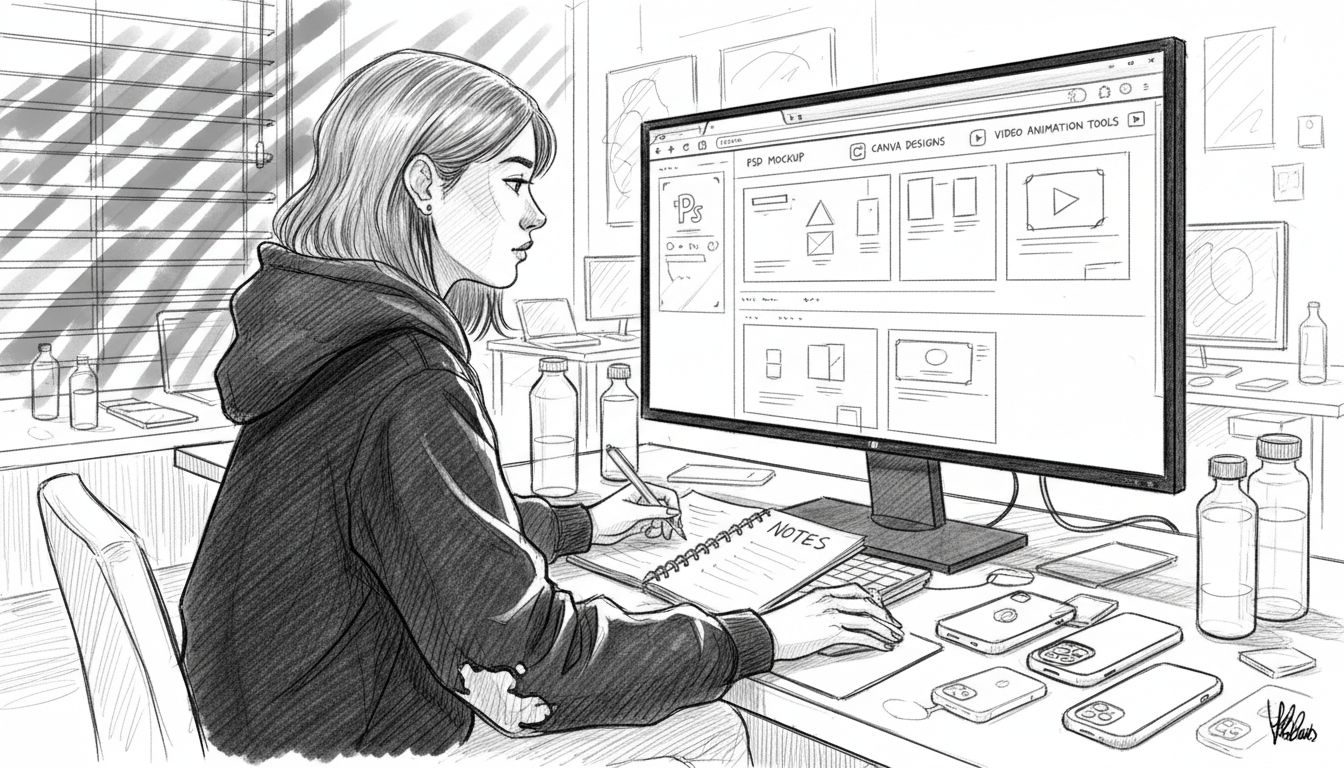
Canva templates revolutionize accessibility for non-designers. The drag-and-drop interface with pre-built design elements reduces editing time by 50%, enabling quick updates across multiple product listings. Small to medium businesses prefer Canva’s balance of quality and ease, particularly when managing large catalogs without dedicated design staff.
Animated mockups capture attention on social media platforms where static images struggle to stand out. Video formats showcasing products from multiple angles or demonstrating use cases generate twice the engagement of traditional photos. However, creating quality animations demands advanced tools and more production time than static alternatives.
| Feature | PSD Templates | Canva Templates | Animated Mockups |
|---|---|---|---|
| Customization | Highest | Moderate | High |
| Skill Required | Advanced | Beginner | Intermediate to Advanced |
| Editing Time | 30-60 min | 10-15 min | 60-120 min |
| Best Platform | All | All | Social Media, Ads |
| Engagement | Standard | Standard | 2x Higher |
Your marketing channels dictate the optimal template type. Social campaigns benefit most from animated mockups that double engagement, while marketplace listings prioritize photorealistic static images. Review this detailed mockup template comparison to understand when each format delivers maximum impact.
Pro Tip: Start with Canva templates to build your catalog quickly, then invest in PSD files for hero products that need extra brand customization. Discover PSD mockup advantages for strategic implementation.
- PSD files provide unlimited customization for brand perfection
- Canva simplifies bulk editing for large product catalogs
- Animated formats excel on Instagram, Facebook, and TikTok
- Match template complexity to your available time and skills
- Learn more about Canva’s drag-and-drop ease for streamlined workflows
Customization Features for Brand Consistency
Customization options determine how effectively you communicate brand identity through product visuals. Color adjustment tools let you match mockups to brand guidelines, ensuring every listing reinforces your visual identity. Logo placement features enable consistent branding across phone cases, AirPods cases, and other accessories without manual editing.
Style flexibility accommodates seasonal campaigns, special promotions, and product line variations while maintaining recognizable brand elements. Templates with smart object layers or component libraries accelerate customization, letting you swap backgrounds, adjust lighting, or modify product angles in minutes rather than hours.
Platform-specific customization ensures your mockups look professional whether displayed on Shopify product pages, Amazon listings, or Instagram feeds. Dimension presets, color profile compatibility, and export settings prevent quality loss during upload. Studies demonstrate consistent brand visuals increase customer trust and recall by over 30%, translating directly to higher conversion rates.
Pro Tip: Create a brand mockup style guide documenting your color codes, logo placement rules, and preferred lighting angles. This ensures consistency even when multiple team members create listings.
- Color customization reinforces brand recognition across all products
- Logo integration features save hours of manual placement work
- Style variations support seasonal campaigns without losing brand identity
- Template flexibility enables quick responses to market trends
- Understand brand consistency importance for long-term business growth
Platform Compatibility and Mockup Format Benefits
E-commerce platforms impose specific format requirements that affect how your mockups display to customers. Shopify accepts various formats but optimizes for PNG and JPG files under 20MB, while Amazon requires specific aspect ratios and minimum resolutions. Etsy’s image guidelines prioritize square formats for thumbnail displays, and social platforms favor MP4 or GIF animations.
Using compatible mockups prevents upload errors, rejected listings, and distorted product images that damage credibility. Format mismatches force platforms to compress or crop your carefully designed visuals, often destroying the photorealism that drives sales. Compatible templates include proper dimensions, color profiles, and file structures that platforms process correctly.
Format choice impacts listing speed and final presentation quality. Oversized files slow page load times, increasing bounce rates and hurting SEO rankings. Right-sized mockups maintain visual quality while ensuring fast loading across desktop and mobile devices. Research shows compatible mockup formats improve workflow speed and conversion rates by 25% by eliminating technical friction.
Pro Tip: Maintain a format checklist for each selling platform, specifying required dimensions, file types, and size limits. This prevents last-minute reformatting and ensures consistent quality.
- Shopify, Amazon, and Etsy each require specific image formats and dimensions
- Compatible mockups avoid upload errors and visual distortion
- Proper formats ensure fast loading speeds that improve SEO
- Platform-optimized templates streamline multi-channel selling
- Explore mockup format compatibility details for technical requirements
- Learn about platform workflow improvements to optimize operations
Pricing and Accessibility of Premium Mockups
Professional mockup resources typically offer subscription plans or individual purchases. Monthly subscriptions range from $20 to $50 depending on template quantity, format variety, and support services included. Annual plans often provide 20% to 30% savings, making them cost-effective for established businesses with ongoing mockup needs.
Small businesses value affordable access to high-quality templates without requiring full-time designers. Many platforms offer tiered pricing, with basic plans covering essential static mockups and premium tiers adding animated templates, priority support, and commercial licensing. Free trials reduce adoption barriers, letting you test template quality and editing workflows before committing financially.
Support services justify premium pricing for businesses scaling their operations. Technical assistance, tutorial libraries, and custom template requests help non-designers achieve professional results quickly. Investing in quality mockup resources improves listing professionalism, which customers perceive as product quality, justifying higher price points for your accessories.
Pro Tip: Calculate your monthly listing volume and average time per mockup edit. If premium templates save 20+ hours monthly, the subscription pays for itself through increased productivity.
- Subscription costs range from $20-$50 monthly for professional mockup access
- Annual plans offer significant savings for committed businesses
- Free trials let you evaluate quality before purchasing
- Support services reduce learning curves for non-designers
- Premium mockups elevate perceived product value and justify higher pricing
- Visit premium mockup subscriptions to explore current plan options
Summary Comparison of Top Mockup Approaches
Each mockup type excels in specific scenarios based on your skills, marketing channels, and business goals. PSD templates provide maximum customization versatility but require Adobe Photoshop proficiency and extended editing time. These work best for established brands with dedicated design resources needing pixel-perfect control over every visual element.
Canva ranks highest in accessibility and editing speed, making it ideal for entrepreneurs managing multiple product lines without design backgrounds. The platform’s template library and intuitive interface enable professional results in fraction of the time required for PSD editing. Non-designers achieve brand consistency without sacrificing quality.
Animated mockups deliver outstanding engagement potential, particularly on social channels where video content dominates user feeds. However, producing quality animations requires more sophisticated tools and extended production time compared to static alternatives. Studies confirm animated mockups offer outstanding engagement potential especially on social channels, justifying the extra effort for high-visibility campaigns.
| Criteria | PSD | Canva | Animated |
|---|---|---|---|
| Customization Depth | Highest | Moderate | High |
| Learning Curve | Steep | Gentle | Moderate |
| Time Investment | High | Low | Very High |
| Platform Versatility | Universal | Universal | Social-Focused |
| Engagement Rate | Standard | Standard | 2x Higher |
| Ideal User | Professional Designers | Non-Designers, SMBs | Social Marketers |
Your marketing strategy determines the optimal mockup mix. Marketplace sellers prioritize photorealistic static images for product listings, while social media campaigns demand animated content for maximum reach. Many successful businesses combine approaches, using Canva for routine listings and investing PSD time in flagship products.
- Review comprehensive mockup types overview for detailed comparisons
- Explore specific PSD use cases to identify when advanced editing justifies the time investment
- Match template types to marketing channels for maximum impact
- Consider hybrid approaches using different formats for different purposes
Situational Recommendations for E-Commerce Entrepreneurs
Your business situation dictates the optimal mockup strategy. Non-designers should start with Canva templates, which deliver professional results without requiring Photoshop expertise. The drag-and-drop interface and preset styles eliminate technical barriers while maintaining brand consistency across large product catalogs.
Advanced designers benefit from investing time in PSD templates for deep brand customization. Layered files enable precise control over lighting, shadows, textures, and composition, creating distinctive visuals that differentiate your accessories from competitors. This approach works best when you need unique branded experiences that templates cannot replicate.
Social media-focused sellers should incorporate animated mockups selectively into their content strategy. Video mockups showcasing product features from multiple angles capture attention in crowded feeds, doubling engagement compared to static posts. However, reserve animation for high-impact campaigns rather than every listing, as production demands limit scalability.
Photorealistic quality remains crucial across all platforms and business sizes. Whether using PSD, Canva, or animated formats, mockups must display authentic lighting, accurate shadows, and detailed textures that mirror professional photography. This baseline quality standard drives the conversion improvements that justify mockup investments.
Pro Tip: Budget-conscious sellers can start with affordable Canva subscriptions, then gradually add PSD capabilities as revenue grows and design skills develop.
- Assess your current design skills honestly before selecting template types
- Match mockup formats to your primary marketing channels
- Start with one format, master it, then expand to others as needed
- Prioritize photorealism regardless of which format you choose
- Scale your mockup strategy as your business and skills grow
- Explore phone case mockup recommendations tailored to tech accessories
- Follow a proven mockup workflow guide to streamline your process
- Non-designers achieve fastest results with Canva’s intuitive platform
- Advanced users unlock maximum differentiation through PSD customization
- Social campaigns demand animated content for engagement goals
Elevate Your Tech Accessory Listings with BetterMockups
You now understand how mockup selection impacts sales, but choosing the right resource provider accelerates your success. BetterMockups delivers expertly crafted photorealistic and animated templates specifically designed for tech accessory sellers who need professional visuals without hiring photographers.
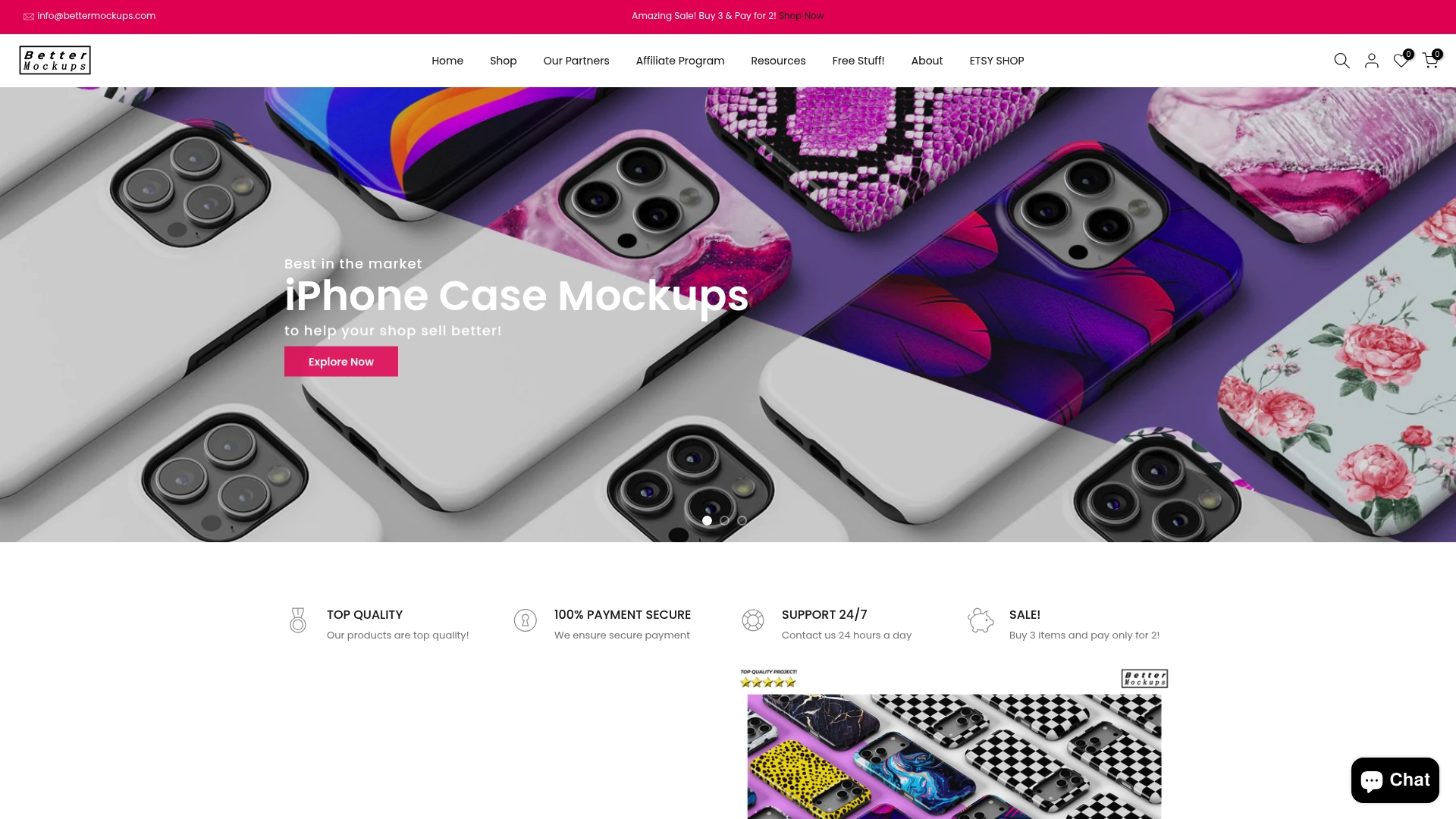
Our library includes specialized video mockups for phone cases that capture attention across social platforms, plus extensive iPhone case mockups covering every model and style variation. Each template incorporates the photorealism techniques and platform compatibility standards discussed throughout this guide, ensuring your listings meet 2026 visual expectations.
Step-by-step tutorials and our comprehensive mockup workflow guide help you implement these strategies immediately, whether you’re a Canva beginner or PSD expert. Start transforming your product listings today with templates proven to boost engagement and drive conversions for tech accessory entrepreneurs.
Frequently Asked Questions
What is the easiest mockup tool for non-designers?
Canva provides the most accessible mockup creation experience for non-designers. Its drag-and-drop interface, preset templates, and built-in design elements eliminate technical barriers while delivering professional results that match PSD quality for most product listing needs.
How do photorealistic mockups influence buyer trust?
Photorealistic mockups build buyer confidence by providing detailed, authentic product visualization that mirrors professional photography. High-quality lighting, accurate shadows, and realistic textures help customers visualize ownership, reducing purchase hesitation and return rates while increasing conversion rates by up to 40%.
Which mockup type works best for social media ads?
Animated mockups outperform static images on social media platforms by capturing attention in crowded feeds. Video formats showcasing products from multiple angles or demonstrating use cases generate twice the engagement of traditional photos, making them ideal for Instagram, Facebook, and TikTok campaigns despite requiring more production effort.
Can I use animated mockups on all e-commerce platforms?
Animated mockups work best on social media and advertising platforms that support video formats like MP4 or GIF. Traditional marketplace listings on Amazon, Etsy, and Shopify primarily use static images, though some platforms now support video in secondary image slots. Check specific platform guidelines before investing heavily in animated content for marketplace listings.
Are premium mockups worth the subscription cost?
Premium mockup subscriptions justify their cost when they save significant editing time or improve conversion rates. Calculate your monthly mockup needs and compare the time savings against subscription fees. If templates save 20+ hours monthly or increase sales by even modest percentages, the investment pays for itself while elevating your brand’s professional presentation. Learn more about mockup terminology to understand value factors.


