

Think you need advanced design skills to create stunning animated mockups? That’s the biggest myth holding e-commerce entrepreneurs back. In reality, 70% of users successfully leverage animated mockup templates without any design experience. These dynamic visual tools transform static product images into engaging presentations that showcase features in motion. You’ll discover what animated mockups are, how they boost engagement and sales, and practical ways to integrate them into your marketing strategy.
Table of Contents
- Understanding Animated Mockup Templates
- How Animated Mockups Enhance Customer Engagement and Sales
- Common Misconceptions About Animated Mockups
- Comparing Animated Vs. Static Mockup Templates
- Integrating Animated Mockups Into Your E-commerce Marketing
- Conclusion: Transforming Product Presentation With Animated Mockups
- Enhance Your Product Listings With Bettermockups Animated Templates
- Frequently Asked Questions
Key Takeaways
| Point | Details |
|---|---|
| Animated mockups are dynamic product presentations in PSD, MP4, or GIF formats | They simulate real product use through motion and interaction |
| Engagement boost through motion captures 60% more viewer attention than static images | Movement helps customers understand features faster and more clearly |
| No design skills required for most platforms offering customizable templates | User-friendly interfaces let entrepreneurs create professional mockups quickly |
| Animated mockups improve feature clarity by 40% compared to static alternatives | Dynamic visualization helps buyers grasp product benefits immediately |
| Strategic integration across social media, emails, and product pages maximizes ROI | Format optimization ensures compatibility and performance across channels |
Understanding Animated Mockup Templates
Animated mockup templates are dynamic visual assets that bring product presentations to life through motion and interaction. Unlike static images, these templates simulate how customers will actually use your products, showcasing features through realistic movement and transitions.
These templates come in several key formats tailored for different marketing needs:
- PSD files for Photoshop offer maximum customization control and layer flexibility
- MP4 videos deliver smooth animations ideal for social media ads and product pages
- GIF formats provide lightweight animations perfect for email campaigns and quick loading
- Canva templates enable browser-based editing without software installation
The magic lies in how animation adds context. When you show an iPhone case rotating 360 degrees or demonstrate how AirPods fit in their case, customers grasp the product instantly. Research shows that these animated mockup formats adapt seamlessly across Instagram stories, Facebook ads, Amazon listings, and email campaigns.
Choosing the right format depends on your platform and audience behavior. Social media thrives on MP4 videos that autoplay in feeds, while email marketing benefits from compact GIFs that load quickly. The beauty of modern types of animated mockup templates is their versatility, letting you repurpose one core design across multiple channels without starting from scratch each time.
How Animated Mockups Enhance Customer Engagement and Sales
Motion captures attention in ways static images simply cannot match. Your brain processes movement 60,000 times faster than text, making animated mockups powerful tools for cutting through the noise of crowded product feeds.

When customers see your phone case rotating or watch your product in simulated use, they stay on your page longer. This extended engagement creates more opportunities to communicate value and build purchase confidence. The psychology is straightforward: movement triggers curiosity, and curiosity drives exploration.
Key engagement benefits include:
- Visitors spend 2.6x longer viewing animated product presentations
- Click-through rates increase by an average of 27% with motion elements
- Cart abandonment drops when customers understand exactly what they’re buying
- Social media algorithms favor video content, expanding organic reach
Studies demonstrate that animated mockups boost product feature clarity by 40% compared to static alternatives. When you show how a MacBook case opens and closes or demonstrate the precise fit of AirPods in their charging case, you eliminate guesswork. Customers make faster purchase decisions when they clearly understand what they’re getting.
Statistic Alert: Animated mockups increase feature comprehension by 40%, directly translating to higher conversion rates and fewer returns.
This clarity advantage stems from simulated interaction. Instead of asking customers to imagine how your product works, you show them. The benefits of animated mockups extend beyond mere aesthetics, creating educational experiences that build buyer confidence. When confidence rises, sales follow naturally.
The animated mockup impact becomes especially pronounced in competitive categories where dozens of similar products vie for attention. Your animated presentation becomes the differentiator that makes browsers into buyers.
Common Misconceptions About Animated Mockups
Let’s clear up the myths preventing entrepreneurs from leveraging this powerful tool. Many assume animated mockups require Adobe After Effects expertise or years of design training. That’s simply not true anymore.
Myth 1: You need advanced design skills.
Fact: Modern platforms offer drag-and-drop interfaces where you simply upload your design and the template handles animation automatically. 70% of e-commerce sellers report using animated mockups successfully without any formal design background. If you can upload an image and click export, you can create professional animations.
Myth 2: Animated files destroy website loading speed.
Fact: Properly optimized animated mockups add mere milliseconds to load times. A well-compressed MP4 or GIF runs smaller than many high-resolution static JPGs. Modern web formats and lazy loading mean animations only play when visitors scroll to them, preserving performance.
Myth 3: Quality animated mockups cost a fortune.
Fact: Affordable and even free options exist across platforms like Canva, while premium templates from specialized providers cost less than hiring a designer for custom work. The investment pays for itself through improved conversion rates.
Pro Tip: Start with simple animations focused on one key feature. A 360-degree rotation or single transition often outperforms complex multi-scene videos. Less distraction means more focus on your product’s core value.
The accessibility of animated mockup platforms has democratized professional product presentation. You don’t need to be a designer; you need to be willing to try. Most entrepreneurs discover that using animated mockups without design skills takes less time than photographing products from multiple angles.
Test different templates without heavy investment. Download a few free options, customize them with your branding, and measure the results. You’ll quickly identify what resonates with your specific audience.
Comparing Animated vs. Static Mockup Templates
Understanding when to use animated versus static mockups helps you allocate resources wisely and maximize presentation impact. Each format serves specific purposes in your marketing arsenal.
Research confirms that animated mockups deliver 40% better feature comprehension and capture up to 60% more viewer attention. Static images still excel in situations requiring instant loading or print materials, but motion dominates digital engagement metrics.
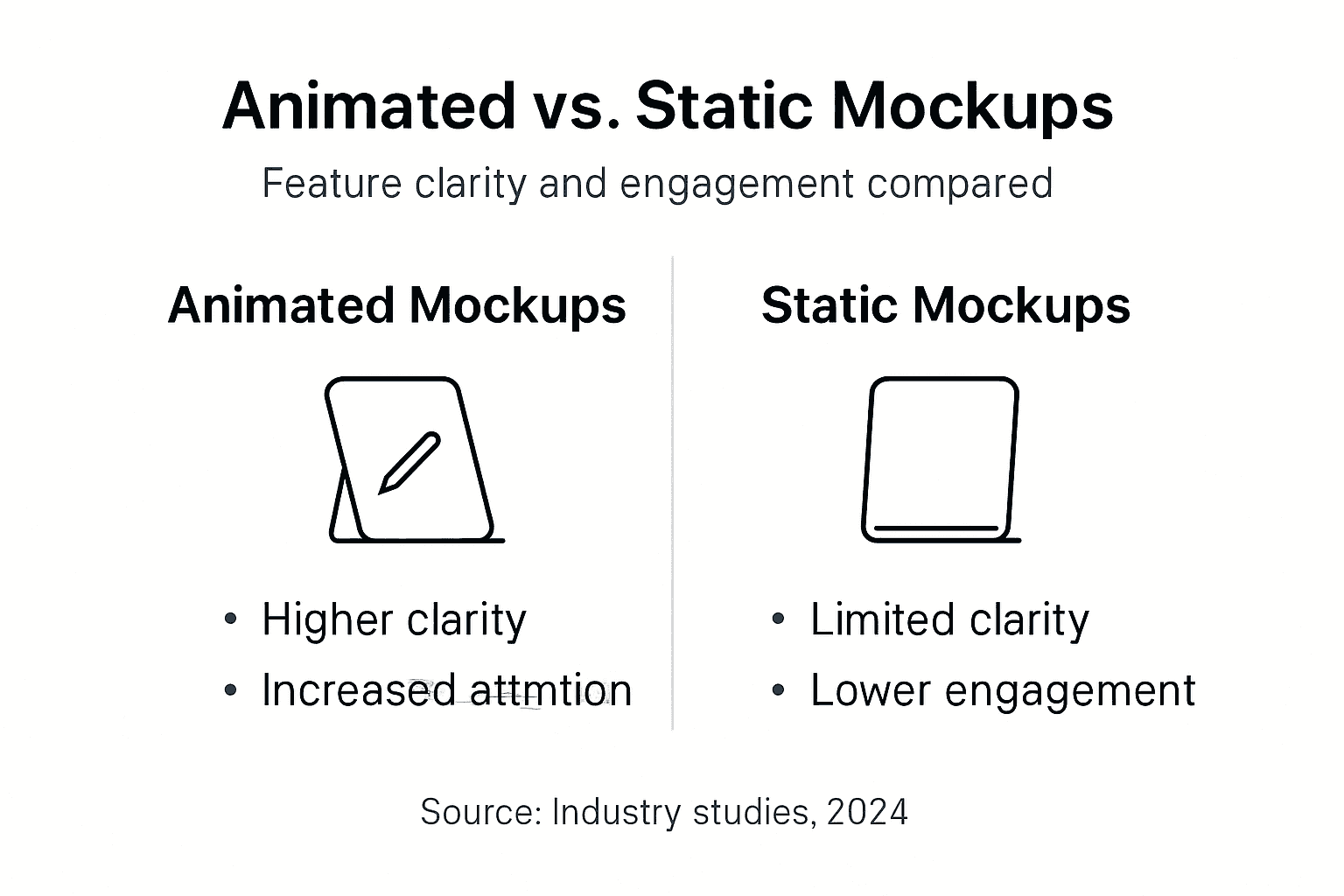
| Factor | Animated Mockups | Static Mockups |
|---|---|---|
| Viewer Engagement | 60% higher attention capture | Baseline engagement |
| Feature Clarity | 40% improvement in comprehension | Requires multiple angles |
| File Size | 500KB to 3MB (optimized) | 100KB to 500KB |
| Loading Speed | Slightly slower, negligible with optimization | Fastest loading |
| Platform Compatibility | Requires video/GIF support | Universal compatibility |
| Production Time | 10-30 minutes with templates | 5-15 minutes |
| Cost Range | $15-50 per template (premium) | $10-30 per template |
| Best Use Cases | Social ads, product pages, emails | Print, thumbnails, quick previews |
The data tells a clear story: when you need to explain how something works or capture scrolling attention, animation wins decisively. Static mockups remain valuable for product thumbnails in search results or situations where bandwidth limitations matter.
Many successful sellers use a hybrid approach. They lead with animated mockup presentations on product pages and social media, while using static images for thumbnail grids and supplementary angles. This strategy balances engagement power with practical loading considerations.
Consider your specific goals. If you’re selling tech accessories where fit and functionality matter, animation clarifies these details instantly. If you’re showcasing simple aesthetic variations, static images may suffice. The animated vs static comparison isn’t about one replacing the other but understanding where each format delivers maximum value.
Integrating Animated Mockups into Your E-commerce Marketing
Strategic deployment across channels multiplies the impact of your animated mockup investment. Different platforms demand different approaches, and smart formatting ensures your animations shine everywhere.
Platform-Specific Optimization:
- Instagram Stories and Reels: Use vertical MP4 videos at 1080x1920 pixels for full-screen impact
- Facebook and Twitter feeds: Square 1:1 MP4 formats at 1080x1080 maximize mobile visibility
- Email campaigns: Compact GIFs under 1MB ensure quick loading across email clients
- Product pages: High-quality MP4 with fallback static images for unsupported browsers
- Amazon listings: Animated GIFs in supplementary image slots (where allowed by category)
Customization maintains brand consistency across all these touchpoints. Apply your brand colors to mockup backgrounds, overlay your logo subtly in corners, and match font styles to your existing visual identity. This coherence builds recognition and trust.
Best practices recommend optimizing file sizes without sacrificing perceived quality. Compress videos to under 2MB for social media and under 1MB for emails. Tools like HandBrake or online compressors make this process simple.
Pro Tip: Always preview your animated mockups on actual mobile devices before launching campaigns. What looks perfect on your desktop might behave differently on iOS versus Android. Testing prevents embarrassing surprises.
A phone case seller recently increased ROI by 25% after implementing animated mockups across all channels. The key was tailoring each animation to its platform: snappy 6-second clips for Instagram, detailed 15-second videos for product pages, and simple looping GIFs for abandoned cart emails.
Combine animated mockups with static images for comprehensive coverage. Use animation to demonstrate the hero feature, then provide static shots showing color variations and detail close-ups. This combination satisfies both engagement-focused and information-seeking shoppers.
Your animated mockup workflow should include batch processing. Create multiple format variations in one session, building a library of assets ready for deployment across campaigns. Follow the usage tips to streamline production and maintain consistency.
Conclusion: Transforming Product Presentation with Animated Mockups
Animated mockup templates represent a fundamental shift in how e-commerce entrepreneurs communicate product value. They transform passive viewing into active engagement, helping customers understand features 40% more clearly than static alternatives.
The barriers that once made animation inaccessible have vanished. You don’t need design expertise, massive budgets, or technical skills. User-friendly platforms and affordable templates put professional-quality animations within reach of every seller.
Strategic integration across social media, email, and product pages maximizes your marketing ROI. When you show customers exactly what they’re buying through realistic motion and interaction, you build the confidence that converts browsers into buyers.
The competitive advantage goes to sellers who embrace dynamic presentation. While others rely on static images, your animated mockups capture attention, clarify benefits, and drive sales. The tools exist, the proof is clear, and the opportunity awaits. Start exploring animated mockup templates today and watch your product presentations transform from ordinary to extraordinary.
Enhance Your Product Listings with Bettermockups Animated Templates
Ready to implement everything you’ve learned? Bettermockups offers professionally designed video mockup templates specifically crafted for phone cases, AirPods, and tech accessories. Our latest animated mockup collection features easy customization that matches your brand perfectly.
Each template comes with step-by-step guidance, ensuring you create stunning presentations even without design experience. Explore our tutorials on how to maximize mockup usage for immediate sales growth. Transform your product listings today and join thousands of entrepreneurs already benefiting from professional animated mockups.
Frequently Asked Questions
What file formats do animated mockups come in and which are best for social media?
Animated mockups typically come in MP4, GIF, and PSD formats. MP4 videos work best for Instagram Stories, Facebook ads, and product page autoplay because they support high quality with reasonable file sizes. GIFs excel in email marketing and platforms with limited video support due to universal compatibility and compact size.
Can I use animated mockups if I have no graphic design experience?
Absolutely. Modern mockup platforms feature drag-and-drop interfaces requiring zero design skills. You simply upload your product design, and the template automatically generates professional animations. Most platforms provide tutorials and preset customization options that make the process as simple as editing a document.
Do animated mockups affect my website loading speed significantly?
Properly optimized animated mockups add negligible loading time. Compressed MP4 files under 2MB and GIFs under 1MB load nearly as fast as static images. Implementing lazy loading ensures animations only play when visitors scroll to them, preserving overall page performance while delivering engaging content.
How do I ensure my animated mockups align with my brand’s style?
Customize mockup templates by adjusting background colors to match your brand palette, adding your logo subtly in corners, and selecting templates whose aesthetic matches your existing visual identity. Most premium templates offer layered files letting you modify every element, ensuring complete brand consistency across all marketing materials.
Are animated mockups cost effective compared to static images?
Animated mockups deliver superior ROI despite slightly higher upfront costs. Premium templates range from $15 to $50, while static options cost $10 to $30. However, animated mockups generate 60% more engagement and 40% better feature comprehension, translating to higher conversion rates that quickly justify the modest price difference.


