

Encontrar la mejor manera de presentar accesorios tecnológicos en línea puede resultar abrumador cuando todos los competidores prometen imágenes atractivas. Para los emprendedores que venden fundas para teléfonos y AirPods, comprender las diferencias entre wireframes, prototipos y mockups detalladas es vital si quieren que sus productos destaquen. Esta guía ofrece definiciones claras y desvela conceptos erróneos comunes, ayudándoles a usar el diseño de mockups como una herramienta poderosa para presentaciones convincentes y un mayor atractivo para los clientes.
Tabla de contenido
- Terminología de mockups: definiciones esenciales y conceptos erróneos
- Tipos de mockups para presentaciones de productos digitales
- Características principales y tipos de archivos comunes explicados
- Cómo las mockups mejoran las ventas y la marca en línea
- Cómo evitar errores: Errores comunes en el uso de mockups
Conclusiones clave
| Punto | Detalles |
|---|---|
| Entendiendo las mockups | Las mockups sirven como representaciones visuales detalladas que ayudan a comunicar la visión del producto y la identidad de la marca, distinguiéndolas de los wireframes y los prototipos. |
| Importancia en el comercio electrónico | Las mockups mejoran el marketing de productos al proporcionar visualizaciones realistas que mejoran la participación del cliente y las tasas de conversión. |
| Los formatos de archivo importan | El conocimiento de los formatos de archivo es crucial para crear mockups de alta calidad, lo que incide en su presentación y usabilidad en diversas plataformas. |
| Cómo evitar errores comunes | Los emprendedores deben ser conscientes de los posibles obstáculos en la creación de mockups, centrándose en la flexibilidad, la facilidad de uso y la incorporación de los comentarios de los usuarios en el proceso de diseño. |
Terminología de mockups: definiciones esenciales y conceptos erróneos
En el vertiginoso mundo del diseño de productos digitales, las mockups representan herramientas de visualización cruciales que ayudan a emprendedores y diseñadores a comunicar la visión de sus productos. Una mockup es una representación estática y detallada de un diseño que ilustra con precisión cómo se verá el producto o activo digital final, centrándose en elementos visuales como el color, la tipografía, el diseño y la estética general.
Para comprender las mockups es necesario distinguirlas de los conceptos de diseño relacionados. A diferencia de las estructuras esqueléticas de wireframe , las mockups ofrecen una representación más refinada y visualmente completa de un producto. Sus características principales incluyen:
- Esquemas de colores realistas
- Selecciones tipográficas precisas
- Colocación precisa de la imagen
- Detalles de diseño completos
- Representación visual de la identidad de marca
Las mockups cumplen múltiples funciones cruciales en el desarrollo de productos. Actúan como puentes de comunicación entre diseñadores, partes interesadas y clientes, lo que permite obtener retroalimentación temprana y perfeccionar el diseño. Al presentar una representación visual casi final, las mockups ayudan a los equipos a alinear expectativas y validar los conceptos de diseño antes de invertir recursos significativos en el desarrollo.
Las mockups transforman ideas abstractas en experiencias visuales tangibles que las partes interesadas pueden comprender y evaluar.
La industria del diseño distingue las mockups de otros artefactos de diseño por su propósito específico y nivel de detalle. Mientras que los wireframes proporcionan esquemas estructurales y los prototipos ofrecen experiencias interactivas, las mockups se sitúan estratégicamente entre estas etapas, ofreciendo una vista previa visual de alta fidelidad que captura la esencia del producto final.
A continuación se presenta un resumen que compara mockups, wireframes y prototipos para aclarar sus funciones en el proceso de diseño:
| Etapa de diseño | Detalle visual | Interactividad | Propósito principal |
|---|---|---|---|
| Estructura alámbrica | Elementos mínimos y básicos | Ninguno | Planificación de la estructura y el diseño |
| Bosquejo | Imágenes altas y completas | Ninguno | Identidad de marca, estética |
| Prototipo | Medio a alto | Interacción completa | Pruebas de usuario, validación de flujo |
Para los emprendedores de comercio electrónico que venden productos digitales como fundas para teléfonos o accesorios tecnológicos, las mockups se convierten en potentes herramientas de marketing. Permiten a los clientes potenciales visualizar los productos en contextos realistas, mejorando su presentación y potencialmente incrementando las tasas de conversión.
Consejo profesional: seleccione mockups que coincidan lo más posible con el entorno del mundo real de su producto objetivo para crear la narrativa visual más convincente.
Tipos de mockups para la presentación de productos digitales
En el dinámico mundo del diseño de productos digitales, las mockups se presentan en diversos formatos que cumplen distintos propósitos estratégicos para los emprendedores del comercio electrónico. Las técnicas de visualización de productos digitales abarcan desde imágenes estáticas bidimensionales hasta sofisticadas representaciones tridimensionales, cada una con ventajas únicas para el marketing y el desarrollo de productos.
Los principales tipos de mockups para la presentación de productos digitales incluyen:
-
Mockups de imágenes estáticas
- Representaciones de productos de un solo ángulo
- Imágenes digitales de alta resolución
- Ideal para listados de productos básicos
-
Mockups de 360 grados
- Vistas de productos desde múltiples ángulos
- Experiencias visuales interactivas
- Proporciona una perspectiva integral del producto.
-
Mockups contextuales
- Productos mostrados en entornos del mundo real
- Visualización mejorada del cliente
- Demuestra la funcionalidad del producto.
-
Mockups digitales animadas
- Representaciones breves en vídeo
- Presentación dinámica de productos
- Captura el movimiento y la interacción del producto.
Cada tipo de mockup ofrece beneficios específicos para el marketing digital de productos. Las mockups con imágenes estáticas ofrecen representaciones claras y precisas, mientras que las mockups de 360 grados permiten a los clientes potenciales explorar los productos desde múltiples perspectivas. Las mockups contextuales son excelentes para demostrar cómo los productos se integran en la vida diaria de los usuarios.
Elegir el tipo de mockup adecuado puede mejorar drásticamente la presentación del producto y la participación del cliente.
Para los emprendedores de comercio electrónico que venden productos digitales como fundas para teléfonos o accesorios tecnológicos, comprender estas variaciones de mockups es crucial. La selección depende de la complejidad del producto, el público objetivo y los objetivos de marketing. Las mockups sofisticadas pueden transformar imágenes básicas de productos en narrativas visuales atractivas que generan interés en el cliente y generan ventas potenciales.
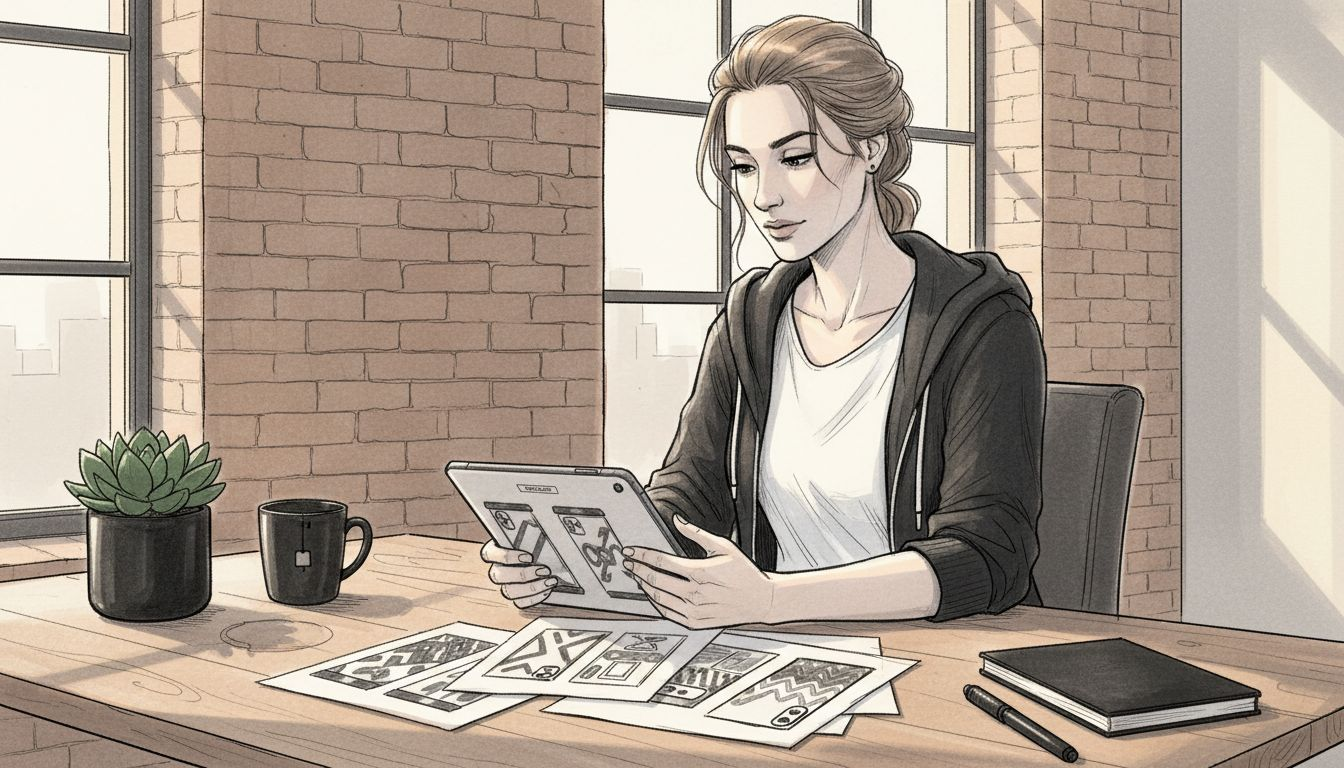
Las técnicas avanzadas de maquetación van más allá de la simple representación del producto. Crean experiencias inmersivas que ayudan a los clientes a comprender los detalles, la textura y los posibles usos del producto sin interacción física. Esta narrativa visual cobra especial importancia en entornos de venta minorista online, donde la exploración táctil es imposible.
Consejo profesional: combine varios estilos de mockup para crear una presentación de producto completa y atractiva que capture diferentes aspectos de su producto digital.
Explicación de las características principales y los tipos de archivos más comunes
En el mundo de las mockups de productos digitales, comprender los formatos de archivo es crucial para crear representaciones visuales de alta calidad. Los formatos de archivo de imagen comunes son fundamentales para determinar la calidad, la compatibilidad y la usabilidad de las mockups digitales para los emprendedores del comercio electrónico.
Los tipos de archivos más importantes para la creación de mockups incluyen:
-
Formatos de imágenes rasterizadas
- JPEG: Compresión con pérdida, ideal para fotografías
- PNG: Sin pérdida con soporte de transparencia
- GIF: Paleta de colores limitada, buena para animaciones
- TIFF: Imágenes de alta calidad listas para imprimir
-
Formatos de imágenes vectoriales
- AI: formato nativo de Adobe Illustrator
- EPS: Gráficos escalables sin pérdida de calidad
- SVG: formato vectorial compatible con la web
-
Formatos de diseño especializados
- PSD: archivos en capas de Adobe Photoshop
- INDD: formato de documento de Adobe InDesign
- Boceto: tipo de archivo de diseño basado en Mac
Cada formato de archivo ofrece ventajas únicas para las diferentes etapas del desarrollo de la mockup. Los formatos rasterizados destacan en representaciones fotorrealistas, mientras que los formatos vectoriales proporcionan escalabilidad y bordes nítidos para logotipos y elementos gráficos.
No todos los formatos de archivos son iguales: elija sabiamente según sus necesidades específicas de diseño y marketing.
Para los emprendedores de comercio electrónico, comprender los matices técnicos de los tipos de archivo puede influir significativamente en la presentación de sus productos. Los archivos PNG de alta resolución ofrecen transparencia y detalles nítidos, lo que los hace perfectos para mockups de fundas de teléfono o accesorios tecnológicos. Los formatos vectoriales como AI y EPS permiten a los diseñadores redimensionar las imágenes sin perder calidad, algo crucial para crear materiales de marketing en diferentes plataformas.
Los creadores de mockups avanzados suelen trabajar con múltiples tipos de archivos, aprovechando las ventajas de cada formato. Los diseñadores profesionales suelen mantener archivos PSD en capas para una máxima capacidad de edición, a la vez que exportan versiones optimizadas para plataformas web, impresas y de redes sociales.
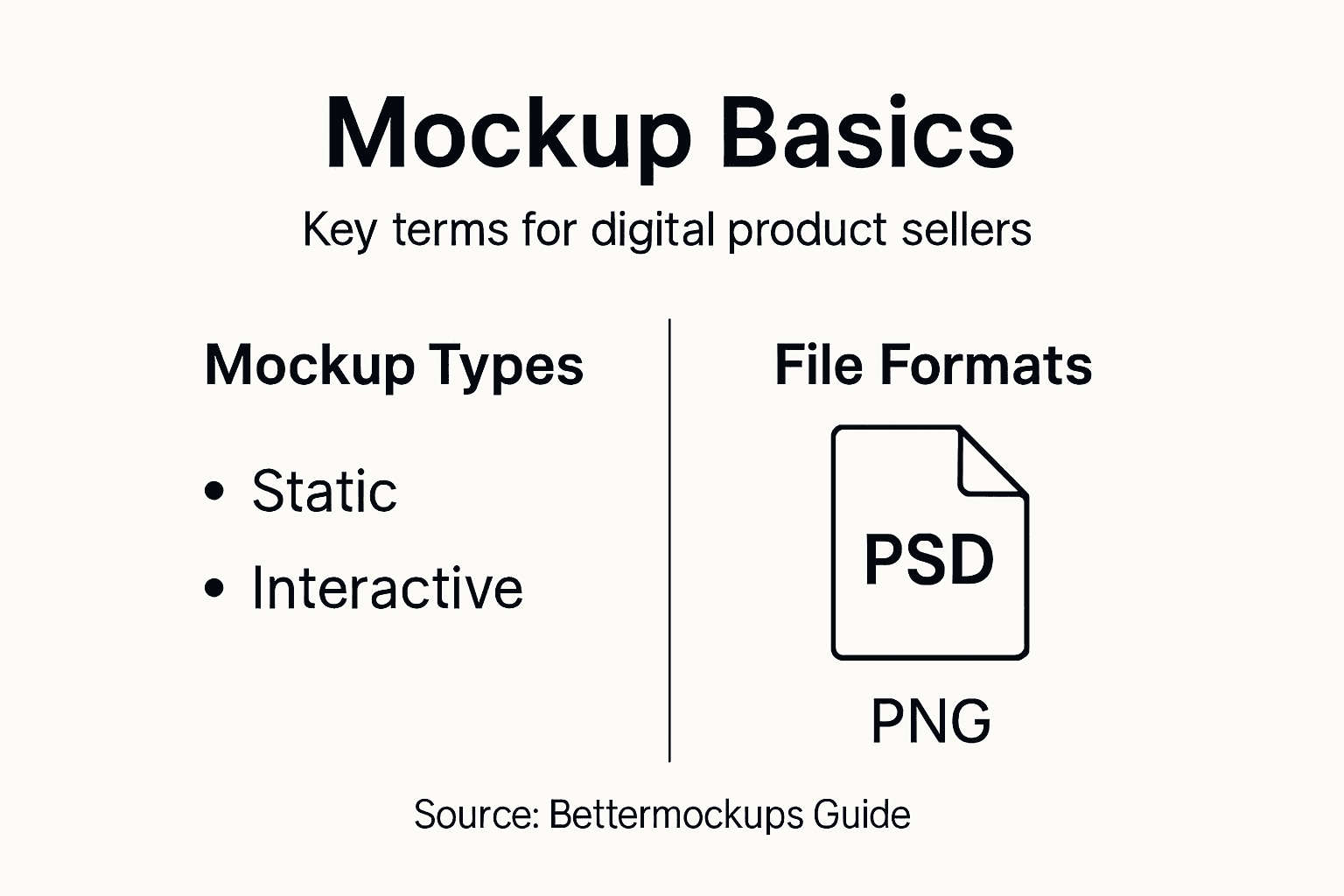
A continuación se muestra una referencia rápida de los formatos de archivos de diseño y su uso ideal en la creación de mockups:
| Tipo de archivo | Mejor para | Flexibilidad de edición |
|---|---|---|
| PNG | Imágenes web con transparencia | Moderado, sin pérdidas |
| AI | Escalabilidad del logotipo o icono | Alto, vectorial editable |
| PSD | Recursos visuales en capas | Muy alto, no destructivo |
| SVG | Web y gráficos escalables | Alto, fácil de cambiar de tamaño |
Consejo profesional: conserve siempre un archivo fuente original de alta resolución y cree versiones optimizadas para diferentes canales de marketing para mantener la flexibilidad del diseño.
Cómo las mockups mejoran las ventas y la marca en línea
En el competitivo mundo del comercio electrónico, la imagen de marca puede ser clave para el éxito o el fracaso de un negocio. Las mockups estratégicas de sitios web transforman la presentación del producto al crear narrativas visuales impactantes que captan la atención del cliente y fortalecen la credibilidad de la marca.
Las mockups mejoran las ventas en línea a través de varios mecanismos críticos:
-
Consistencia visual
- Alinear los esquemas de color con la identidad de la marca
- Mantener una tipografía uniforme
- Crear un lenguaje de diseño cohesivo
-
Percepción del cliente
- Construir una imagen de marca profesional
- Demostrar la calidad del producto
- Aumentar el valor percibido
-
Eficacia del marketing
- Habilitar la validación del diseño previo al lanzamiento
- Cree materiales promocionales versátiles
- Optimizar presentaciones multiplataforma
-
Experiencia de usuario
- Proporcionar vistas previas realistas de los productos
- Reducir la incertidumbre del cliente
- Mejorar la confianza en las compras online
Los emprendedores de comercio electrónico pueden aprovechar las mockups para comunicar visualmente las historias de marca. Al presentar productos en contextos cuidadosamente diseñados, las empresas transforman imágenes sencillas en atractivos recursos de marketing que conectan con el público objetivo.
Las mockups no son sólo imágenes: son herramientas de comunicación estratégica que unen la imaginación y la realidad.
Las mockups profesionales van más allá de la simple representación del producto. Crean experiencias inmersivas que ayudan a los clientes potenciales a comprender los matices, la funcionalidad y el atractivo estético del producto. En el caso de accesorios tecnológicos como fundas para teléfonos o AirPods, esta narrativa visual resulta crucial para convertir el interés del usuario en ventas reales.
Las estrategias avanzadas de maquetación implican la creación de múltiples variaciones que presentan los productos en diversos escenarios. Este enfoque permite a los clientes potenciales imaginarse situaciones donde el producto aporta valor, mejorando significativamente la eficacia del marketing y la percepción de la marca.
Consejo profesional: cree colecciones de mockups que cuenten una historia de marca completa y muestren la versatilidad de su producto en diferentes contextos y escenarios de usuario.
Cómo evitar errores: Errores comunes en el uso de mockups
En el complejo mundo del diseño de productos digitales, la creación de mockups requiere precisión y pensamiento estratégico. Los errores en el diseño de mockups de aplicaciones pueden arruinar incluso los conceptos de producto más prometedores, por lo que la concienciación y la prevención proactiva son cruciales para los emprendedores del comercio electrónico.
Los errores más críticos que se deben evitar al realizar una mockup incluyen:
-
Inflexibilidad del diseño
- Estructuras de navegación rígidas
- Diseños de pantalla no adaptables
- Limitaciones de diseño específicas del dispositivo
-
Compromisos funcionales
- Priorizar el estilo sobre la usabilidad
- Descuidar los flujos de experiencia del usuario
- Representaciones de pantalla incompletas
-
Supervisión técnica
- Ignorar los requisitos de accesibilidad
- Falta de consideraciones de diseño responsivo
- Visualizaciones multiplataforma inconsistentes
-
Errores estratégicos
- Incorporación mínima de comentarios de los usuarios
- Pasar por alto las necesidades del público objetivo
- Compromiso de diseño prematuro
Los emprendedores de comercio electrónico deben reconocer que las mockups son más que simples representaciones estéticas. Sirven como herramientas de comunicación cruciales que conectan la intención del diseño con la implementación práctica, lo que requiere una meticulosa atención al detalle y una perspectiva centrada en el usuario.
Las mockups efectivas transforman las ideas conceptuales en planes de diseño prácticos que resuenan tanto entre las partes interesadas como entre los usuarios finales.
El desarrollo profesional de mockups exige un enfoque holístico que equilibre el atractivo visual con la integridad funcional. Para los creadores de productos digitales, esto significa ir más allá de la estética superficial para crear representaciones de diseño integrales y centradas en el usuario que comuniquen con precisión el valor y el potencial del producto.
Las estrategias avanzadas de maquetación implican la iteración continua, la incorporación de las opiniones de los usuarios y la flexibilidad durante todo el proceso de diseño. Al anticipar posibles desafíos y diseñar con capacidad de adaptación, los emprendedores pueden crear mockups que reflejen fielmente el potencial y el posicionamiento de mercado de su producto.
Consejo profesional: Pruebe periódicamente sus mockups con usuarios potenciales y prepárese para realizar ajustes estratégicos que se alineen con las expectativas de los usuarios y las demandas del mercado.
Mejore la presentación de su producto con soluciones de mockups expertas
Comprender la terminología de las mockups es esencial para los emprendedores de comercio electrónico que desean superar desafíos como una comunicación visual poco clara y una baja interacción con el cliente. Este artículo destaca cómo las mockups de alta fidelidad son herramientas poderosas para transmitir la estética del producto, construir la identidad de marca e impulsar las ventas con claridad y profesionalismo. Si su objetivo es presentar sus productos digitales, como accesorios para teléfonos o dispositivos tecnológicos, es fundamental abordar estos objetivos específicos con el enfoque adecuado para las mockups.
Aprovecha el poder de las mockups fotorrealistas premium de Bettermockups para transformar tus listados de productos. Ya sea que necesites diseños a medida para fundas de teléfono o quieras capturar imágenes sofisticadas para las fundas de tu portátil, explora nuestras mockups de fundas para MacBook y fundas para portátil de Bettermockups para una calidad y versatilidad excepcionales.
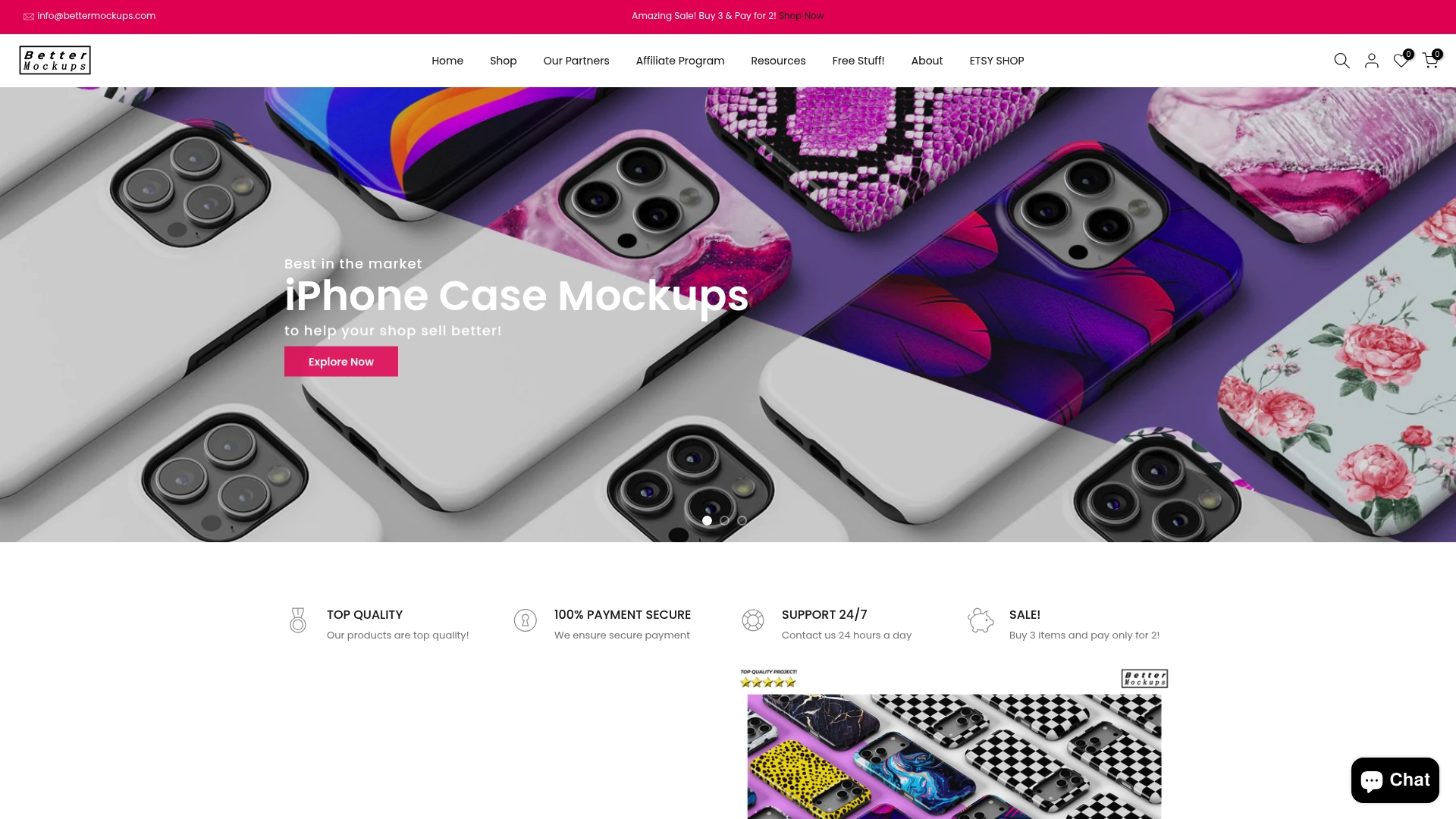
No dejes que las imágenes deficientes limiten el éxito de tu marca. Actúa ahora explorando nuestra amplia colección y mejora tu presencia online con plantillas personalizables diseñadas para un marketing impactante. Visita Bettermockups hoy mismo y descubre cómo las mockups profesionales pueden ayudarte a conectar con tus clientes y aumentar tus tasas de conversión. Para vendedores de accesorios para teléfonos, nuestra colección de mockups de soportes para anillos de teléfono de Bettermockups ofrece soluciones específicas para que tus productos destaquen.
Preguntas frecuentes
¿Qué es una mockup en el diseño de productos digitales?
Una mockup es una representación estática y detallada de un diseño que ilustra el aspecto final del producto. Se centra en elementos visuales como el color, la tipografía, el diseño y la estética general, y constituye una importante herramienta de comunicación durante el desarrollo del producto.
¿En qué se diferencian las mockups de los wireframes y los prototipos?
Las mockups ofrecen una vista previa visual de alta fidelidad con todos los detalles de los elementos de diseño, mientras que los wireframes son esquemas estructurales básicos sin detalles visuales, y los prototipos ofrecen experiencias interactivas para probar los flujos de usuario. Las mockups se sitúan entre estas etapas, combinando aspectos de ambas.
¿Cuáles son los diferentes tipos de mockups para presentar productos digitales?
Existen varios tipos de mockups, incluyendo mockups de imágenes estáticas, mockups de 360 grados, mockups contextuales y mockups digitales animadas. Cada tipo cumple objetivos de marketing únicos, desde representaciones estáticas hasta experiencias inmersivas que mejoran la visualización del cliente.
¿Por qué son importantes los formatos de archivo al crear mockups?
Los formatos de archivo determinan la calidad, la compatibilidad y la usabilidad de las mockups digitales. Comprender las ventajas de los formatos raster (como JPEG y PNG) frente a los formatos vectoriales (como AI y SVG) puede influir significativamente en la claridad y la eficacia de las presentaciones de productos.


