

Finding the perfect product image can feel frustrating when you sell tech accessories online. The pressure to present items like phone cases or AirPods covers with eye-catching detail often leads to expensive photo shoots or generic stock photos that fail to impress. PSD mockups provide a professional, photorealistic way to display your custom designs without ever needing a physical sample. With layered files that offer full editing control, you can create polished images that match your brand style and grab buyer attention instantly.
Table of Contents
- What PSD Mockups Offer E-Commerce Sellers
- Types of PSD Mockups for Tech Accessories
- How PSD Mockups Enhance Product Presentation
- Comparing PSD Mockups With Other Formats
- Common Pitfalls When Using PSD Mockups
Key Takeaways
| Point | Details |
|---|---|
| Convenience of PSD Mockups | PSD mockups allow sellers to quickly create professional representations of their products without needing actual photography. They facilitate design adjustments and help visualize products accurately before production. |
| Enhanced Product Presentation | Using PSD mockups improves the visual appeal of product listings by offering photorealistic details that attract customers and build credibility. This enhanced clarity aids in reducing return rates. |
| Time and Cost Efficiency | PSD mockups significantly save time compared to traditional product photography, enabling batch creation and quick adjustments, ultimately impacting the seller’s bottom line positively. |
| Importance of Consistency | Maintaining a uniform visual style across all product mockups fosters a strong brand identity and enhances customer trust, making listings more recognizable across different platforms. |
What PSD Mockups Offer E-Commerce Sellers
PSD mockups give you a professional way to showcase tech accessories without needing actual product photos. They’re layered design files that let you insert your custom artwork, logos, and designs directly into photorealistic product scenes. For tech accessory sellers, this means your phone cases, AirPods cases, and other electronics look production-ready before you ever order inventory.
Understanding what a product mockup is helps you see why PSD files specifically matter for e-commerce. Unlike static images, PSD mockups include editable layers, meaning you control exactly how your design appears on the final product. You can adjust colors, positioning, and angles to match your vision.
Key advantages of PSD mockups for sellers:
- Edit designs quickly without hiring a photographer or designer
- Show accurate product representation before manufacturing
- Create consistent visuals across your entire product catalog
- Customize mockups to match your brand style and color schemes
- Test design variations in minutes instead of days
- Maintain control over every visual detail
Time savings that directly impact your bottom line. Creating mockups takes hours if you’re shooting real products. PSD files compress that into minutes. You upload your design, adjust layers, and export a finished image ready for your storefront.
Accuracy matters when customers evaluate your products. PSD mockups built from production-grade 3D models show exactly how your design fits on actual accessories. The proportions, stitching, and product details match what buyers will receive, building trust before purchase.
Photorealistic mockups reduce return rates because customers see exactly what they’re buying—no surprises, no mismatched expectations.
Different types of mockup templates serve different purposes. Some show phones in hands, others display products flat on surfaces, and still others feature lifestyle scenes. PSD files give you this variety with full editing control for each style.
Scale your product listings faster. Selling 50 designs across multiple products means you need 50 mockups per product category. PSD files let you batch-create these visuals efficiently. One template adjustment applies across your entire collection, saving hours of repetitive work.
Consistency across platforms matters too. Whether you’re listing on your website, marketplace platforms, or running ads, the same PSD mockups maintain your visual brand identity. Your tech accessories look professional everywhere.
Pro tip: Layer your PSD mockups strategically by keeping design elements, background shadows, and product highlights on separate layers—this lets you make quick adjustments without starting over.
Types of PSD Mockups for Tech Accessories
Tech accessory sellers need different mockup styles to showcase their products effectively. PSD mockups come in several formats, each designed to highlight specific product angles and use cases. Your choice depends on where you’re selling and what message you want to convey to buyers.
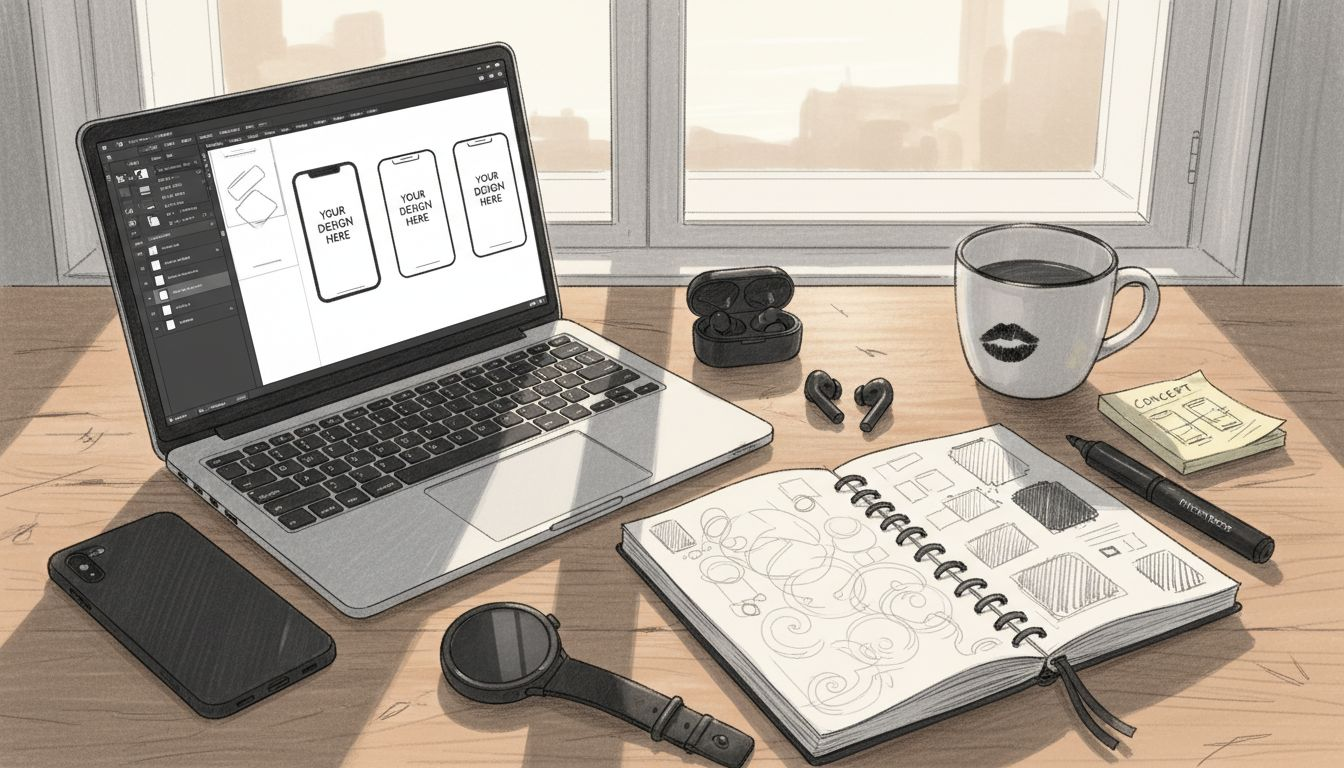
Phone case mockups represent the largest category for e-commerce sellers. These show iPhones, Samsung devices, and other phones in various positions—front view, side angle, or in-hand shots. You can customize the phone color, case design, and background to match your brand aesthetic.
AirPods case mockups let you display wireless earbud cases in realistic scenarios. They typically feature the case open, closed, or positioned next to AirPods themselves. These mockups often include lifestyle elements like desk setups or pocket placements to show actual use.
Different mockup styles serve different purposes:
- Flat lay mockups for clean, minimal product displays
- In-hand mockups showing realistic size and grip
- Lifestyle mockups with natural backgrounds and environments
- Multiple-angle mockups displaying the product from several perspectives
- Floating or elevated mockups for modern, contemporary looks
- Scene mockups placing accessories in relatable settings
Mockups used in e-commerce product listings often combine multiple angles to give customers comprehensive views. This reduces confusion about product dimensions and appearance, which directly impacts conversion rates.
MacBook and laptop mockups work well for sellers offering keyboard covers, laptop sleeves, or screen protectors. These typically show the product installed on actual devices, giving buyers confidence in fit and compatibility.
Tablet mockups follow similar principles to phone cases but accommodate larger screens. iPad mockups are particularly popular for digital product creators selling digital art, book covers, or app interfaces on actual devices.
PSD mockups with multiple layering options let you customize everything from lighting to shadow intensity, creating variety without needing multiple template purchases.
Smartwatch mockups appeal to sellers offering bands, protective cases, or custom watch faces. These show wearables on wrists or in flat displays, depending on your target audience’s preferences.
The best approach uses a mix of mockup types across your entire catalog. Flat lays work for detailed product views, while in-hand mockups build emotional connection. Lifestyle mockups encourage purchases by showing products in real-world contexts.
Pro tip: Start with 2-3 core mockup styles that match your primary product category, then expand to complementary styles as you grow your product range.
How PSD Mockups Enhance Product Presentation
PSD mockups transform basic product designs into photorealistic presentations that look like professional product photography. This visual enhancement builds credibility with potential customers and makes your tech accessories stand out in crowded marketplaces. The difference between a flat design file and a polished mockup can mean the difference between a sale and a customer scrolling past.
Visual clarity matters more than you think. Customers need to see exactly how your design appears on the actual product. PSD mockups show color accuracy, design placement, texture details, and proportions that a plain image cannot convey. This transparency reduces buyer hesitation.
Realistic product presentation helps clients understand how designs translate to physical products. When customers see your phone case design perfectly positioned on an actual iPhone, they gain confidence in their purchase decision. This clarity accelerates buying decisions and reduces return rates.
Key ways PSD mockups enhance product appeal:
- Display designs in three-dimensional, lifelike environments
- Show accurate color reproduction and material finishes
- Demonstrate proper design placement and sizing
- Create professional aesthetic that builds brand trust
- Allow lighting adjustments to highlight product features
- Provide context through lifestyle or scene settings
Shadow and lighting details matter. Professional mockups include realistic shadows that make products appear dimensional and tangible. When a phone case casts authentic shadows on a surface, buyers perceive it as a real product, not a mockup. This psychological effect significantly impacts purchase confidence.
Design positioning is another critical factor. Mockup design workflow optimization ensures your artwork appears exactly where it should on finished products. You control placement, rotation, and scale to match manufacturing specifications, preventing costly production mistakes.
High-quality mockups reduce misunderstandings between your vision and manufacturing, saving time and preventing expensive reprints.
Consistency across product variations becomes manageable with PSD templates. If you’re selling the same design on phone cases, AirPods cases, and tablet covers, mockups show how it adapts to different products. Customers can see your design family across your entire catalog.
Background customization adds versatility. Swap backgrounds between solid colors, lifestyle scenes, or minimalist environments depending on your marketing channel. The same design works for your website, social media ads, and marketplace listings without creating new mockups.
Pro tip: Use high-contrast lighting in your mockups to make design details pop, especially for intricate patterns or small graphics that need visual prominence.
Comparing PSD Mockups With Other Formats
Not all mockup formats deliver the same value for e-commerce sellers. Understanding the differences helps you choose the right tool for your business needs. PSD mockups stand out from alternatives, but knowing why matters when investing in product visuals.
Static image formats like JPG and PNG offer basic functionality. They display finished mockups but don’t allow editing after creation. If you need to change colors, adjust design placement, or update text, you’re stuck recreating the entire mockup. For sellers launching new products regularly, this becomes a significant time drain.
PSD files solve this problem through layered architecture. Each element—background, product, shadow, design placement—sits on separate, editable layers. You adjust individual components without touching the rest, making revisions quick and painless.
Why layered editing matters for your workflow:
- Change design colors instantly across all mockups
- Adjust product positioning without recreating the base
- Modify lighting and shadows independently
- Swap backgrounds for different marketing channels
- Test variations rapidly before final export
- Maintain consistency across your product catalog
PSD mockups versus standard templates differ fundamentally in purpose and capability. Templates provide base layouts, while mockups integrate designs into realistic product presentations. This distinction matters because e-commerce requires photorealistic product displays, not just design canvases.
Canva mockups offer convenience but limited customization. They work for sellers needing quick solutions without design software. However, you’re confined to Canva’s templates, preset colors, and limited sizing options. Scaling your business with Canva becomes restrictive when you want unique, branded presentations.
Vector-based mockups in Adobe Illustrator provide flexibility but lack photorealistic quality. They’re excellent for graphic design but fall short for showcasing physical products like phone cases or AirPods. Customers respond better to images resembling actual product photographs.
PSD mockups deliver the ideal balance: photorealistic quality with complete customization control, making them the professional standard for product presentations.
3D mockup software creates stunning visuals but requires steep learning curves. Programs like Blender or Cinema 4D produce incredible results, yet demand significant time investment. For sellers managing dozens of products, the workflow becomes unsustainable.
PSD mockups offer the efficiency advantage. Ready-to-use templates combined with full layer control let you produce quality mockups in minutes. You skip complex 3D software while maintaining professional appearance.
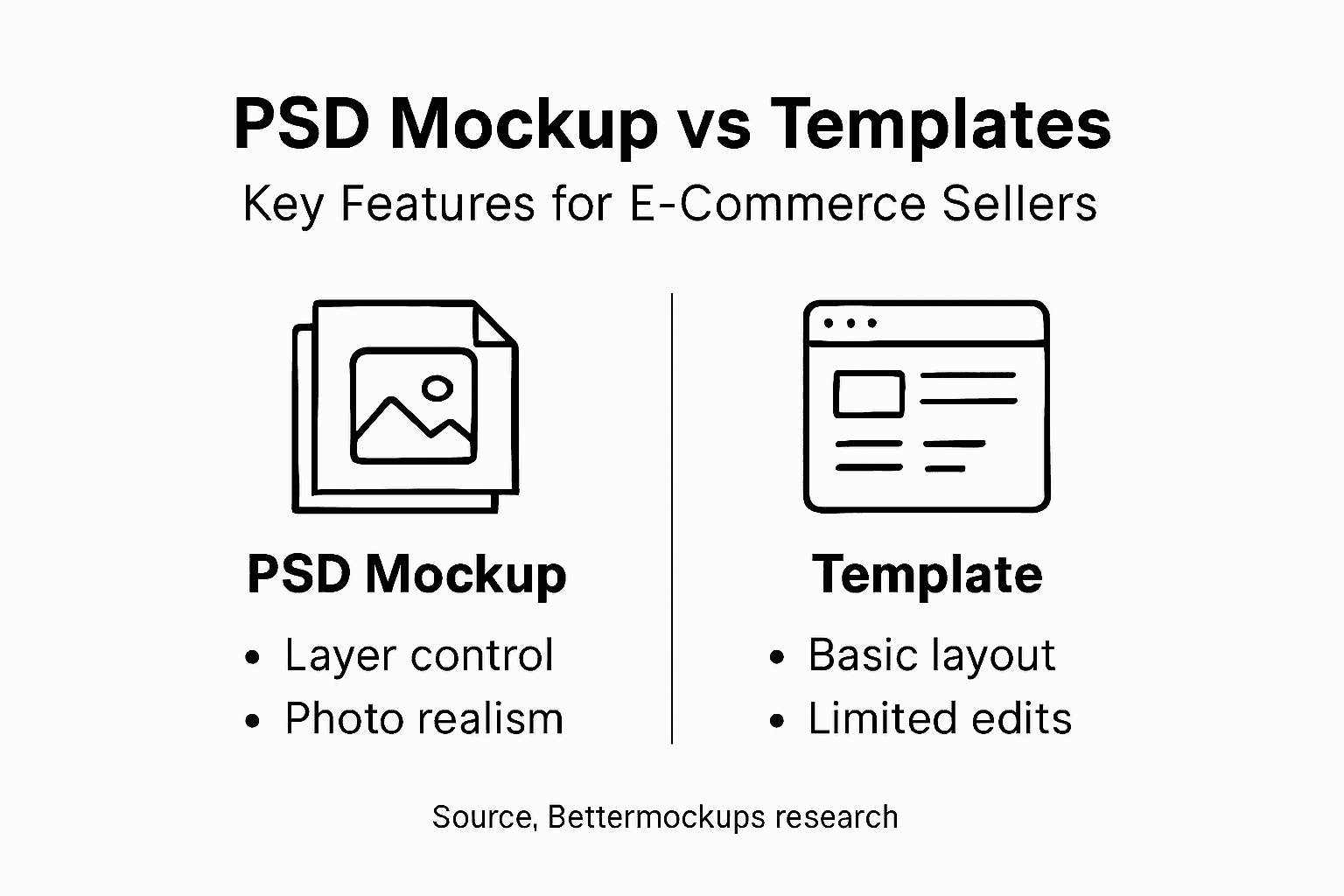
Here’s how common mockup formats compare for tech accessory sellers:
| Format Type | Customization Level | Visual Realism | Editing Flexibility |
|---|---|---|---|
| PSD Mockups | Full layer control | Photorealistic detail | Adjust individual components |
| JPG/PNG Images | None after export | Fixed photo look | Must create new version to edit |
| Canva Templates | Limited (preset layouts only) | Moderate realism | Constrained by Canva’s options |
| Vector Mockups | Shape and color changes only | Flat illustration style | Good for logos, not products |
| 3D Render Tools | Unlimited, but complex | Extreme realism | High skill and time required |
Pro tip: Export your final PSD mockups as high-resolution JPGs for web use and maintain the original PSD file for future edits, ensuring you always have an editable backup.
Common Pitfalls When Using PSD Mockups
Even with excellent tools, sellers make mistakes that undermine mockup quality and sales impact. Understanding these pitfalls helps you avoid costly errors and maintain professional presentations. The difference between success and failure often comes down to execution details.
Ignoring file resolution is a common and costly mistake. Low-resolution mockups appear pixelated or blurry when customers view them on phones or high-definition screens. Always export PSD mockups at 300 DPI for print or 150 DPI minimum for web. This single mistake can torpedo your credibility instantly.
Design placement errors happen when you don’t verify how your artwork aligns on the actual product. If your design sits too high, too low, or off-center, the finished product won’t match customer expectations. Always compare your mockup to production specifications before launching listings.
Mistakes that damage your product presentation:
- Exporting low-resolution files that appear pixelated
- Forgetting to lock layers, causing accidental edits
- Using oversaturated or inaccurate colors
- Applying unrealistic shadows or lighting effects
- Misaligning design placement against actual product specs
- Using low-quality base mockups or templates
Color accuracy matters more than most sellers realize. Monitors display colors differently, and what looks perfect on your screen may appear completely wrong to customers. Use color profiles consistently and test mockups across multiple devices before publishing. Your phone’s screen shows colors differently than your laptop.
Understanding proper mockup terminology helps prevent confusion about specifications and requirements. When you understand layer structures, file formats, and technical terminology, you make better decisions during mockup creation and editing.
Overcomplicating designs with too many elements backfires. When your design is crammed with details, they become difficult to see in thumbnail images on marketplace listings. Mockups should highlight your design clearly and simply. Less busy design usually performs better.
Inconsistent mockup styles across your product catalog confuse customers and weaken your brand identity. Stick to a cohesive visual approach.
Forgetting to save your original PSD file before exporting means you lose the ability to edit later. Always maintain backup copies of editable PSD files separate from exported images. Future product variations or corrections require that source file.
Using outdated or poor-quality base templates undermines everything else. Investing in production-grade mockups built from accurate 3D models ensures professional results. Cheap templates show, and customers notice the difference.
Pro tip: Create a checklist before exporting any mockup: verify resolution, check color accuracy across devices, confirm design placement matches specs, and ensure file naming is organized for easy reference.
Use this quick reference to avoid common PSD mockup mistakes:
| Mistake Type | Result on Product Image | Recommended Solution |
|---|---|---|
| Low resolution | Pixelation, lack of clarity | Export at 150+ DPI for web |
| Poor color control | Inaccurate brand colors | Use color profiles consistently |
| Misaligned design | Design appears off-product | Cross-check placement specs |
| Busy composition | Hard to view in thumbnail | Simplify to enhance visibility |
| Outdated templates | Unprofessional appearance | Invest in current, quality files |
Elevate Your Tech Accessory Sales with Professional PSD Mockups
Struggling to create consistent, photorealistic product visuals that truly showcase your phone cases or AirPods cases? The article highlighted the importance of accurately presenting your designs with editable PSD mockups to build customer trust and reduce costly returns. If you want to save time while perfecting design placement, lighting, and color accuracy, professional mockups are essential for your e-commerce success.
Explore our premium selection at Bettermockups, including specialized templates like Google Pixel Case Mockups - Slim & Tough Case Mockups – Bettermockups. Our photorealistic PSD mockups give you full control over every detail and let you scale your product presentation effortlessly. Don’t wait to enhance your listings with stunning visuals that convert visitors into buyers. Visit us now to start creating mockups that bring your tech accessories to life.
Frequently Asked Questions
What are PSD mockups and how do they benefit e-commerce sellers?
PSD mockups are layered design files that allow e-commerce sellers to showcase their products, such as tech accessories, in photorealistic settings. They enable sellers to insert custom artwork, logos, and designs without needing actual product photography, saving time and resources.
How do PSD mockups save time for e-commerce businesses?
Using PSD mockups allows sellers to edit designs, adjust colors, and change placements quickly without hiring a photographer or designer. Creating mockups takes minutes instead of hours, directly impacting productivity and the bottom line.
What types of products can benefit from PSD mockups?
Tech accessories like phone cases, AirPods cases, laptop sleeves, and smartwatches all benefit from PSD mockups. Different mockup styles, such as flat lay or in-hand displays, help sellers present products effectively, regardless of their specific type.
How do I ensure my PSD mockups maintain color accuracy?
To maintain color accuracy in PSD mockups, use consistent color profiles and test your mockups across multiple devices before publishing. This helps ensure that the colors displayed are true to what customers will see when they receive the product.
Recommended
- Types of Mockup Templates: Boosting Product Sales – Bettermockups
- Mockup Trends in 2026: Elevate E-Commerce Sales – Bettermockups
- Mockup Design Workflow Guide for Stunning Product Images – Bettermockups
- Mockup Terminology Explained: Clarity for E-Commerce Success – Bettermockups
- 8 Strong Examples of Bullet Points + Tips to Write Better Lists


