

Smartphone cases are no longer just an accessory. They help businesses stand out, create a visual identity, and offer a touch of personality for every device. Entrepreneurs looking to make their mark online often search for creative ways to showcase their products, and template phone cases offer new possibilities. With so many options available, finding the right one can be surprising. Sleek designs, customizable features, and clever touches make each option unique. What makes a template phone case stand out in a crowded market? The details matter, and some choices might spark new ideas for any ecommerce store.
Table of Contents
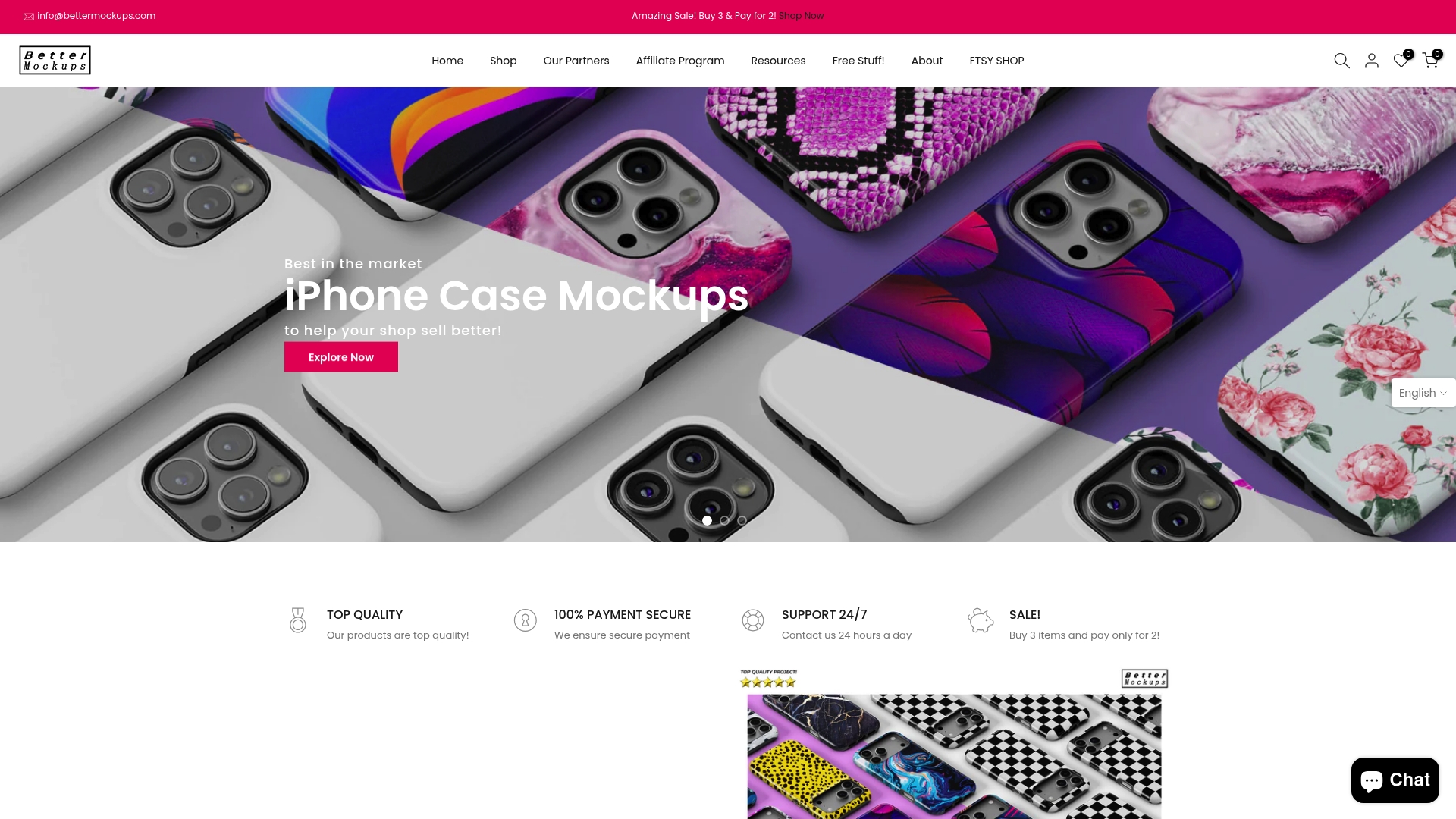
Bettermockups
At a Glance
Bettermockups delivers a leading collection of photorealistic mockups and video assets designed for print on demand sellers and online shops. The platform makes it fast to upgrade product listings with images and motion mockups that convert at higher rates.
Core Features
Bettermockups provides a broad library of photorealistic mockups, video mockups, and high resolution images for phones, Airpods, MacBook, and Apple Watch. Templates come in PSD and Canva friendly formats and are tailored for product listings, social media, and advertising campaigns.
Pros
-
Wide format selection. The catalog includes static and video mockups across multiple device types which helps you match creative needs for listings and ads.
-
Realistic presentation. High resolution images create a professional look that reduces buyer hesitation and improves perceived product value.
-
Logical browsing. Categories for iPhone Samsung Airpods and laptops make it fast to find the right mockup for each product line.
-
Extra resources. Free assets and printing partner support reduce time to market and simplify order fulfillment for small sellers.
-
Secure checkout and support. Secure payment options and customer support are available which protects transactions and helps when files or formats need attention.
Who It’s For
This platform fits print on demand entrepreneurs, Shopify and other online shop owners, and digital marketers who need fast access to polished mockups. If your goal is to improve listing conversion and produce social ads without a full design team this is the right tool.
Unique Value Proposition
Bettermockups stands out because it combines breadth and production quality in one source. You get both photorealistic images and motion mockups optimized for product pages and social ads. That mix lets you keep brand visuals consistent across listings marketing and paid campaigns while avoiding expensive photo shoots.
Designers and sellers save time because files arrive ready for PSD or Canva workflows. The focus on device specific templates for iPhone Samsung Airpods MacBook and Apple Watch means fewer manual adjustments and a faster path from concept to live listing.
Real World Use Case
A Shopify store owner uploads new phone case artwork then selects several Bettermockups templates to create hero images and a 10 second product video. The store replaces flat mockups with motion previews and sees higher click through rates on social ads within two weeks.
Pricing
Pricing is sold per mockup with individual files typically priced from $25 to $99. Costs vary by mockup type and resolution so expect lower prices for single stills and higher prices for complex video mockups or premium scene files.
Website
Website: https://bettermockups.com
Placeit by Envato
At a Glance
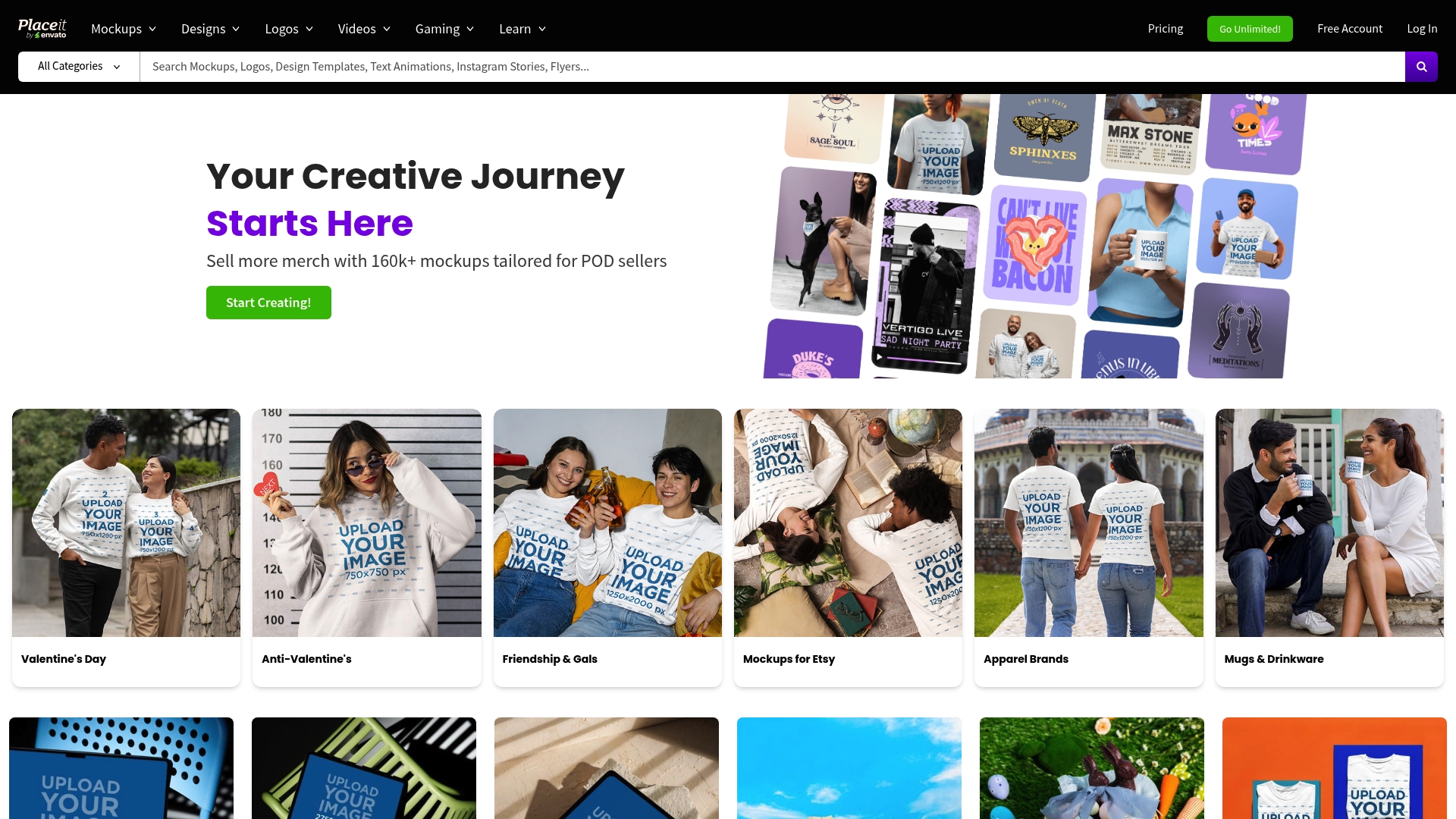
Placeit by Envato is a web-based design hub that gives POD sellers a fast path to professional visuals. With unlimited downloads on subscription plans and abundant templates, it fits sellers who need volume and consistency without deep design skills.
Core Features
Placeit includes mockups, logos, videos, and branding templates that work for product listings and social content. The platform uses a drag-and-drop interface and offers educational tutorials to shorten the learning curve for newcomers.
Pros
- Huge template library: The wide selection of templates lets you match styles for social posts, product mockups, and ads with minimal searching.
- Affordable unlimited plan: The subscription gives unlimited access for a predictable monthly or yearly cost, which works well for high-volume sellers.
- Easy to use: The drag-and-drop editor speeds up mockup creation so you can publish listings and ads faster.
- Versatile content types: You can produce logos, videos, and product images from one account which reduces tool churn.
- Frequent updates: New templates and seasonal assets arrive regularly so your shop visuals stay current.
Cons
- Subscription required for full access: The unlimited model means you must commit to a subscription to unlock the value and access the most assets.
- Limited customizability for complex designs: Templates constrain layout and effects which can frustrate sellers who need highly unique or intricate designs.
- Dependent on internet access: You must be online to edit and download assets which limits work in low connectivity situations.
Who It’s For
Placeit suits small businesses and e-commerce entrepreneurs who sell print-on-demand products and need a steady stream of listing images and marketing content. If you value speed, consistent branding, and low design overhead, this platform will cut production time and keep your store visuals polished.
Unique Value Proposition
Placeit bundles a broad mix of mockup templates and short video tools under a single, affordable subscription. That single access model removes the need to stitch multiple services together, saving time when you create dozens of product mockups each month.
Real World Use Case
A small apparel shop uses Placeit to generate photorealistic phone case mockups, create a brand logo, and produce 15-second promotional videos for social ads. The store reduced content production from days to hours and kept product pages looking consistent across platforms.
Pricing
Placeit is billed yearly at $89.69 USD for unlimited access, or you can pay monthly at $7.47 per month for the same access with a different billing cadence.
Website: https://placeit.net
Mockuplabs
At a Glance
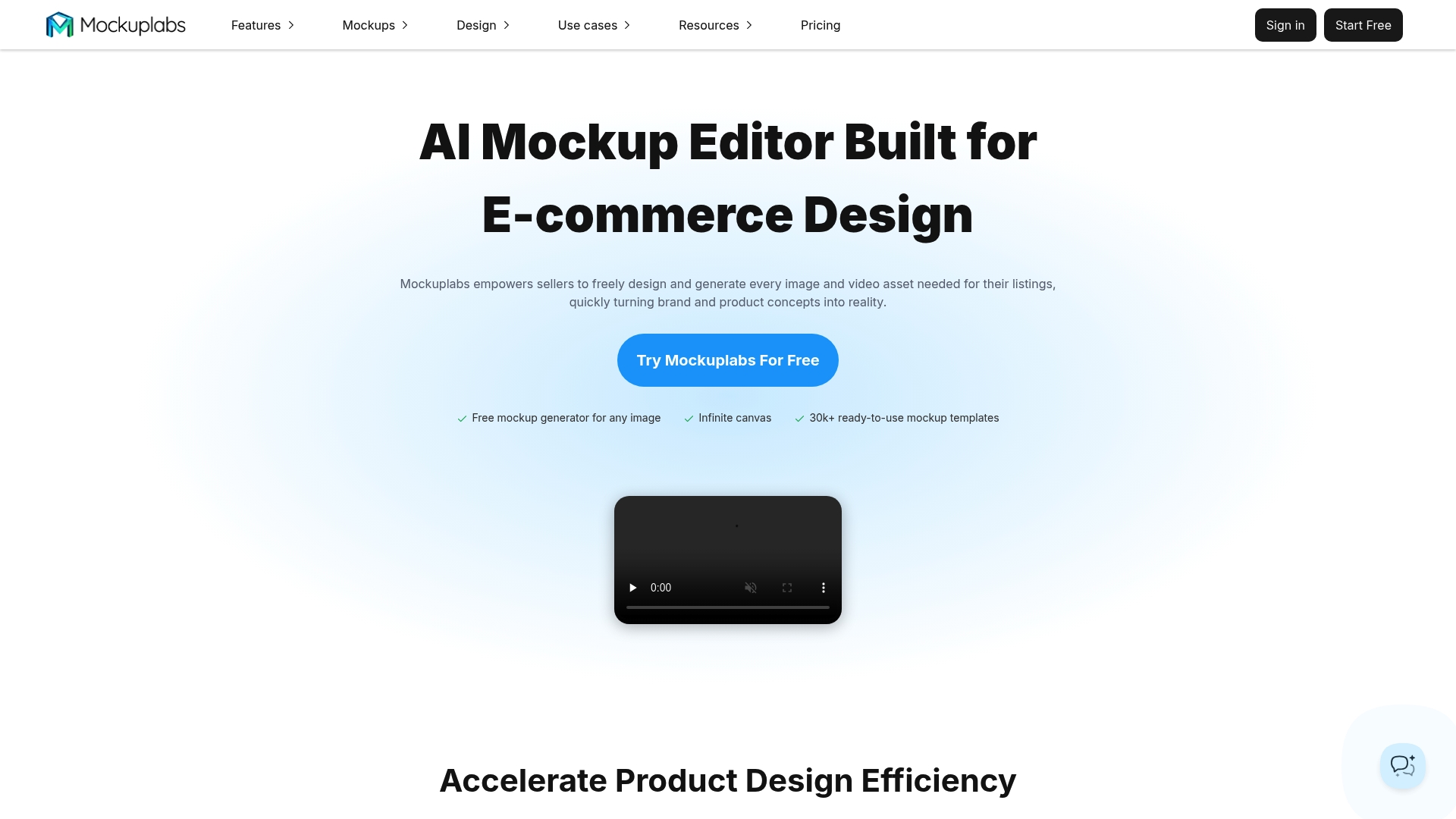
Mockuplabs is an AI-powered mockup editor built for e-commerce sellers and designers who need fast, photorealistic product visuals at low cost. The platform combines template depth with AI image and video tools so you can move from concept to listing in minutes.
Core Features
Mockuplabs includes a Mockup Generator, Smart Color Changer, All-Over-Print (AOP) support, and an extensive template library. It also offers AI Image Generator, Background Remover, Image To Video, and tools like an image upscaler and AI eraser for refined output.
Pros
-
Wide range of AI tools: The suite supports image generation, pattern creation, and video output so you can produce diverse marketing assets without external apps.
-
Massive template library: With 30,000+ templates across product categories you can rapidly populate listings and social posts with realistic scenes.
-
User-friendly interface: Non-designers can access customization controls and real-time adjustments without a steep learning curve.
-
Affordable pricing: A free tier plus tiered plans make the platform accessible for solo sellers and small brands on tight budgets.
-
Supports many product categories: The tool covers apparel, accessories, home decor, packaging, print, and tech which suits multi-product catalogs.
Cons
-
Potential print distortion: AI-generated print areas can show distortion that requires manual adjustment to fix seams and alignment.
-
Cloud model dependency: Relying on cloud AI models means some complex designs may not render perfectly and may need refinement.
-
Limited free plan resolution: High-resolution export options are restricted on the free plan which limits print-ready output without upgrading.
Who It’s For
E-commerce sellers, graphic designers, marketing professionals, and small to medium-sized brands who need affordable, efficient mockups and quick marketing content will get the most value. Teams that replace photoshoots with quick AI mockups will recoup time and cost quickly.
Unique Value Proposition
Mockuplabs bundles a broad template library with powerful AI tools and video capabilities so you can create product campaigns end to end in one place. That single-platform approach saves time and reduces the need for multiple subscriptions.
Real World Use Case
A seller launches a clothing line and uses Mockuplabs to change colors, apply all-over prints, and generate promotional videos. The process cuts photoshoot costs and speeds up listing creation so products go live faster.
Pricing
A Free plan is available with limited credits and features. The Basic plan is $7.3 per month (billed annually) and adds credits and capabilities. The Pro plan is $15 per month (billed annually) and unlocks full AI tools and higher credits.
Website: https://mockuplabs.ai
Creatsy
At a Glance
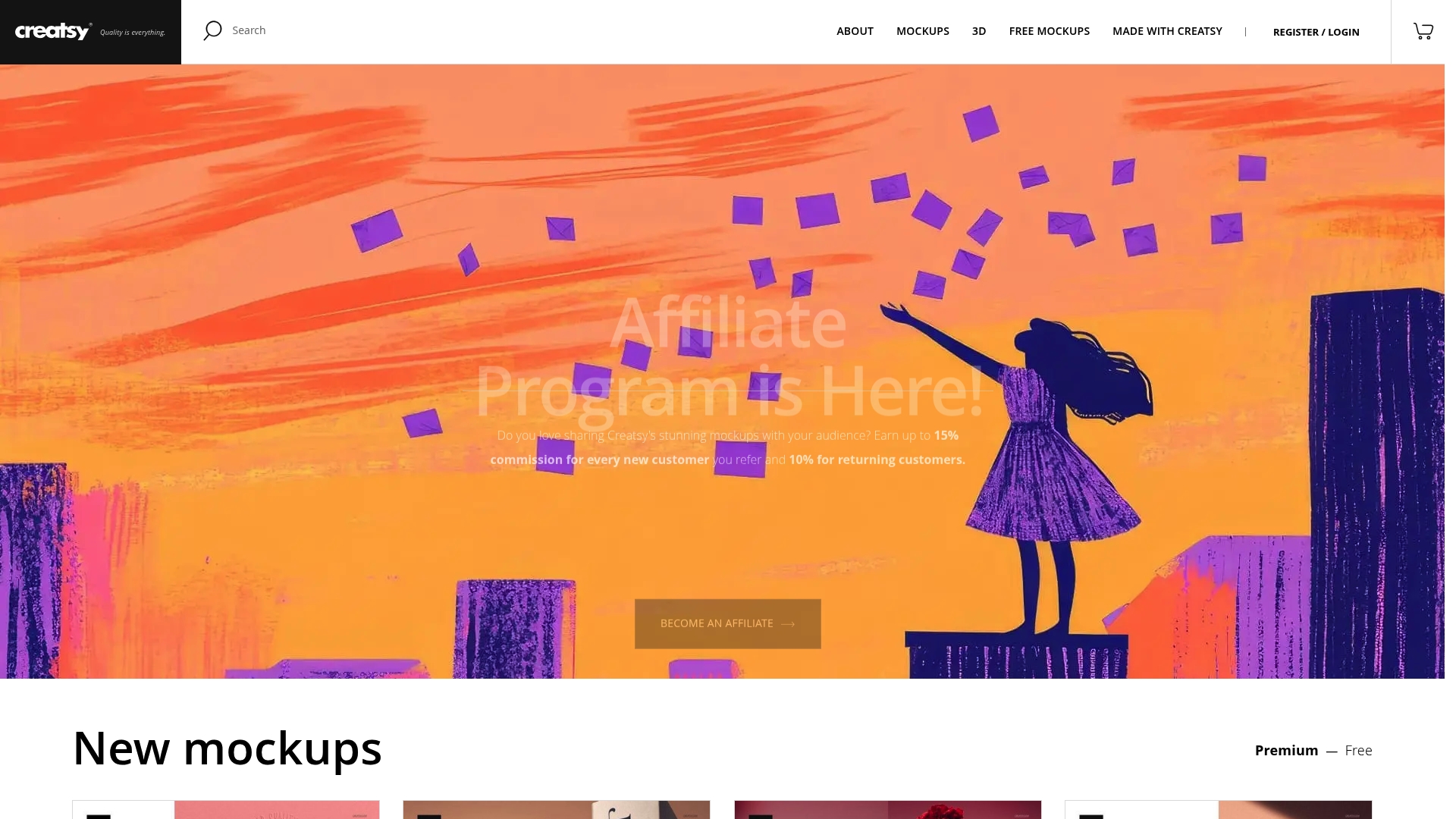
Creatsy delivers a broad library of high quality realistic mockups focused on PSD templates and 3D models for product visualization. The site suits creators who need professional scenes and editable layers without building setups from scratch.
Creatsy balances variety with approachable resources like a blog and help center for designers learning the platform.
Core Features
Creatsy centers on PSD mockup templates with layered files that let you swap artwork and adjust lighting quickly. The catalog includes 3D models, print templates, and curated mockup scenes for lifestyle and product shots.
- Wide category coverage for phone cases apparel packaging and product scenes
- Layered PSDs for fast editing and realistic presentation
- Supplemental resources including blog tutorials and a help center
Pros
- High quality realistic mockups provide photoreal presentations that improve listing conversions when used correctly.
- Extensive category variety gives you choices between product types and scene styles so you can match niche brands.
- Customizable layers let you change textures shadows and overlays without rebuilding compositions.
- Educational resources like blog posts and a help center reduce onboarding time for new users.
- Affiliate program offers a way to earn commissions by promoting templates to other creators.
Cons
- Pricing is not presented as a single subscription which makes budgeting unclear for shops that need many templates.
- Best results require knowledge of Adobe Photoshop so sellers without Photoshop skills face a learning curve.
- Many items are sold individually which raises costs if you buy multiple mockups rather than a single plan.
Who It’s For
Creatsy fits graphic designers product marketers and creators who already use Photoshop and need ready made, professional mockups for listings and marketing. Small brands and agencies that want polished visuals without hiring a photographer will appreciate the selection.
Unique Value Proposition
Creatsy stands out by offering a concentrated set of photoreal PSD mockups and 3D assets plus helpful content and an affiliate program. That mix makes it practical for entrepreneurs who want quick visual upgrades and a way to monetize referrals.
Real World Use Case
A fashion brand uses Creatsy mockup templates to stage new apparel lines on models and flat lays for an upcoming launch. The team swaps art into layered PSDs to produce consistent product shots for product pages email campaigns and social ads.
Pricing
Most mockups are sold individually starting around $19 and bundles can cost up to $69. Free mockups are available but the overall model favors per item purchases rather than a single subscription for unlimited access.
Website: https://creatsy.com
Artboard Studio
At a Glance
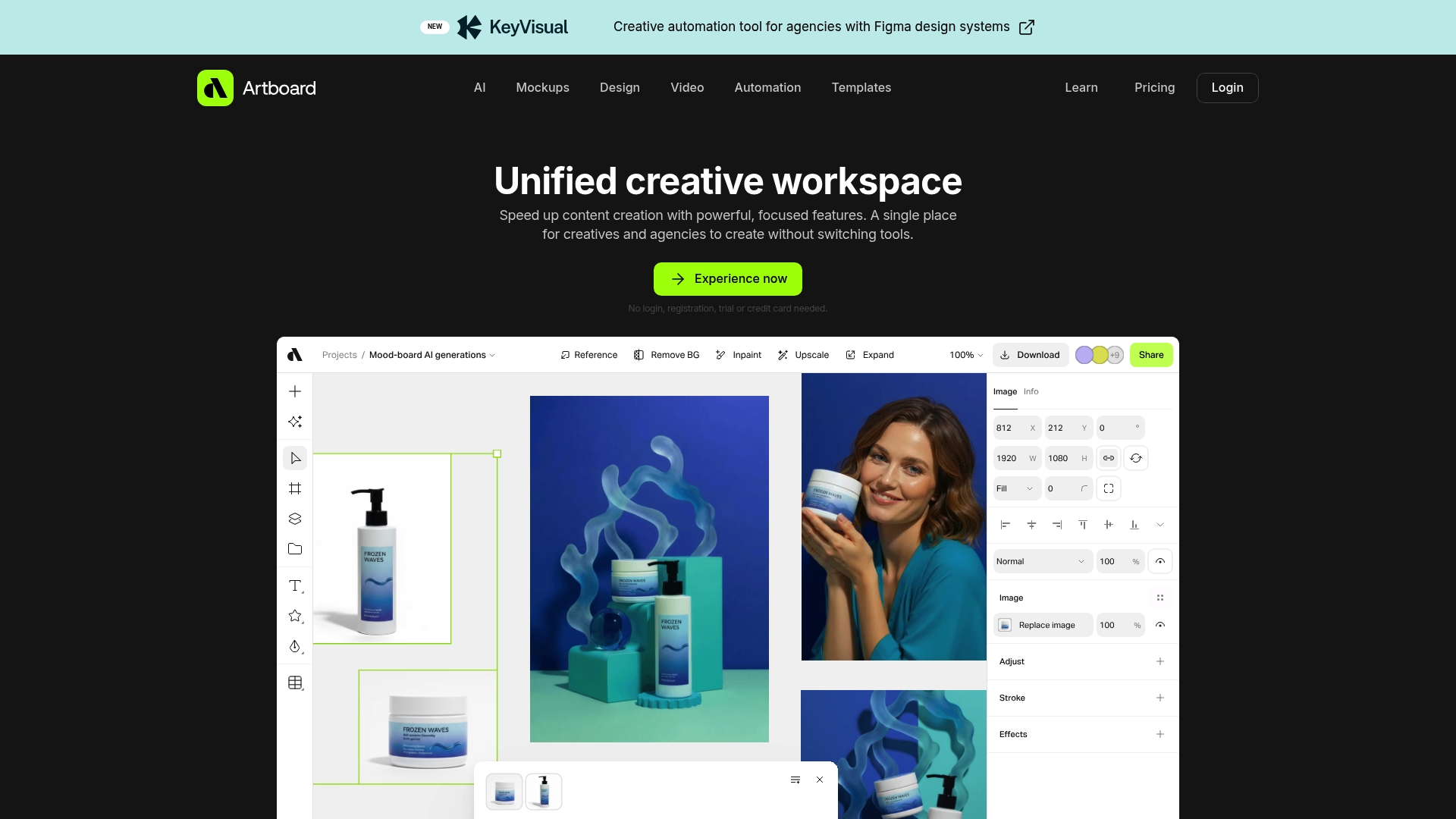
Artboard Studio is a unified creative platform that combines AI powered features with a broad mockup library and real time editing to speed design and video workflows. Its interface helps teams produce polished visuals without switching between multiple apps.
Artboard Studio works well for rapid campaign work and portfolio mockups, but larger studios with deep technical pipelines may find some advanced editing needs better served by desktop software.
Core Features
Artboard Studio provides mockup library, video editing, and advanced graphic tools in one workspace that supports vector and raster work. It includes AI powered image and video generation, timeline editing with keyframe animation, and creative automation for data driven variations.
Additional tools include background removal, upscaling, inpainting, re framing, background replacement, brand guideline management, and high resolution exports for final delivery and product listings.
Pros
- All in one platform: It combines design, mockups, and motion tools so you can complete projects without jumping between separate applications.
- No barrier to try: You can experience features without login or registration which speeds evaluation and rapid concept work.
- Strong AI integration: AI assisted generation and editing reduces repetitive work and helps create variations quickly for A B testing or listings.
- Extensive template library: A wide selection of mockups and templates makes it faster to produce presentation ready images for product pages and ads.
- Team collaboration and exports: Built in collaboration tools and high resolution export options support client presentations and marketing deliverables.
Cons
- Pricing plans may feel limited for larger teams or for intensive professional pipelines which rely on many seats and heavy render tasks.
- Some designers will prefer traditional desktop software for very detailed or highly technical edits where native performance and plugin ecosystems matter.
Who It’s For
Artboard Studio targets creative professionals, graphic and motion designers, marketing teams, and agencies that need an integrated platform for mockups, campaign content, and motion assets. It suits entrepreneurs selling print on demand products who need fast, photorealistic mockups for listings.
Unique Value Proposition
Artboard Studio offers a unified workspace where mockups, motion, and AI assisted editing live together. That single environment reduces handoffs and speeds the production of marketing assets for e commerce sellers and small agencies.
Real World Use Case
A marketing agency creates campaign visuals, assembles mockups for client review, automates variants for ad sets, and produces final video cuts inside the platform. This reduces delivery time and centralizes feedback for iterative improvements.
Pricing
Free plan available for basic features. Lite plan at $16 per month and Professional plan at $24 per month when billed annually. Paid tiers add mockups, team features, advanced AI, and automation capabilities.
Website: https://artboard.studio
Comparison of Product Design and Mockup Platforms
Below is a comprehensive table comparing various platforms tailored for creating product designs, mockups, and marketing materials, summarizing their key features, pros, cons, and pricing.
| Platform | Features | Pros | Cons | Pricing |
|---|---|---|---|---|
| Bettermockups | Photorealistic and video mockups for devices like iPhone and MacBook. PSD and Canva-ready templates. | Professional quality visuals; Extensive format options; Free resources. | Pricing per file; Limited bundle options. | $25-$99 per mockup file (varies by resolution and type). |
| Placeit by Envato | Mockups, logos, and videos available through an unlimited download subscription model. | Affordable subscription; User-friendly; Frequent updates. | Requires internet access; Limited customization for complex designs. | $7.47/month or $89.69 annually for unlimited access. |
| Mockuplabs | AI-powered tools like Mockup Generator, Smart Color Changer, and extensive template library supporting various products. | AI-assisted tools for efficiency; Free tier available; Supports apparel and tech items. | Limited resolution in free plan; Potential distortion in AI-generated prints. | Free option; Pro Plan $15/month, Basic Plan $7.3/month billed annually. |
| Creatsy | Realistic PSD templates with layered files and 3D models, offering extensive categories and customization features. | Realistic presentations; Customizable elements; Available blog and support resources. | Knowledge of Photoshop required; Mainly single-item purchases, costs add up. | $19 per item, bundles up to $69. |
| Artboard Studio | Unified creative environment with AI-powered image/video editing and comprehensive mockup library. | Combines multiple tools; Strong AI integration; Collaboration tools, no registration required trial. | Limited advanced editing for professional multi-user teams. | Free plan; Lite $16/month, Professional $24/month billed annually. |
This table provides a clear overview of the platforms aiding informed decisions based on features, usability, and costs.
Elevate Your Phone Case Listings with Premium Mockups Today
The challenge facing e-commerce entrepreneurs in 2026 is clear: how to stand out with visually captivating phone case designs that convert visitors into buyers. This article highlights the importance of professional templates that showcase your products with photorealistic detail and motion elements to capture attention instantly. Don’t let flat or generic images hold back your brand’s potential or slow down your product launch pace.
At Bettermockups, we understand these goals. Our extensive collection includes iPhone 2D Case Mockups - Samsung 2D Case Mockups and Video mockups (Video templates) for Phone Case business. designed to help you achieve a consistent, high-impact presence across listings and social campaigns. With PSD and Canva-ready files, you can customize effortlessly and produce listings that build trust and increase sales.
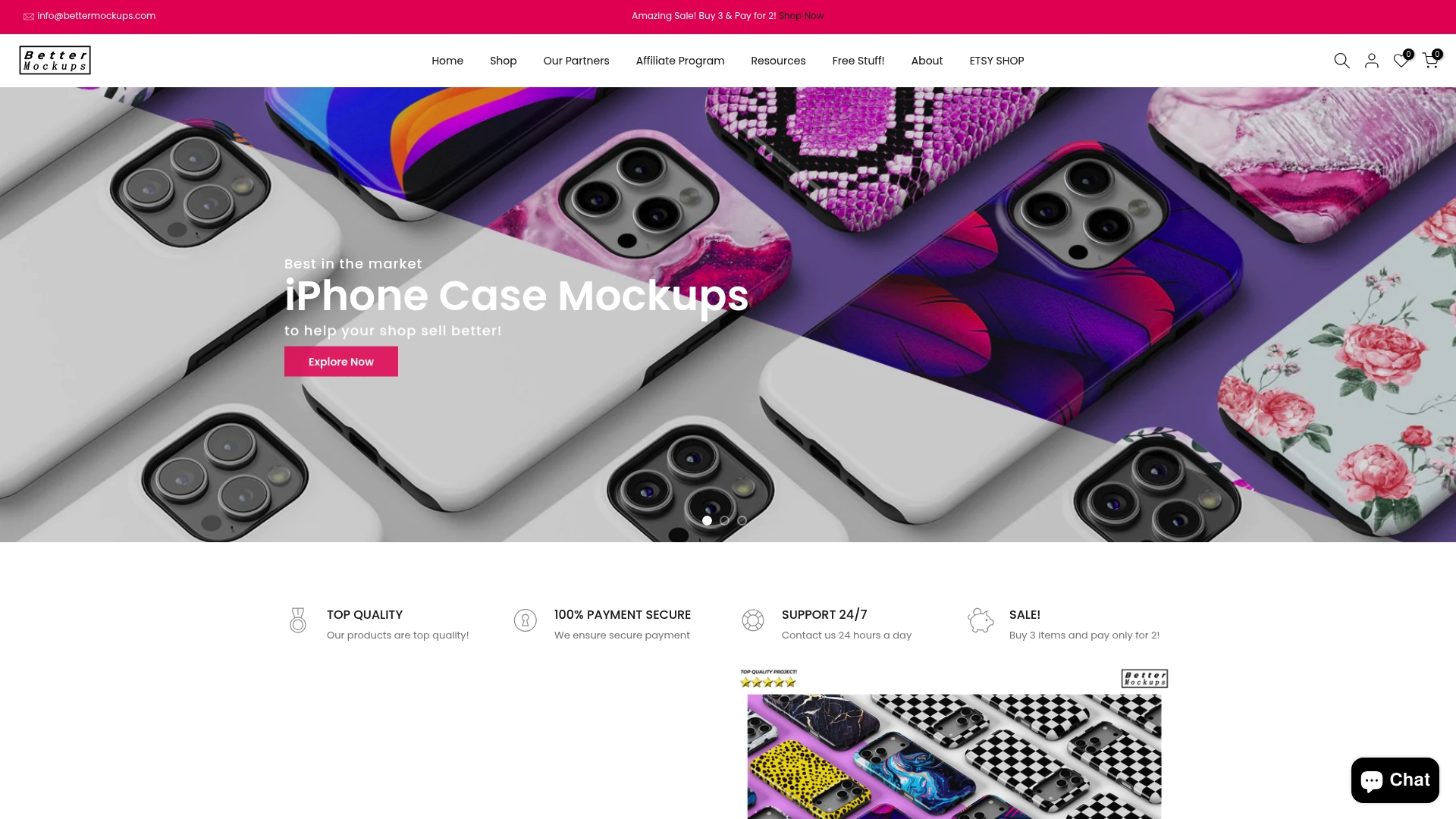
Boost your product appeal with mockups crafted for the modern seller. Explore our diverse templates now at Bettermockups to transform your e-commerce store. Start creating stunning product visuals that make shoppers click and buy today.
Frequently Asked Questions
What are the most innovative phone case templates for e-commerce in 2026?
The most innovative phone case templates for e-commerce in 2026 include designs that offer customizable features, sustainable materials, and options for unique graphics. Explore the latest trends by reviewing design platforms that specialize in template offerings.
How can I select the right template phone case for my online shop?
To select the right template phone case, identify your target audience and their preferences. Consider factors such as design aesthetics, functionality, and current market trends to ensure your choices will resonate with your customers.
What steps should I take to create appealing product listings for phone cases?
To create appealing product listings for phone cases, focus on high-quality images, detailed descriptions, and customer reviews. Incorporate keywords related to your templates to improve search visibility and encourage conversions on your site.
How can I reduce production time for my phone case templates?
You can reduce production time by utilizing pre-designed templates that require minimal customization. Aim to streamline your workflow by organizing assets and using tools that allow for batch processing of designs, which can cut your time by about 30%.
What marketing strategies work best for promoting phone case designs?
Effective marketing strategies for promoting phone case designs include leveraging social media platforms, influencer partnerships, and targeted email campaigns. Implement a consistent posting schedule and utilize engaging visuals to attract and retain your audience.
How do I analyze the performance of my phone case templates in sales?
To analyze the performance of your phone case templates in sales, regularly review metrics such as conversion rates, customer feedback, and return rates. Set specific goals for improvement and track these over time to identify trends and areas for adjustment.
Recommended
- Your Guide to Phone Case Template Download – Bettermockups
- 7 Essential Phone Case Design Tips for Online Sellers – Bettermockups
- 7 Essential Phone Case Branding Tips for Online Sellers – Bettermockups
- Mastering the iPhone Cover Template – Bettermockups
- A+ Content 2025: Boost Amazon Listings with Visual Strategy
- Men’s Fashion Trends 2025 Guide for UK Style Success – Vellure Homme


