

If you've scrolled TikTok Shop or watched a product ad that made you stop and pay attention, you've already seen what motion graphics can do. They're the animated text, the spinning product, the transitions that turn a static image into something worth watching, and increasingly, worth buying.
For print-on-demand sellers, understanding motion graphics isn't just creative trivia. Video content outperforms static images on nearly every platform algorithm, from TikTok to Instagram Reels to Amazon's video-enabled listings. The sellers gaining ground right now are the ones publishing product videos, not just photos. And the core of most product videos? Motion graphics.
This article breaks down exactly what motion graphics are, how they differ from traditional animation, the types you'll encounter, and the tools used to create them. Whether you're considering video mockups for your phone case listings or exploring animated content for social ads, this is the foundation you need to make informed decisions about what actually moves the needle, literally and figuratively.
Why motion graphics matter today
The shift from static to moving content isn't a trend you can wait out. Platform algorithms across TikTok, Instagram, Amazon, and Shopify now actively prioritize video in search results, discovery feeds, and ad placement. If your phone case listings still rely exclusively on static mockups, you're competing with one hand behind your back. Motion graphics bridge the gap between what traditional photography costs and what algorithm-favored video content delivers, making professional-looking product videos accessible without hiring a production team or ordering physical samples.
Platform algorithms reward video
TikTok Shop surfaces video listings 3x more frequently than static ones in discovery feeds. Instagram Reels receive higher organic reach than carousel posts, and Amazon's A10 algorithm gives measurable ranking weight to listings with product videos. These aren't minor preference adjustments. Platforms built their infrastructure around motion because user engagement metrics spike when content moves. For print-on-demand sellers, this creates a structural advantage: you can publish video mockups faster than competitors shooting real product footage, and the algorithm treats both formats equally as long as the content holds attention.
Understanding what are motion graphics means recognizing they're not decoration. They're the format your audience expects and the format platforms reward.
Conversion impact on product listings
Static images ask buyers to imagine how a phone case looks in hand. Video mockups remove that cognitive barrier by showing rotation, finish, texture, and device fit in under five seconds. Conversion rate studies across e-commerce platforms consistently show video-enabled listings convert 20-30% higher than photo-only equivalents, particularly for products where material accuracy matters. A buyer scrolling past your listing doesn't know if your mockup accurately represents the camera cutout or MagSafe ring placement. Motion gives you the time and visual proof to demonstrate that accuracy before the decision to click happens. That's not persuasion. That's transparency at the speed your buyer actually shops.
What counts as motion graphics
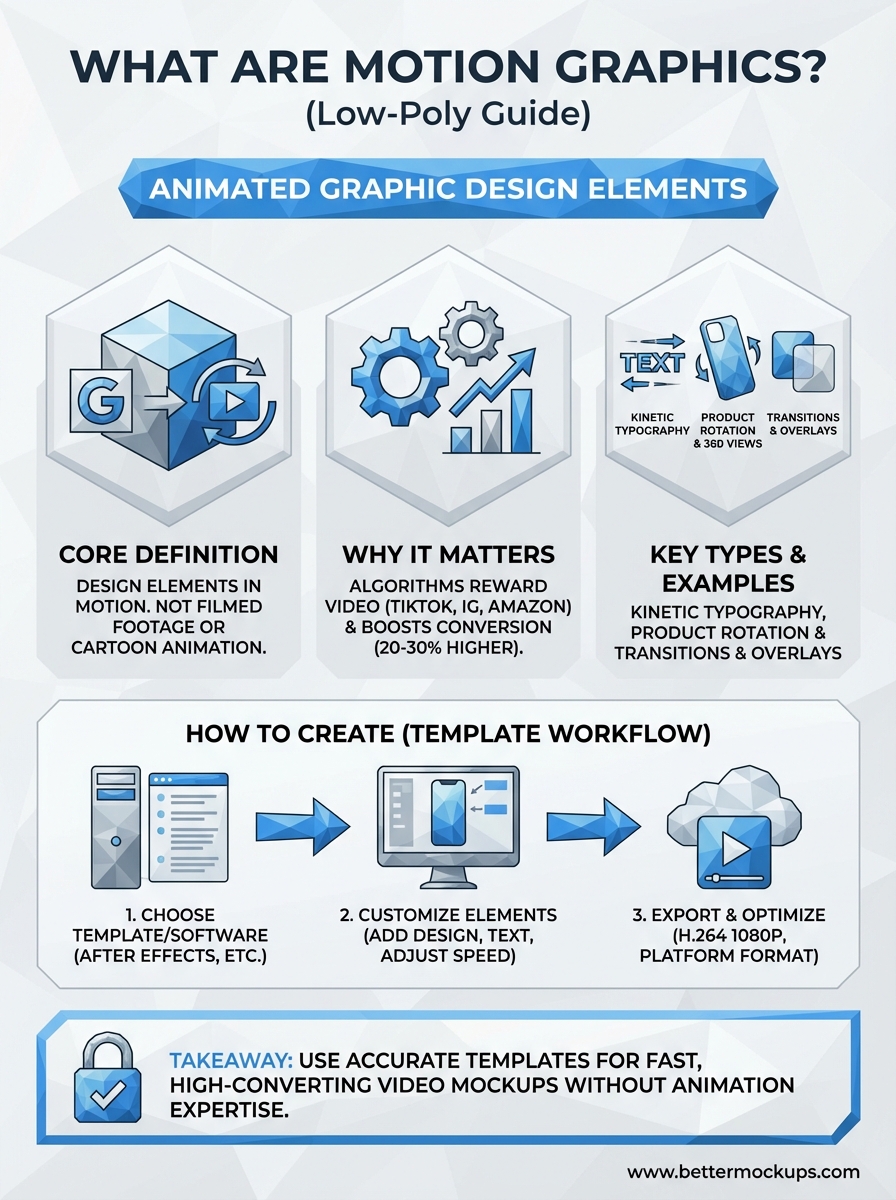
Motion graphics are any graphic design elements that move. That includes animated text, shape transitions, product rotations, icon animations, and visual effects applied to static images. The defining characteristic is intentional movement applied to design elements rather than filmed footage or hand-drawn animation frames. When you rotate a phone case mockup, fade in pricing text, or animate a logo reveal, you're working with motion graphics whether you realize it or not.
The core elements
Text animation sits at the foundation. Kinetic typography (moving text) drives most product ads, explainer videos, and TikTok captions because it delivers information while holding attention. Product rotation follows close behind. Spinning a 3D phone case model through 360 degrees gives buyers the same viewing experience they'd get holding the product, compressed into three seconds. Transition effects connect scenes without jarring cuts, shape morphing transforms one visual into another, and overlay graphics add context like price tags, feature callouts, or trust badges without requiring voiceover or on-screen actors.
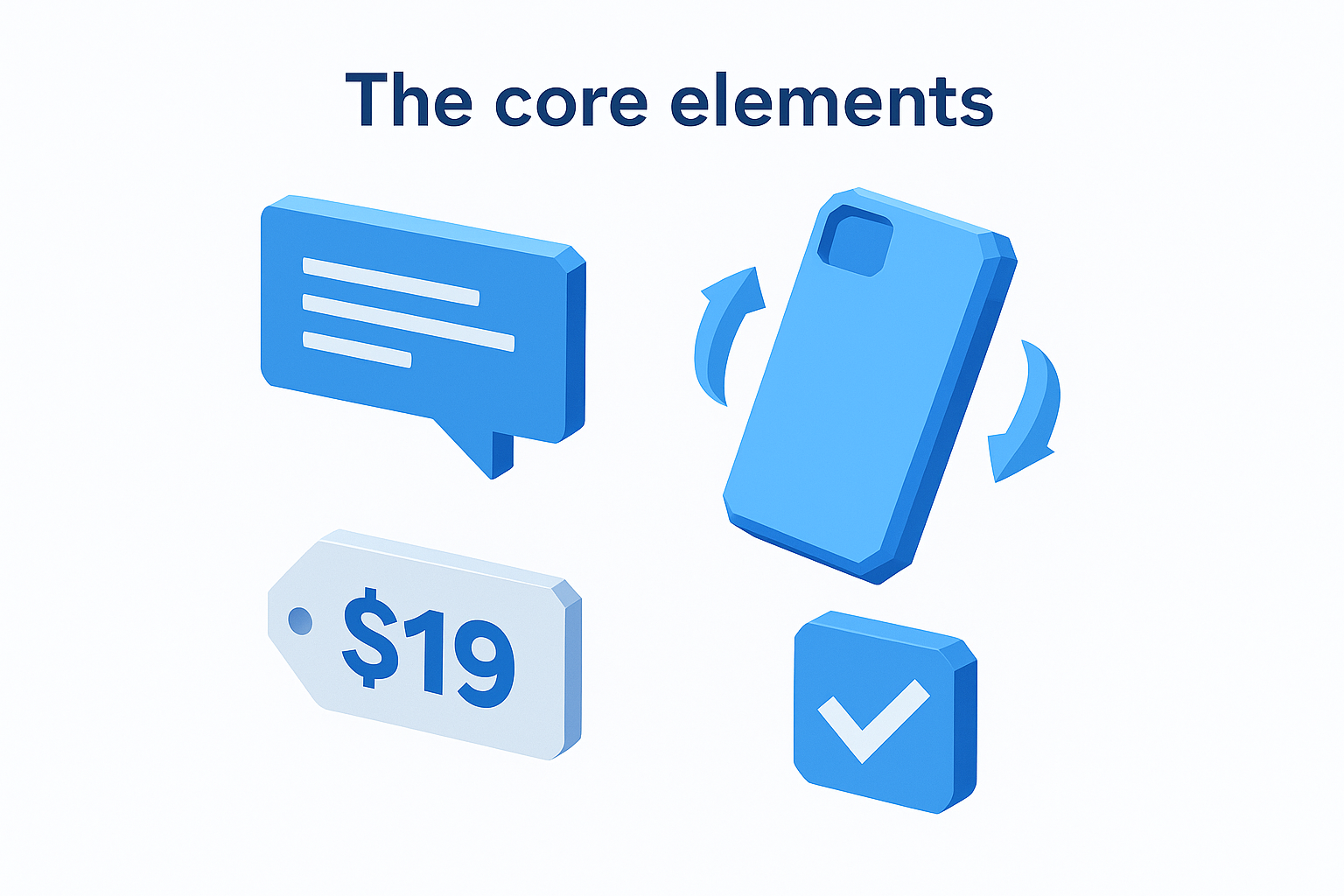
What are motion graphics in practical terms? They're the animated elements you can build from templates, adjust in editing software, and publish faster than you can shoot real video footage.
What qualifies, what doesn't
Pre-rendered templates qualify. Video mockups you customize with your design and export qualify. Screen recordings with animated overlays qualify. What doesn't count: raw footage from a camera, traditional frame-by-frame cartoon animation, or live-action video without graphic elements. If a designer created the movement using software rather than filming physical objects or drawing individual frames, it's motion graphics.
Motion graphics vs animation and CGI
The confusion between motion graphics, traditional animation, and CGI happens constantly, and understanding the distinctions matters when you're choosing which content type to invest in. Motion graphics manipulate graphic design elements like text, shapes, and logos to create movement. Traditional animation builds movement frame by frame using illustrated characters or scenes. CGI (computer-generated imagery) creates photorealistic 3D environments or objects that mimic real-world physics. Each serves different purposes, requires different skill sets, and costs different amounts to produce at scale.
Traditional animation differences
Traditional animation tells stories through characters and sequential action. Disney films, explainer cartoons, and illustrated tutorials fall into this category because animators draw or model each frame of character movement individually. Motion graphics skip character development entirely. You're not creating a mascot that walks and talks. You're rotating a product, animating text, or transitioning between design layouts. The production time gap reflects this scope difference. A 30-second character animation might require 40+ hours of work. A 30-second product rotation using motion graphics templates takes under an hour once you understand the tools.
What are motion graphics compared to animation? They're design in motion, not storytelling in motion.
CGI and 3D distinction
CGI overlaps with motion graphics when you use 3D models, but the intent differs. CGI aims for photorealism in environments, characters, or complex physics simulations. Motion graphics prioritize clarity and branding over realism. Your phone case mockup video uses 3D rendering, which technically qualifies as CGI, but the execution focuses on clean product presentation rather than mimicking every detail of light refraction or surface imperfection. The practical distinction for print-on-demand sellers: CGI requires specialized 3D modeling expertise, while motion graphics templates let you customize pre-built assets without learning Maya or Blender.
Common types and real-world examples
The motion graphics you encounter daily follow predictable patterns because specific formats consistently outperform others across e-commerce and social platforms. Understanding what are motion graphics in practice means recognizing the types that drive results for product sellers, not just the ones that look impressive in creative portfolios. Each format solves a specific buyer question faster than static images can answer it, and most POD sellers already compete against these formats without realizing they're watching motion graphics work.
Product rotation and 360-degree views
Rotating phone case mockups dominate TikTok Shop and Amazon listings because rotation answers the first question buyers ask: what does this look like from every angle? You spin the case model through 360 degrees in three to five seconds, showing camera cutout alignment, edge profile, and finish without requiring physical photography. The format works equally well for AirPods cases, MacBook covers, and watch bands. Rotation videos consistently outperform static multi-angle photos because the buyer's eye tracks continuous motion better than jumping between four separate product shots.
Text overlays and kinetic typography
Animated text delivers information buyers need while keeping them from scrolling past your content. Price reveals, feature callouts, and promotional messaging work best when text appears progressively rather than all at once. You see this format in Instagram Reels where text fades in to highlight "MagSafe compatible" or "Ships in 2 days," and in TikTok ads where benefits appear timed to background audio beats. Kinetic typography holds attention longer than voiceover alone because it gives viewers something visual to track while absorbing the message.
Product rotation and animated text aren't creative experiments. They're the baseline content format your buyers expect before clicking purchase.
How to create motion graphics step by step
Creating motion graphics for product listings doesn't require animation school or Adobe certification. You need template-based workflow that lets you customize pre-built assets rather than starting from scratch, and you need to understand what are motion graphics in practical application rather than theoretical design. The production path follows three decisions: choosing your software, customizing the motion elements, and exporting for the specific platform where buyers will see your content. Most print-on-demand sellers complete their first usable video mockup in under two hours once they understand this sequence.
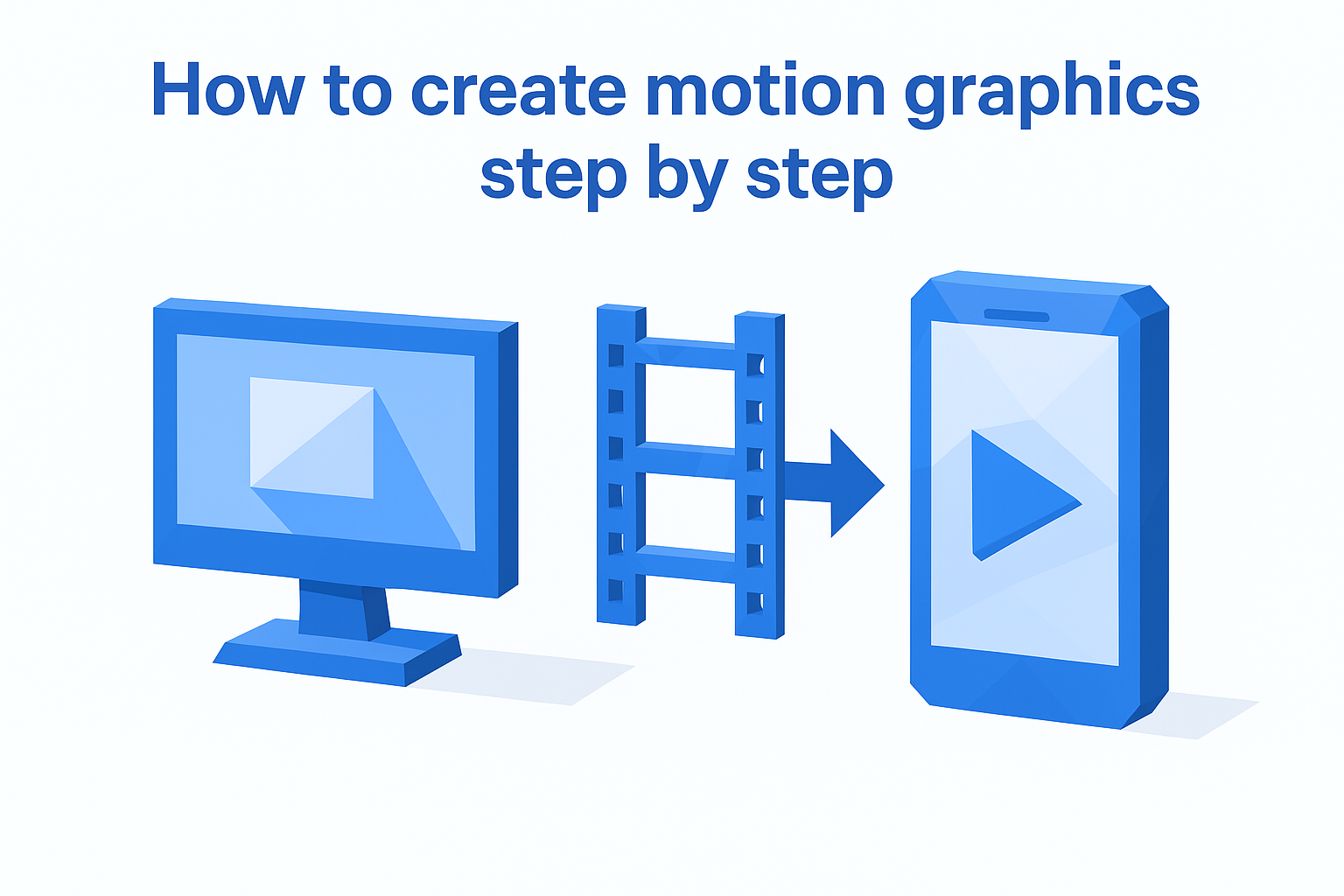
Choose your software and template base
After Effects remains the industry standard for motion graphics because it handles both 2D and 3D animation with the deepest template ecosystem available. You import a phone case mockup template, replace the design layer with your artwork, and render the final video. DaVinci Resolve offers a free alternative with solid motion graphics capabilities through its Fusion page, though the learning curve runs steeper. Canva Pro recently added basic video mockup features that work for simple rotations, but you sacrifice control over camera angles and render quality. Your choice depends on output requirements. TikTok Shop tolerates lower resolution. Amazon listings demand crisp 1080p minimum.
Customize the design elements
Load your phone case design into the template's designated smart object or placeholder layer. Adjust rotation speed, background color, and text overlays to match your brand guidelines and platform specifications. Most templates include pre-animated text layers you modify rather than build from scratch. Test your preview render before committing to full export because camera angle adjustments after rendering waste time you won't recover.
Template customization takes minutes. Building motion graphics from blank timelines takes days.
Export and optimize for platform
Render settings matter more than most sellers realize. TikTok compresses heavily, so exporting at 4K wastes file size without visual benefit. Use H.264 codec at 1080p for maximum platform compatibility and keep file size under 50MB for faster upload processing. Amazon requires 16:9 aspect ratio. Instagram Reels perform best at 9:16 vertical format. Export multiple aspect ratios from the same project file rather than cropping after rendering.
Key takeaways and next step
Understanding what are motion graphics gives you the vocabulary and framework to evaluate whether your current listing content matches what platform algorithms reward and buyers expect. Motion graphics are animated design elements that turn static product photos into attention-holding video content without requiring physical samples or professional videography. Product rotations, animated text, and transition effects form the backbone of high-converting TikTok Shop listings, Instagram Reels, and Amazon video placements because they answer buyer questions faster than multiple static images can deliver.
The competitive advantage belongs to sellers who publish video mockups while others debate whether motion content justifies the learning curve. You don't need animation expertise. You need production-accurate templates that represent what your customer actually receives, built to match the real manufactured product specifications that eliminate refund risk. BetterMockups offers video mockup templates engineered to Podbase and Casestry specifications for iPhone, Samsung, and accessory cases, so your first motion graphics project starts with accuracy already solved.


