

Choosing the right mockup design can make or break your tech accessory sales in 2026. E-commerce entrepreneurs face a critical challenge: selecting visuals that truly connect with shoppers and drive conversions. Poor mockup choices lead to abandoned carts and lost revenue, while strategic design decisions can boost sales by 30% or more. This guide delivers expert tips on evaluating mockup criteria, selecting effective styles, comparing production methods, and implementing best practices that transform browsers into buyers. You’ll discover how to make your phone cases, AirPods accessories, and other tech products stand out in crowded marketplaces.
Table of Contents
- How To Evaluate Mockup Design Criteria For Tech Accessories
- Top Mockup Styles To Showcase Your Tech Accessories
- Comparing Traditional Photography And AI-Generated Mockups
- Best Practices For Using Mockups To Increase Conversions
- Explore Expert Mockup Designs To Boost Your Tech Accessory Sales
- Frequently Asked Questions
Key takeaways
| Point | Details |
|---|---|
| Conversion boost | Effective mockup designs increase conversions by up to 30% for tech accessories |
| Audience alignment | Matching your mockup style to target customer preferences significantly improves engagement and purchase intent |
| Quality priority | 90% of online shoppers consider image quality extremely important when making buying decisions |
| Multi-format advantage | Using diverse mockup types like lifestyle, 3D, and video formats delivers superior results compared to single-style approaches |
| AI efficiency | AI-generated product images reduce costs by 87% while improving sales performance |
How to evaluate mockup design criteria for tech accessories
Before investing in mockup creation, establish clear objectives aligned with your target audience and product positioning. Your goals should define whether you’re building brand awareness, driving immediate conversions, or establishing market credibility. Each objective requires different visual approaches and quality standards.
Image quality stands as the foundation of successful mockup design. Research shows that 90% of shoppers prioritize photo quality when evaluating products online. Sharp resolution, accurate color representation, and professional lighting separate amateur presentations from sales-driving visuals. Tech accessories demand especially crisp imagery to showcase details like texture, finish, and precise fit.
Conversion data reveals that lifestyle mockups consistently outperform flat product shots. Studies demonstrate a 30% better conversion rate using lifestyle mockups compared to basic product images. This performance gap exists because contextual presentations help shoppers visualize ownership and usage scenarios, reducing purchase hesitation.
Trust building through polished visuals cannot be overstated in competitive tech accessory markets. Professional mockups signal product quality and business credibility, directly influencing buyer confidence. Low-quality or inconsistent visuals trigger skepticism and drive shoppers toward competitors with more trustworthy presentations.
Your mockup design checklist should align with customer preferences at every touchpoint. Consider these evaluation criteria:
- Does the mockup style match your target demographic’s aesthetic preferences?
- Will the presentation work across mobile and desktop viewing experiences?
- Does the design highlight your product’s unique selling propositions?
- Can customers clearly understand product features and benefits from the visual?
Pro Tip: Test mockup variations with small ad budgets before committing to full product line photography. A/B testing different styles reveals which presentations resonate most with your specific audience, eliminating guesswork from design decisions.
Top mockup styles to showcase your tech accessories
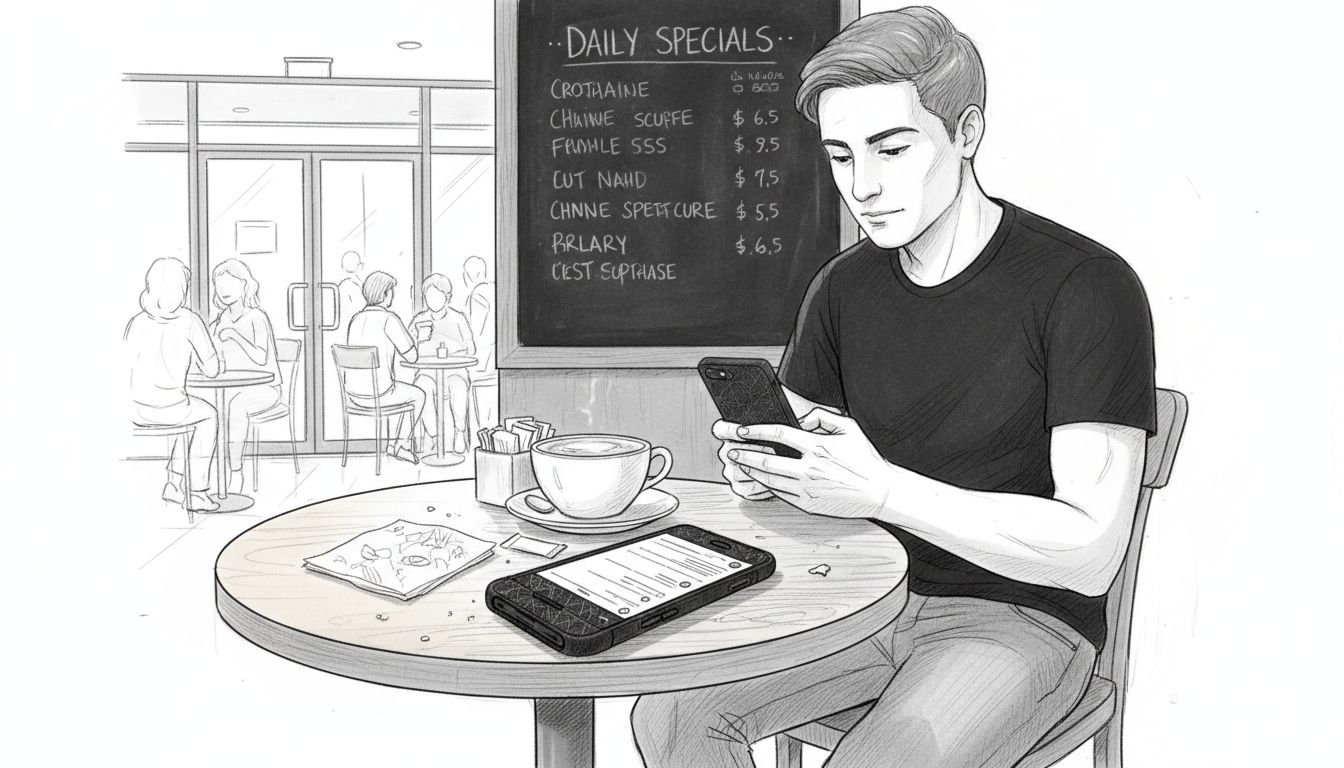
Lifestyle mockups create emotional connections by placing products in relatable real-world scenarios. A phone case shown in someone’s hand at a coffee shop or gym tells a story that flat images cannot convey. These contextual presentations help shoppers imagine the product fitting seamlessly into their daily routines, addressing the psychological barrier between browsing and buying.
Flat lay mockups offer clean, minimalist presentations that emphasize product details and design elements. This style works exceptionally well for showcasing patterns, colors, and textures on phone cases or AirPods accessories. The uncluttered composition allows customers to focus entirely on product attributes without environmental distractions.
3D and photorealistic mockups deliver immersive product experiences that bridge the gap between online shopping and physical examination. These detailed presentations let customers rotate products mentally, understanding dimensions and proportions more accurately. Research indicates that buyers prioritize product visualization quality over strict photographic realism, making well-executed 3D renders highly effective.
Video mockups represent the frontier of product presentation, combining movement, multiple angles, and storytelling in compact formats. A 15-second video showing a phone case being applied, used throughout a day, and removed provides comprehensive product understanding that static images require dozens of shots to achieve. Social media platforms increasingly favor video content, making this format essential for 2026 marketing strategies.
Mixing multiple mockup styles produces the highest conversion rates by addressing diverse customer preferences and decision-making styles. Some shoppers need lifestyle context, others want detailed close-ups, and many require both before committing to purchase. Explore various types of mockup templates to build comprehensive product presentations:
- Hero lifestyle shots for landing pages and featured listings
- Detail-focused flat lays for product galleries
- 360-degree views for interactive experiences
- Video loops for social media and email campaigns
Comparing traditional photography and AI-generated mockups
Traditional product photography involves significant upfront investment in equipment, studio space, lighting setups, and professional expertise. A single product shoot can cost hundreds to thousands of dollars, with turnaround times stretching from days to weeks. Creative flexibility remains limited by physical constraints, making rapid iteration or seasonal variations expensive and time-consuming.
AI-generated mockups revolutionize this production model by eliminating physical photography requirements entirely. Digital tools create photorealistic product images in minutes rather than days, with costs reduced by as much as 87% compared to traditional methods. This efficiency allows entrepreneurs to test multiple design variations, seasonal themes, and marketing angles without breaking budgets.
Real-world case studies demonstrate measurable sales impact from AI-generated product imagery. One documented experiment showed a 45% conversion rate increase after switching from basic product photos to AI-created lifestyle mockups. The improvement stemmed from higher image quality, greater variety, and better alignment with customer expectations.
| Factor | Traditional Photography | AI-Generated Mockups |
|---|---|---|
| Initial cost | $500-$5,000 per product line | $50-$500 per product line |
| Production time | 1-3 weeks typical | Hours to 2 days |
| Creative flexibility | Limited by physical setup | Unlimited digital variations |
| Iteration speed | Slow, requires reshoot | Instant modifications |
| Consistency | Varies by shoot conditions | Perfectly consistent |
| Scalability | Linear cost increase | Marginal cost decrease |
Pro Tip: When selecting AI mockup tools, prioritize platforms offering commercial licenses and photorealistic output quality. Generic AI image generators may produce unusable results for professional e-commerce applications, while specialized digital branding mockups for tech accessories deliver market-ready visuals immediately.
Photorealism quality varies significantly across AI platforms. The best tools now produce images indistinguishable from professional photography, while budget options still show telltale artificial characteristics. Evaluate sample outputs carefully, checking for realistic lighting, accurate material textures, and natural shadows before committing to a platform.
Best practices for using mockups to increase conversions
Consistency in image quality builds buyer trust and brand recognition across all customer touchpoints. When shoppers encounter professional mockups on your product pages, social media, and advertising, they perceive your business as established and reliable. Inconsistent visual quality raises red flags, suggesting amateur operations or questionable product standards.
Multiple mockup angles and usage scenarios address different customer concerns simultaneously. Implement these presentation strategies:
- Lead with a hero lifestyle shot showing aspirational product use
- Follow with detail views highlighting materials, fit, and features
- Include size comparison mockups for dimensional clarity
- Add in-use scenarios demonstrating practical applications
- Finish with packaging or unboxing visuals when relevant
Your mockup selections must align with target audience desires and shopping contexts. A Gen Z customer browsing Instagram expects vibrant, trend-forward presentations, while a corporate buyer seeking MacBook accessories values professional, minimalist aesthetics. Research competitor successful listings and customer reviews to identify visual preferences within your niche.
Balancing realism with aspirational lifestyle presentation creates emotional purchase motivation while maintaining credibility. Your phone case mockup should show the product accurately while placing it in enviable contexts like travel destinations, creative workspaces, or social gatherings. This combination satisfies both practical evaluation needs and emotional desire triggers.
Technical optimization ensures your beautiful mockups actually load and display properly for mobile shoppers. Compress images to 200KB or less without sacrificing visible quality, use responsive sizing for different screen dimensions, and implement lazy loading for product galleries. A stunning mockup that takes 10 seconds to load on mobile converts worse than a mediocre image that appears instantly.
Incorporate subtle branding elements within mockups to build recognition without overwhelming product focus:
- Watermark corners with your logo at 20% opacity
- Use consistent background colors matching brand palette
- Include branded packaging in lifestyle shots
- Apply signature filters or color grading across all images
Pro Tip: Data shows that listings with lifestyle mockups convert 30% better than basic product shots, but the effect compounds when you combine multiple mockup types. Create comprehensive mock-ups for e-commerce listings that guide customers through a complete visual journey from initial interest to purchase decision.
Mobile display optimization deserves special attention since most e-commerce traffic now originates from smartphones. Test every mockup on actual mobile devices, checking for clarity at small sizes, proper cropping in thumbnail views, and fast loading times. What looks perfect on your desktop monitor might be illegible or poorly framed on a phone screen.
Explore expert mockup designs to boost your tech accessory sales
Transforming these strategies into sales requires access to professional-quality mockup resources designed specifically for tech accessories. Bettermockups offers specialized solutions that eliminate the guesswork from visual presentation, providing ready-to-use templates that implement the best practices outlined above.
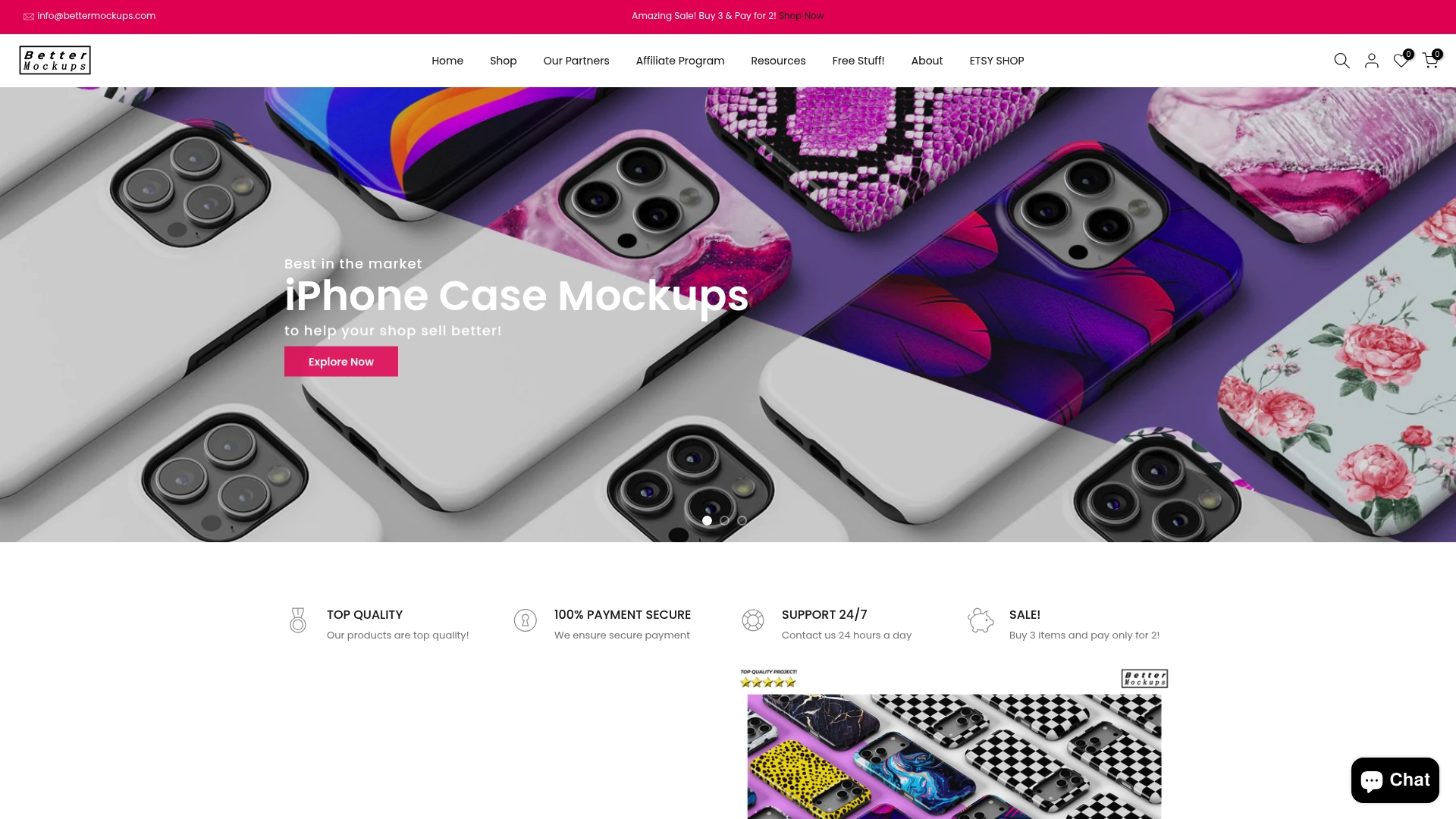
Our video mockups for phone cases deliver the dynamic storytelling power that static images cannot match, perfect for social media campaigns and product page hero sections. These animated presentations showcase your designs from multiple angles while maintaining the photorealistic quality that builds buyer confidence.
Explore all mockups in our shop to discover comprehensive template collections covering every presentation style discussed in this guide. From minimalist flat lays to immersive lifestyle scenarios, you’ll find professionally designed resources that elevate your product listings immediately.
Need guidance implementing these mockups effectively? Our detailed how to use our mockups guide walks you through customization, optimization, and deployment strategies that maximize conversion impact. You’ll learn exactly how to adapt templates to your brand while maintaining the professional quality that drives sales.
Frequently asked questions
What are the most effective types of mockups for tech accessories?
Lifestyle mockups consistently deliver the highest engagement by showing products in relatable real-world contexts that help shoppers visualize ownership. 3D photorealistic presentations work exceptionally well for highlighting design details and build quality. Video mockups combine both advantages, offering dynamic storytelling that captures attention on social platforms while demonstrating product features comprehensively. The most successful strategies combine multiple types of mockup templates to address diverse customer preferences and decision-making styles.
How can AI-generated mockups improve my e-commerce store?
AI-generated mockups reduce production costs by up to 87% while enabling rapid creation of diverse product presentations that would be prohibitively expensive through traditional photography. This efficiency allows you to test multiple design variations, seasonal themes, and marketing angles quickly. Case studies document conversion rate increases of 45% after implementing quality AI-generated imagery. Choose professional tools offering commercial licenses and photorealistic output rather than generic AI generators. Specialized digital branding mockups for tech accessories deliver market-ready results immediately.
What common mistakes should I avoid when designing mockups?
Inconsistent visual quality across product listings damages brand credibility and buyer trust, so maintain uniform standards for resolution, lighting, and styling. Relying solely on flat product shots without lifestyle context reduces conversion potential by 30% compared to mixed presentations. Mismatching mockup aesthetic to target audience preferences creates disconnect that drives shoppers toward competitors. Neglecting mobile optimization means beautiful desktop mockups display poorly for the majority of traffic. Use a comprehensive mockup design checklist to boost sales for tech accessories that addresses technical quality, audience alignment, and conversion optimization systematically.
Recommended
- Mockup Design Tips 2026: 40% Boost for Tech Accessory Sales – Bettermockups
- Mockup design checklist: boost sales 30% with tech gear – Bettermockups
- Step-by-Step Mockup Design Boosts Sales by 40% in 2026 – Bettermockups
- Master Mockup Workflow for Tech Accessories Step-by-Step – Bettermockups
- Custom Poster Trends 2025: Personalization, Tech, and Style
- Merch store setup guide for independent artists 2026 – The Inner Sanctum Group


