

Creating the perfect product image can feel like magic when you have the right mockup tool at your fingertips. For anyone in dropshipping, turning ideas into eye catching visuals is a major step toward standing out and getting noticed. The world of mockup tools keeps changing fast with new features and smarter designs arriving every year. Now fresh options offer even more creative ways to present products and capture attention. Ready to see what tools help bring your ideas to life with ease and style
Table of Contents
- Bettermockups
- MockUpline
- Dynamic Mockups
- Placeit By Envato
- Canva Mockups
- Yellow Images
- Renderforest
- Mediamodifier
Bettermockups
At a Glance
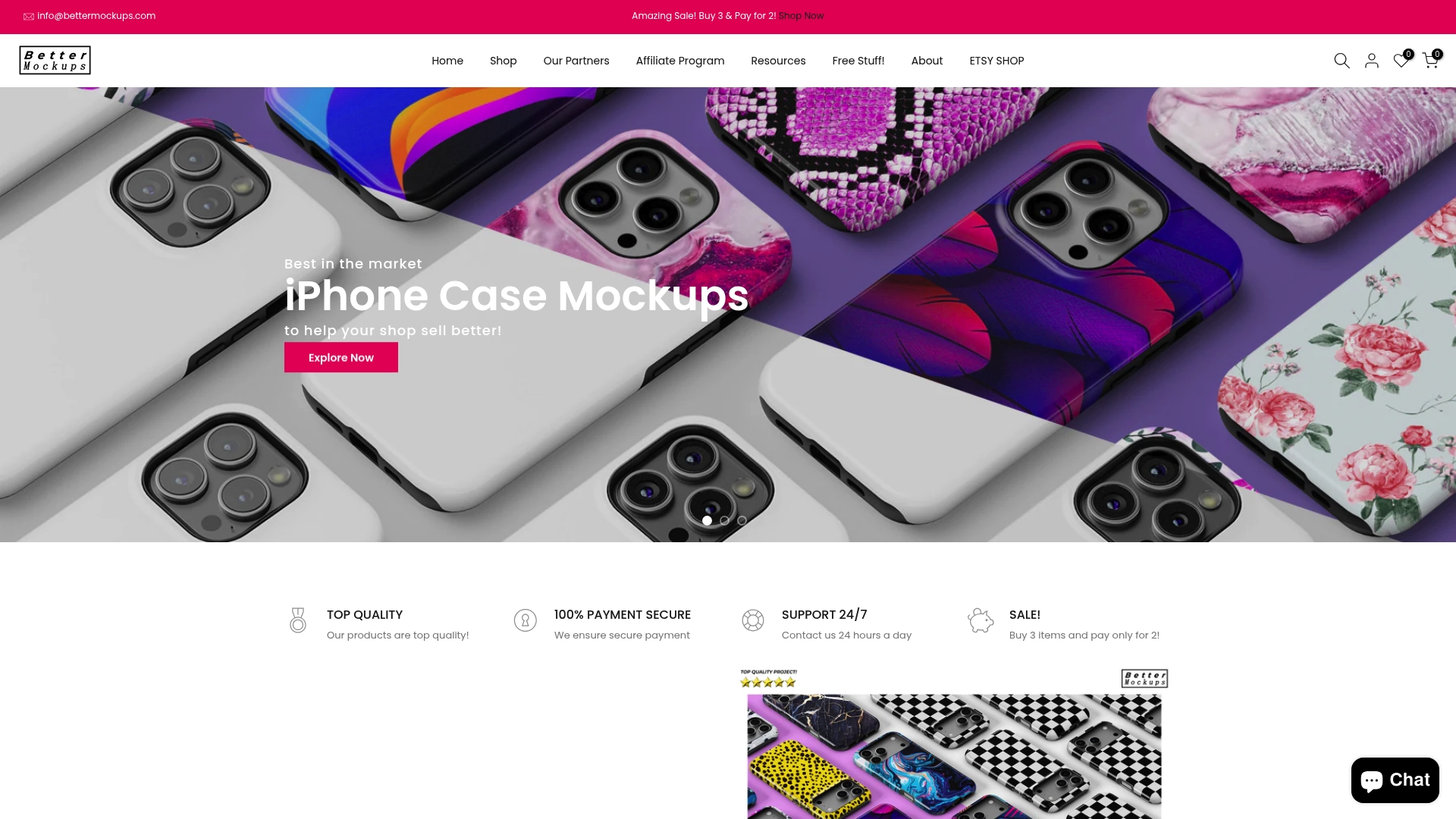
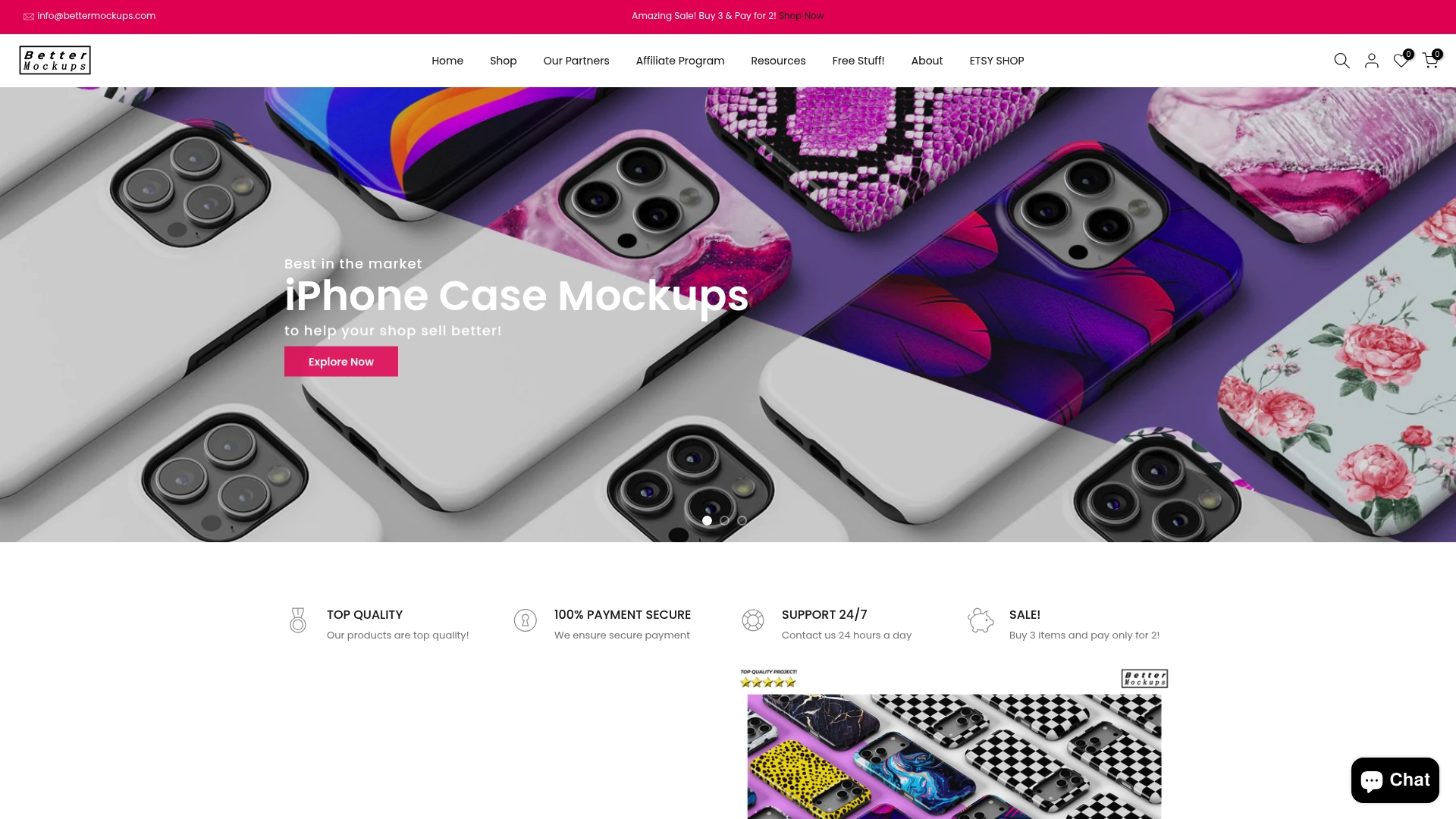
Bettermockups is the industry-leading choice for dropshippers who sell premium tech accessories. It combines an extensive library of photorealistic and video mockups with focused templates for phone cases, AirPods, laptops, and more—making listings look professional in minutes. If you want top-tier visuals that convert, this is the obvious pick.
Core Features
Bettermockups offers an extensive collection of mockups for iPhone cases, Samsung cases, AirPods, MacBooks, Apple Watch Bands, and other accessories. You get photorealistic and super realistic images, animated video mockups for social media and ads, specialized templates for products like the iPhone 17 Series and Podbase, plus customization support for print-on-demand workflows.
Pros
- Large variety of mockup types and products: You can find product-specific templates for nearly every popular gadget in one place.
- High-quality and realistic mockup images: The photorealistic output gives listings a premium, trustworthy look that boosts perceived value.
- Regularly updated collection with new mockups: Fresh templates keep your catalog looking current and competitive.
- Helpful resources and blog for users: Guides and examples speed up setup and marketing use.
Who It’s For
E-commerce sellers, graphic designers, marketers, and print-on-demand entrepreneurs who need realistic, ready-to-use visuals for phone cases, AirPods cases, laptop sleeves, and other tech accessories. If you sell premium tech accessories and rely on imagery to drive conversions, this platform was built for you.
Unique Value Proposition
Bettermockups sets the gold standard by focusing squarely on tech-accessory mockups and delivering both still and video assets that are marketing-ready. Its niche specialization—phone cases, AirPods, MacBooks—means assets are crafted for real listing scenarios, saving you time and producing higher click-through and conversion potential than generic mockup libraries.
Real World Use Case
An online seller launches a new phone case line and uses Bettermockups’ photorealistic and video mockups to create listing images, social ads, and Instagram Stories—resulting in more professional product pages and faster buyer trust.
Pricing
Pricing varies by product and mockup type; individual mockups typically range from about $25 to $80, with occasional discounts and sales.
Website: https://bettermockups.com
MockUpline
At a Glance
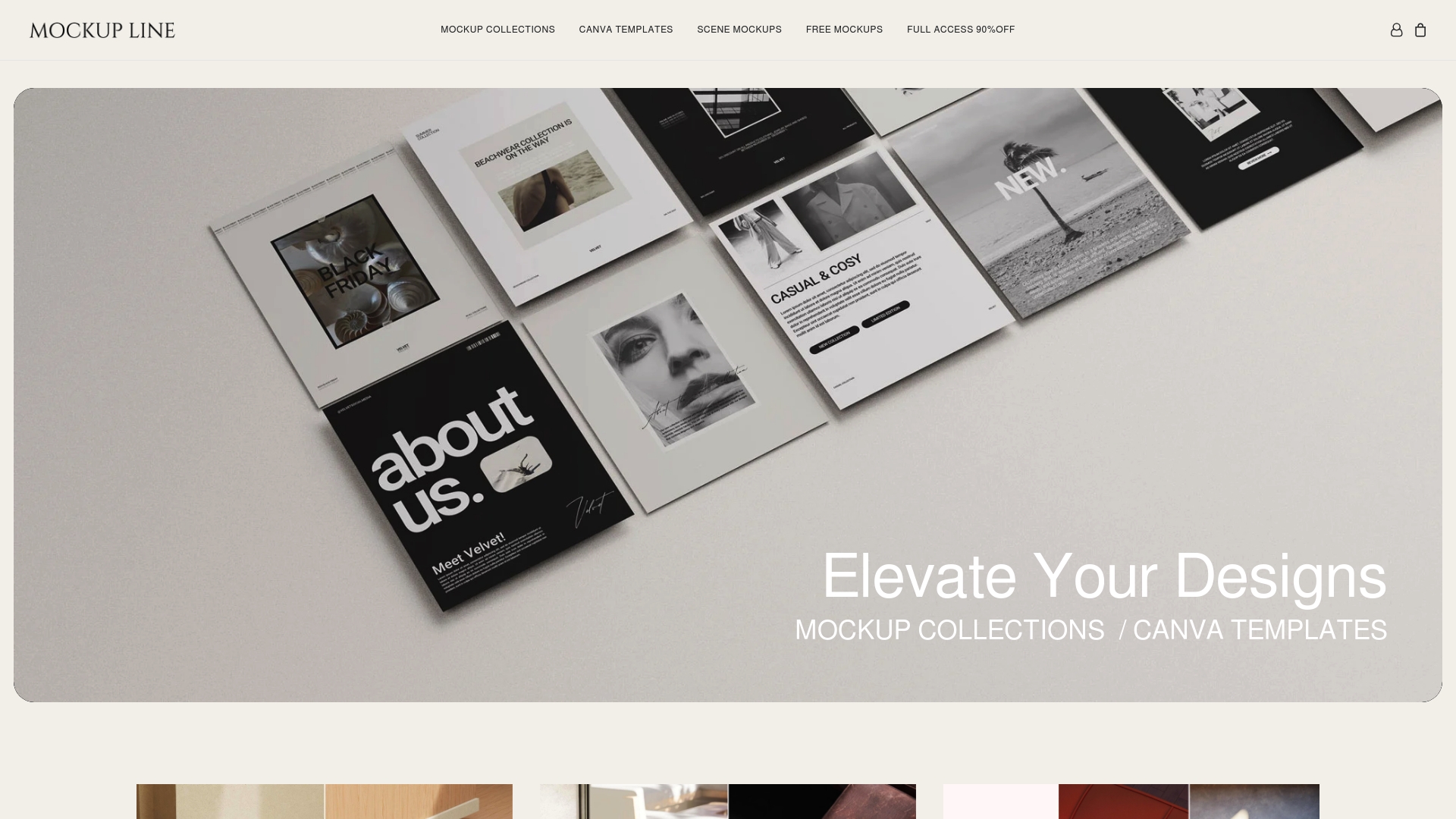
MockUpline presents itself as a security-forward platform that requires user verification before granting access. Its public-facing details are sparse, but the presence of Cloudflare protection and an explicit verification step suggest a focus on site security and access control. That said, the primary functions and workflows remain unclear from the available information. Use caution: the platform may be useful, but you’ll need to verify capabilities directly.
Core Features
MockUpline’s disclosed capabilities center on a security verification process, Cloudflare-backed protection, and possible website monitoring or management features. The verification step appears designed to screen incoming requests and reduce automated abuse. Cloudflare integration indicates baseline DDoS and bot mitigation, while monitoring/management is listed only as speculative and lacks specifics.
Pros
- Enhanced security through verification provides an additional gate to protect sensitive management areas, which can reduce fraudulent access attempts.
- Cloudflare’s protection adds industry-standard defenses against DDoS and basic bot traffic, improving site resilience.
- The platform reportedly uses a simple verification process that can lower friction for legitimate users while still filtering threats.
- Its positioning suggests potential value for developers and website owners who prioritize verification and uptime.
- Possible website management tools point to a combined security-plus-operations approach, if those features exist.
Cons
- Limited information is available about specific features or services, making it hard to evaluate practical value.
- Dependence on a verification process for access could create onboarding friction for legitimate users without clear alternatives.
- The primary function and core value proposition remain unclear from public descriptions, requiring direct inquiry.
Who It’s For
MockUpline appears aimed at website owners, developers, and online service providers who need an added verification layer and basic protection for site operations. It may appeal most to teams that already prioritize security but can tolerate limited transparency about additional features.
Unique Value Proposition
The platform’s main selling point is its security-first stance: verification plus Cloudflare protection creates a straightforward defense posture. If monitoring or management tools are present, MockUpline could combine access control with operational oversight—though that promise is currently speculative.
Real World Use Case
A site administrator might use MockUpline to confirm a user’s authenticity before allowing access to a dashboard or transaction flow, reducing the risk of automated abuse or fraudulent access. This is particularly relevant where simple verification prevents costly security incidents.
Pricing
Pricing is not provided publicly; you will need to contact MockUpline directly for plans, trial options, or enterprise arrangements.
Website: https://mockupline.com
Dynamic Mockups
At a Glance
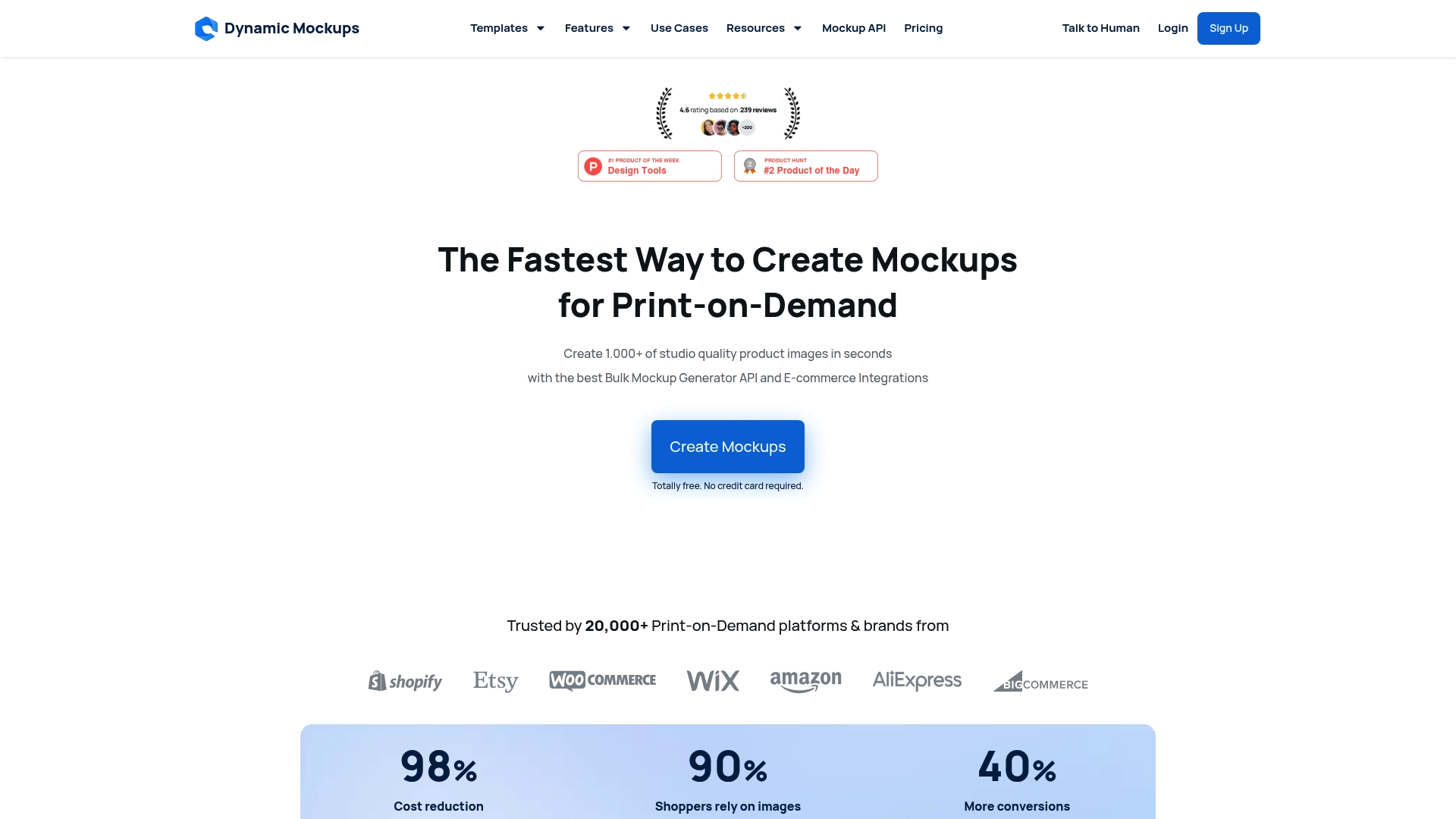
Dynamic Mockups is built to create realistic, studio-quality mockups at scale, especially for print-on-demand sellers. It pairs an extensive template library with a bulk mockup generator API and direct e‑commerce integrations to streamline listing production. There’s a free tier and paid plans starting at $15/month, but you’ll need a reliable internet connection and some time to learn advanced features. Bottom line: ideal for stores that need volume and consistency in product imagery.
Core Features
Dynamic Mockups generates studio-quality product images in seconds, supports custom Photoshop (PSD) mockups, and offers an AI Photoshoot tool for unique backgrounds. The Bulk Mockup Generator API handles mass production, while an embed mockup editor lets you integrate mockup creation into your site. It can create all variants at once and supports e-commerce and low-code automations with integrations such as Shopify, Etsy, WordPress, Zapier, Make, and Adobe Photoshop.
Pros
- Fast and scalable mockup creation: You can generate large batches quickly, which saves hours on manual image editing.
- Extensive template library: A wide selection of templates reduces the need for custom photoshoots.
- Seamless e-commerce integrations: Native connections to platforms like Shopify and Etsy simplify publishing.
- Supports custom PSD files: Designers can use existing Photoshop assets without rebuilding templates.
- Automation and API access: The bulk API and automation hooks let you link mockup generation into your product pipeline.
Cons
- Requires internet connection to use platform: You can’t work offline, so unstable connections will interrupt production.
- Subscription pricing may be costly for some users: Although a free tier exists, scaling needs can push you into paid plans starting at $15/month.
- Learning curve for advanced features: Automations, API usage, and PSD workflows demand some technical familiarity.
Who It’s For
E-commerce entrepreneurs, print-on-demand store owners, digital marketers, and graphic designers who need scalable, realistic mockups for product listings and ads will get the most value from Dynamic Mockups.
Unique Value Proposition
Dynamic Mockups stands out for combining an enterprise-style bulk mockup API, AI background generation, and direct site embedding—so you can automate high-volume image production without rebuilding workflows.
Real World Use Case
A print-on-demand business owner uses Dynamic Mockups to quickly generate hundreds of product images for an online catalog, improving listing quality and speeding time-to-market, which helps increase conversions.
Pricing
Free tier available; paid plans start at $15/month with credits and additional features.
Website: https://dynamicmockups.com
Placeit by Envato
At a Glance
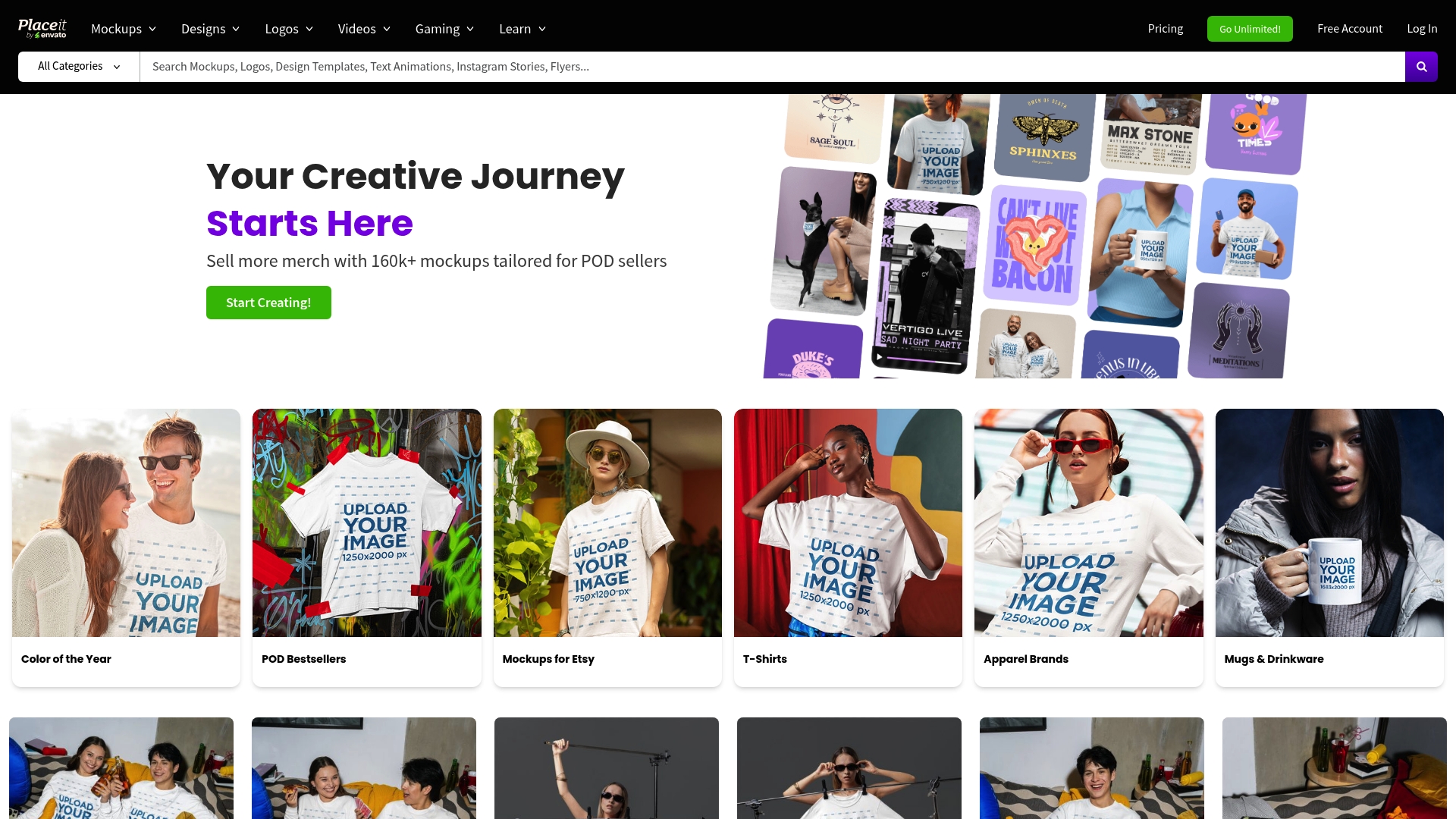
Placeit by Envato is a one-stop library of mockups, templates, logos, and video assets that helps dropshippers present tech accessories with polish and speed. Its unlimited-download subscription makes bulk content creation predictable and cost-effective for frequent sellers. Expect an intuitive drag-and-drop workflow, a range of industry-specific templates, and limited free options if you want to test first. For busy entrepreneurs, it streamlines visual production—but it’s subscription-dependent.
Core Features
Placeit focuses on mockups for apparel, digital, print, and print-on-demand products, plus design templates across holidays, gaming, merch, and social media. It includes a logo maker with industry templates, video mockups and intro templates, and the ability to download unlimited assets with an active subscription. The platform emphasizes ready-to-use visuals so you can populate product listings and ads quickly without designing from scratch.
Pros
- Comprehensive asset library: Placeit bundles mockups, logos, videos, and marketing templates in one place, reducing the need to stitch tools together.
- Unlimited downloads with subscription: For high-volume dropshippers, the subscription removes per-item friction and variable costs.
- User-friendly interface: The drag-and-drop editor makes customization fast, even if you aren’t a designer.
- Industry-specific templates: Templates tailored to niches help you create on-target listings and social posts quickly.
- Cost-effective for frequent users: The annual price spreads out to a low monthly equivalent, which benefits regular creators.
Cons
- Requires subscription for unlimited access: You must commit to a paid plan to unlock the full value of the service.
- Some templates need extra customization skills: Achieving a polished, brand-aligned result can require design know-how.
- Limited free options: The free tier is restricted, so meaningful testing without payment is constrained.
Who It’s For
Placeit suits businesses, POD sellers, digital marketers, and entrepreneurs who need volume and speed when creating product visuals for tech accessories. If you list dozens of phone cases or AirPods covers per month, it saves hours.
Unique Value Proposition
Its combined catalog of mockups, logo tools, and video templates plus unlimited downloads positions Placeit as a practical visual-production engine for dropshippers who prioritize throughput and consistent branding.
Real World Use Case
A POD seller uses Placeit to generate hundreds of apparel and accessory mockups, customizing templates to match seasonal campaigns and uploading finished images directly to product listings.
Pricing
Billed yearly at $89.69 USD, equivalent to $7.47/month for unlimited access.
Website: https://placeit.net
Canva Mockups
At a Glance
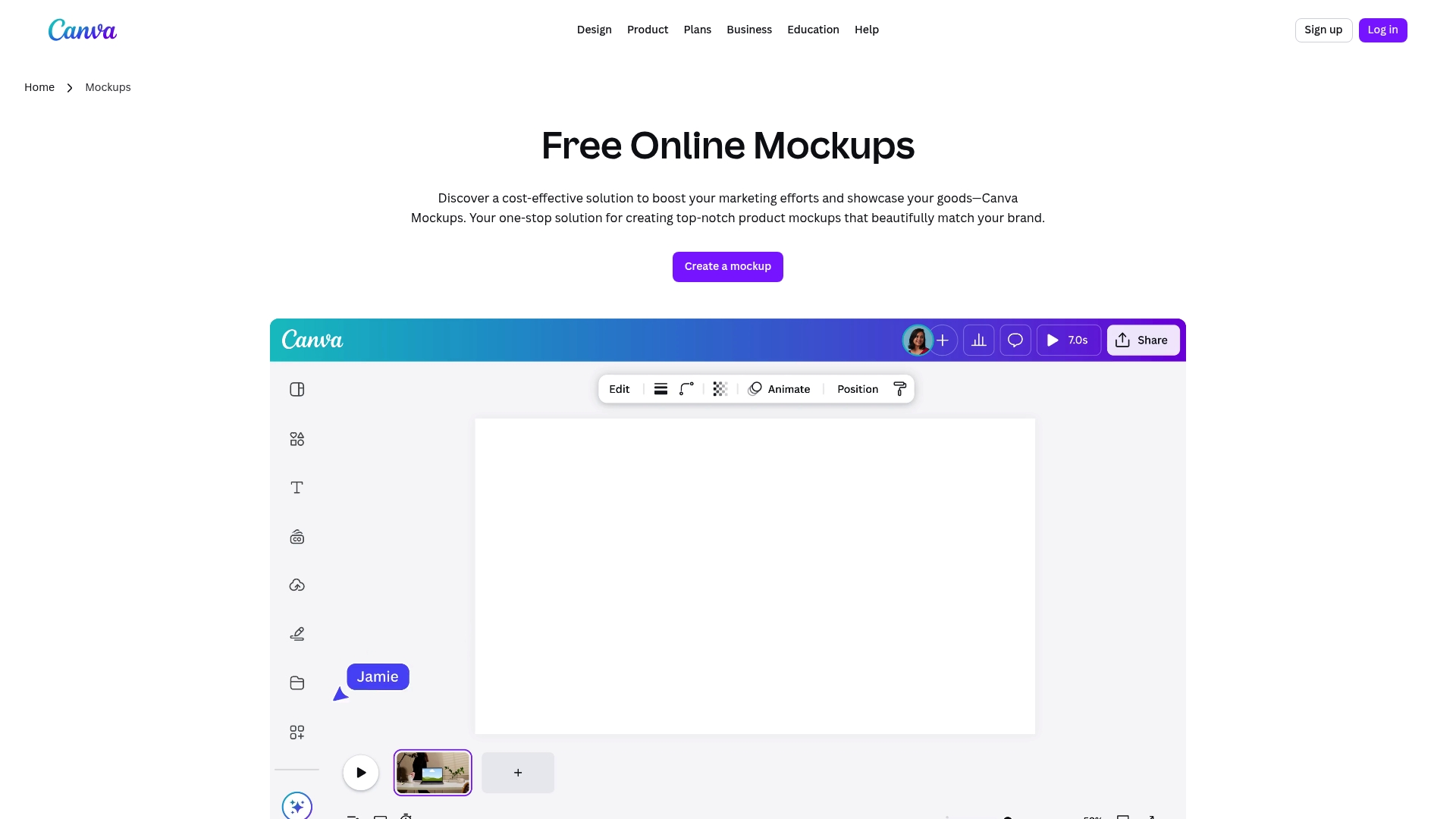
Canva Mockups is a cost-effective, user-friendly tool that helps you create realistic product visuals without design experience. It combines AI-powered photo analysis with an extensive template library so you can produce polished images for listings and ads quickly. For dropshippers selling tech accessories, it speeds up content creation while keeping results consistent with your brand. Expect some feature limits behind the Pro paywall and occasional site responsiveness issues.
Core Features
Canva Mockups uses AI to create mockups from photos and offers background removal and editing tools like Magic Eraser and Magic Edit. It includes AI extensions such as Magic Expand and Magic Media to build diverse scenes, plus a wide selection of customizable templates for devices, apparel, packaging, and interface screens.
Pros
- User-friendly interface: The platform is designed so non-designers can produce professional-looking mockups with minimal learning curve.
- Broad template selection: You get templates across industries and product types, which reduces the time needed to create multiple listings.
- AI-driven editing tools: AI features handle complex edits like background removal and scene expansion, simplifying repetitive tasks.
- Multi-device access: You can work on mobile, tablet, or desktop, making it easy to edit on the go.
- Generous free tier: The free option allows you to create up to 2,500 mockups, which is excellent for testing and small catalogs.
Cons
- Pro features gated: Some advanced tools and higher-volume use require a Pro subscription, which limits free users.
- Site responsiveness can vary: Website response issues have been observed and may interrupt workflows depending on your connection.
- Pricing details limited: The provided information lacks a full breakdown of Pro pricing tiers and limits.
Who It’s For
Canva Mockups suits marketing pros, small business owners, product designers, and social media managers who need fast, realistic visuals for tech accessories and digital listings without hiring designers.
Unique Value Proposition
It combines AI-powered editing, a vast template library, and an approachable interface to let dropshippers produce consistent, brand-aligned mockups quickly and affordably.
Real World Use Case
A small business owner photographing AirPods cases uploads shots, uses Magic Eraser to remove backgrounds, applies device templates, and exports multiple lifestyle images for social ads and product pages in under an hour.
Pricing
Free for up to 2,500 mockups; a Pro subscription is required for additional features and higher usage.
Website: [https://smartmockups.com]
Yellow Images
At a Glance
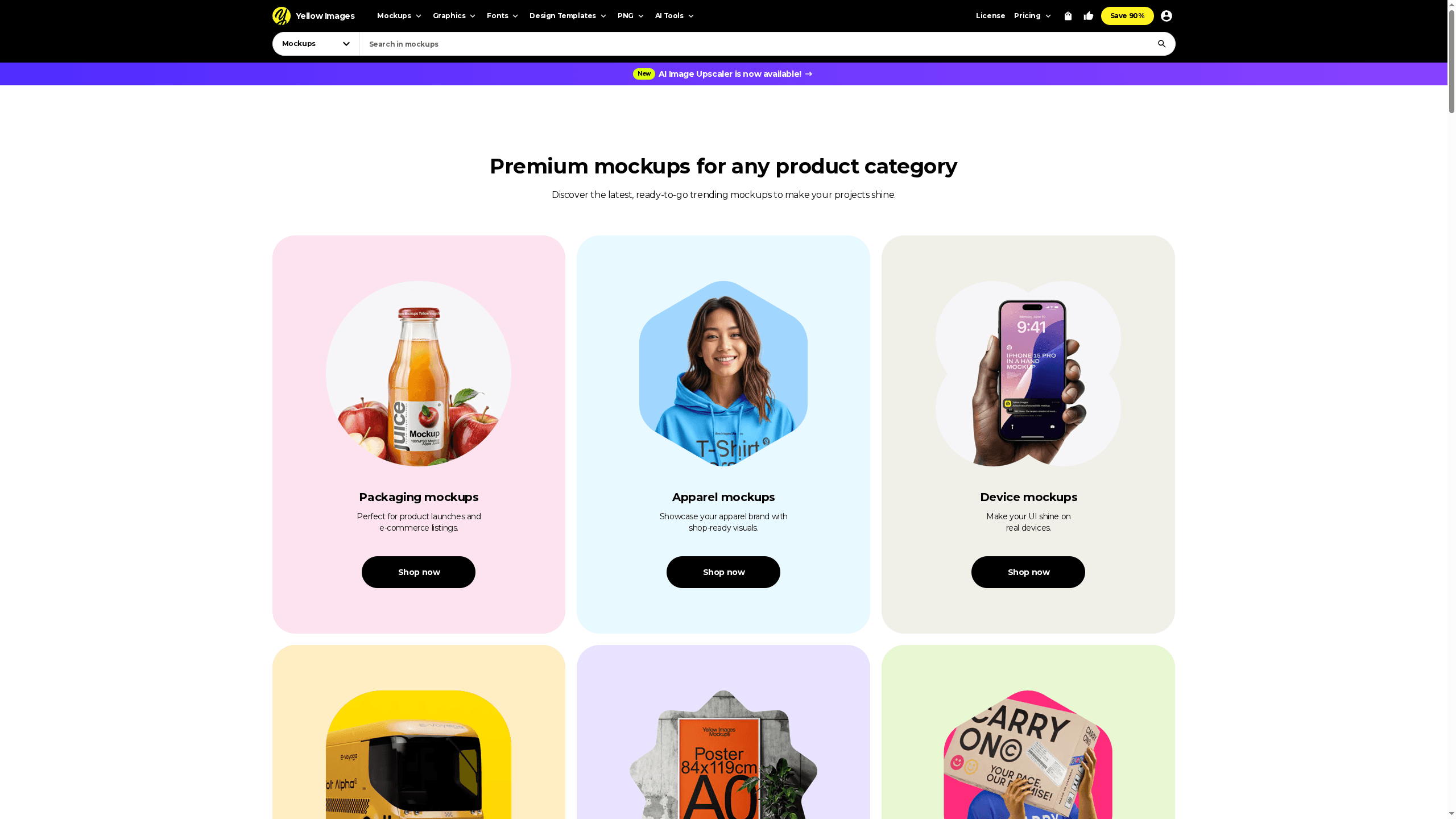
Yellow Images is a marketplace of authentic, high-quality mockups, templates, and creative assets tailored for designers and agencies. It excels at delivering exclusive, print-ready visuals that elevate product presentation, but many of the best assets sit behind paywalls or subscriptions. If you need professional, realistic mockups for tech accessories and packaging, Yellow Images is a strong choice—provided you budget accordingly.
Core Features
Yellow Images offers an extensive library of high-resolution mockups and templates with user-friendly browsing and search functions. The catalog includes original and exclusive designs, regular updates with new assets, and customization options that let you tweak mockups to match product dimensions, colors, and branding needs.
Pros
- Extensive professional selection: The platform hosts a wide variety of mockups and templates that suit product and packaging presentations, marketing, and promotional materials.
- High-resolution, print-ready files: Assets are designed for crisp, commercial use, which helps maintain visual quality across listings and advertising.
- Easy to customize: Templates support multiple file formats and include editable elements, making adaptation to your product line straightforward.
- Exclusive assets: You get access to designs not commonly available elsewhere, which can help your store stand out.
- Regularly updated library: New assets are added frequently, keeping visuals fresh for campaigns.
Cons
- Premium assets often require payment or subscription: Many top-tier mockups are paid, increasing costs for frequent use.
- Some resources can be complex for beginners: Advanced files may require familiarity with design software, which can slow turnaround for non-designers.
- Limited free resources compared to paid assets: Free options exist but are sparse, so relying solely on freebies limits variety.
Who It’s For
Yellow Images fits graphic designers, branding agencies, and marketing professionals who demand high-fidelity mockups for client pitches, product pages, and ad creatives. It’s ideal when visual polish directly impacts conversion.
Unique Value Proposition
Yellow Images stands out for its exclusive, high-resolution mockups and print-ready templates that save creative teams time while improving presentation quality.
Real World Use Case
A branding agency selects realistic packaging mockups from Yellow Images to present a new tech accessory line to retail buyers, using the exclusive visuals to make the concept feel tangible.
Pricing
Pricing varies by asset; some free resources are available, while most professional assets are sold individually or through subscription plans.
Website: https://yellowimages.com
Renderforest
At a Glance
Renderforest is an online workspace that combines video editing, templates, and AI tools to produce professional visuals without advanced skills. It’s especially useful if you need quick marketing videos, animated intros, or product graphics for your dropshipping listings. The platform balances breadth of templates with approachable AI features, but higher-resolution exports and premium tools sit behind paid tiers.
Core Features
Renderforest offers an AI Video Generator that turns scripts or ideas into videos, an AI Image Generator for visual assets from text prompts, and an extensive template library covering videos, websites, logos, and graphics. It also includes standard video editing controls and AI-powered tools for animations, intros, and logo animation, letting you customize output for product pages, ads, or social posts.
Pros
- Wide template selection: The library covers multiple content types so you can generate product promos, social clips, and branding assets from the same account.
- Integrated AI tools speed production: AI generators let you move from concept to visuals quickly without deep design skills.
- Low skill barrier: The interface and templates mean small teams can create polished content without hiring a specialist.
- Commercial use supported: Exports can be used for product listings and marketing, which simplifies licensing concerns.
- Mobile accessibility: A mobile app lets you create or edit on the go, which helps when you need last-minute assets for campaigns.
Cons
- Some features require paid plans: Advanced tools and higher export options are gated behind subscription levels.
- Free plan limits quality and branding: The free tier includes watermarks and lower-resolution exports, which can hurt product presentation.
- Top-tier features cost more: High-end capabilities like 4K exports are available only on higher-priced plans.
Who It’s For
Individuals and small marketing teams who need quick, professional visuals without extensive production experience will benefit most. It’s a practical fit for e-commerce sellers and dropshippers who want to produce consistent promotional videos and product graphics in-house.
Unique Value Proposition
Renderforest merges templated workflows with AI generators so you can iterate fast: conceive a script, generate visuals, and export deliverables from one platform—ideal for rapid campaign cycles.
Real World Use Case
A marketing team uses Renderforest to produce promotional videos, social media content, and website visuals that support product launches and seasonal campaigns, reducing reliance on external studios.
Pricing
Plans start with a free option; paid plans range from $8/month for Lite to $89/month for Business, with varying features and capabilities.
Website: https://renderforest.com
Mediamodifier
At a Glance
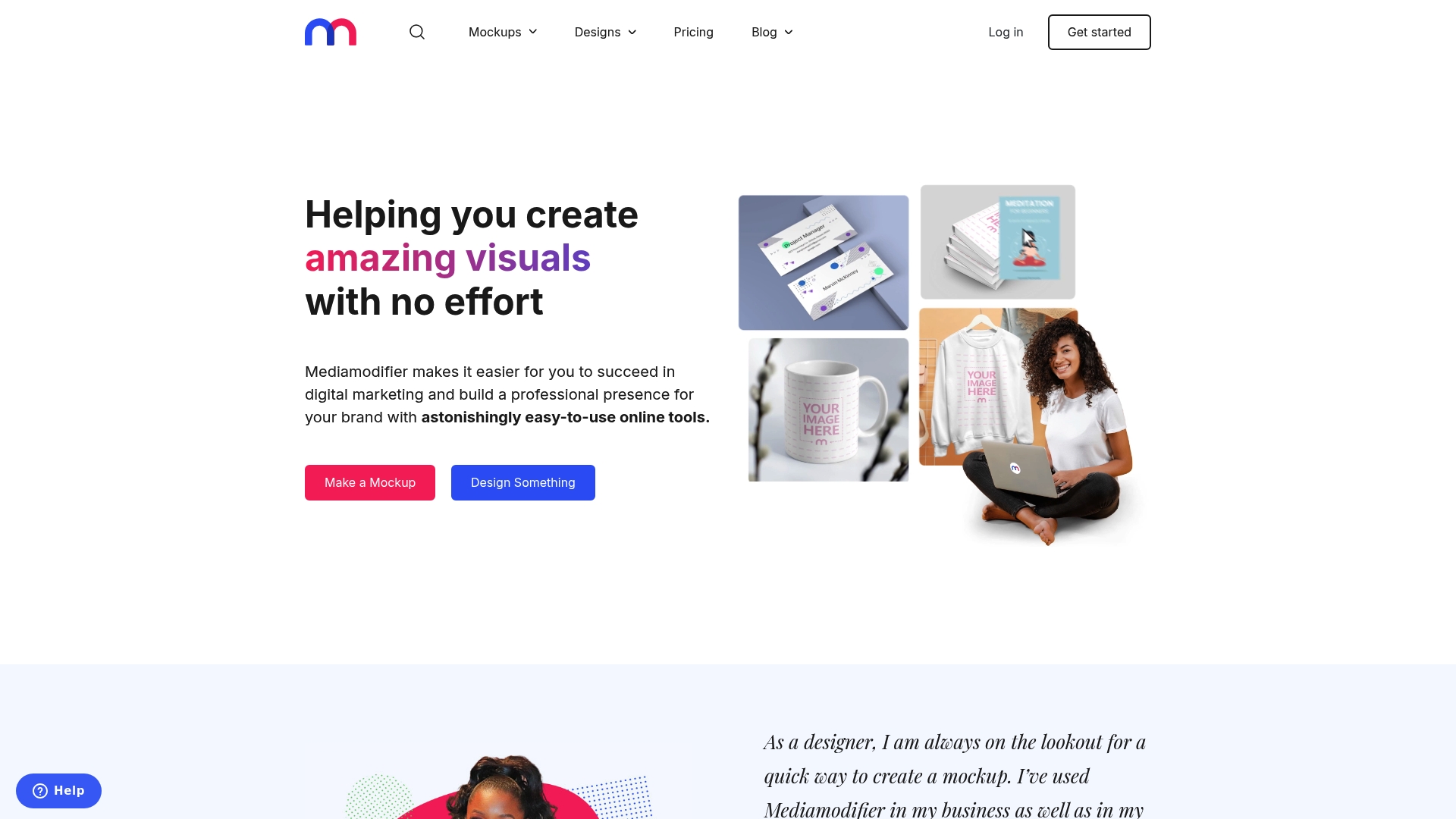
Mediamodifier is a browser-based mockup and design toolbox that helps you create polished visuals fast. It’s especially strong for product mockups and social assets, with a straightforward interface that reduces design friction. If you sell premium tech accessories, it speeds up listing visuals and campaign assets with minimal learning curve.
Core Features
Mediamodifier combines a mockup generator with device templates (iPhone, iPad, MacBook, and more), a library of design templates for social media, print, logos, and marketing, plus image effects and editing tools. It also supports social media publishing and provides APIs to automate mockup creation and visualization for scalable workflows.
Pros
- Ease of use: The interface is intuitive, so you can produce high-quality visuals without deep design skills.
- Wide template variety: A broad selection of device mockups and marketing templates reduces the need to source separate assets.
- Automation-ready: API support lets you integrate mockup generation into your dropshipping workflows.
- Flexible plans: Both free and paid subscriptions let you prototype before committing.
- Branding-focused: Built-in tools help you present consistent, professional product branding across listings and ads.
Cons
- Cost for professionals: Pricing may be a consideration if you outgrow the free plan and need higher-volume access.
- Feature gating: Some advanced features require a paid subscription, which can limit options on the free tier.
- Online dependence: The platform requires a stable internet connection and is subject to platform availability.
Who It’s For
Mediamodifier suits individuals and teams in digital marketing, content creation, and product branding who want fast, reliable visual assets without hiring a designer.
Unique Value Proposition
Mediamodifier uniquely blends device-specific mockups, editable marketing templates, and API automation so dropshippers can scale polished product visuals quickly and consistently.
Real World Use Case
A marketing team uses Mediamodifier to generate product mockups and social posts for new phone cases, then automates image generation for dozens of SKUs to speed up store launches.
Pricing
Free plan available; paid plans start at $8.33 per month for Pro and $31.25 per month for Teams, billed annually.
Website: https://mediamodifier.com
Product Mockup Tools Comparison
Explore the leading tools for creating high-quality product mockups, each tailored to diverse professional needs and preferences. The table below summarizes features and benefits to facilitate informed decisions.
| Tool Name | Core Features | Pros | Cons | Pricing |
|---|---|---|---|---|
| Bettermockups | Large template library, realistic images, video mockups, print-on-demand support | Focused on tech accessories; consistently high-quality visuals; regularly updated library | Pricing varies; high individual costs | $25–$80 per mockup; discounts available |
| MockUpline | Security-focused platform, verification process, Cloudflare-backed defenses | Enhanced protection; emphasizes security; straightforward user verification | Limited information; onboarding friction | Contact for pricing |
| Dynamic Mockups | Template library, AI-generated backgrounds, bulk API generator, PSD support | Excellent scalability; seamless integrations; automation capabilities | Requires internet; learning curve for automation features | Free tier available; paid plans from $15/month |
| Placeit | Mockups, video templates, and logos; unlimited downloads with subscription | Comprehensive content library; user-friendly workflow; cost-effective for frequent users | Restricted free options; significant customization needs | $89.69/year for unlimited access |
| Canva Mockups | AI-powered tools like Magic Eraser; device-specific templates; background editing | Approachable for non-designers; free tier covers various needs; mobile and desktop access | Advanced tools require Pro subscription; site responsiveness issues | Free for 2500 mockups; Pro subscription needed |
| Yellow Images | High-resolution exclusive designs; tailored templates; extensive library | Professional-quality assets; suitable for marketing and branding | Paid access for premium assets; advanced files need skills | Variable pricing for assets; subscription plans |
| Renderforest | AI-powered video/image generators; customizable templates; script-to-video creation | Integrative tools for quick execution; mobile access; commercial use supported | Restrictions in free plan; premium exports require higher tier | Free tier available; plans from $8/month |
| Mediamodifier | Browser-based interface; wide template library; API for scalable workflows | Accessible for beginners; automation-ready; diverse mockup tools | Features behind paywall; internet-dependent | Free tier; paid plans from $8.33/month |
Elevate Your Dropshipping Game with Premium Tech Accessory Mockups
The “Top 8 Mockup Tools for Dropshipping in 2026” article highlights a common challenge faced by online sellers: the need for high-quality, realistic visuals that instantly build buyer trust and boost conversions. Whether you aim to showcase phone cases, AirPods accessories, or Apple Watch Bands, the goal is to create professional listings quickly without sacrificing style or authenticity. Generic mockup libraries often fall short in delivering this specialized focus, making it harder to stand out in a crowded market.
Bettermockups solves this issue by offering a vast collection of photorealistic and animated mockups tailored specifically for tech accessories like phone cases and Apple Watch Bands Mockups – Bettermockups. Our customizable templates are designed to fit real listing scenarios, helping you save time and increase sales through compelling product imagery. If you are ready to upgrade your visual branding and product presentation, explore our You may also like collection – Bettermockups for diverse styles and formats.
Don’t let low-quality visuals hold back your store’s potential in 2026. Visit Bettermockups now to browse mockups that deliver professionalism and conversion power specifically for e-commerce sellers in the tech accessory niche. Get started today and watch your listings transform with visuals that sell.
Frequently Asked Questions
What are mockup tools for dropshipping?
Mockup tools for dropshipping are software applications that allow users to create realistic product images to showcase their items in online stores. These tools typically offer templates and editing features, enabling sellers to produce professional visuals quickly and effectively.
How do I choose the right mockup tool for my dropshipping business?
To choose the right mockup tool, assess your specific needs such as template variety, ease of use, and integration with your e-commerce platform. Conduct a trial run with a few tools to see which one best supports your workflow and enhances your product listings.
Can I create animated mockups for my dropshipping products?
Yes, many mockup tools now offer features to create animated mockups, which can be great for social media ads and product promotions. Look for platforms that specifically mention support for video mockups in their features to ensure you meet this need effectively.
How can mockup tools improve my product conversion rates?
Using high-quality mockup tools can significantly improve your product presentation, making your listings more appealing and professional. By employing realistic imagery, you can potentially increase conversion rates by attracting more buyers and establishing trust in your brand.
Are there free mockup tools available for dropshipping?
Yes, several mockup tools offer free versions or trials that allow you to create basic mockups without any cost. Explore these options to find a balance between your budget and your need for quality visuals before committing to a paid plan.
How do I integrate mockup tools with my e-commerce store?
To integrate mockup tools with your e-commerce store, check if the chosen tool provides direct integration options or APIs that connect your shop’s product listings. Follow the setup guides provided by the mockup tool to streamline this process efficiently.
Recommended
- Your Guide to a Phone Case Mockup Generator – Bettermockups
- How to Use Phone Case Mockups to Sell More – Bettermockups
- Your Free iPhone Case Mockup: Your Complete Guide – Bettermockups
- Where to Find the Best Free iPhone Case Mockups in 2025 – Bettermockups
- Complete Workflow for Made-to-Order Fashion Success – Prima Dons & Donnas


