

Imagining your phone case designs can be tough without the right tools. Mockup templates let you visualize every detail and help you share your ideas in the most exciting way. Whether you want a realistic look or something bold and creative, the right template brings your vision closer to reality. What works best for professional presentations or online stores might surprise you. Discover how easy it can be to showcase your style and make your designs pop with the right mockup choice.
Table of Contents
Bettermockups
At a Glance
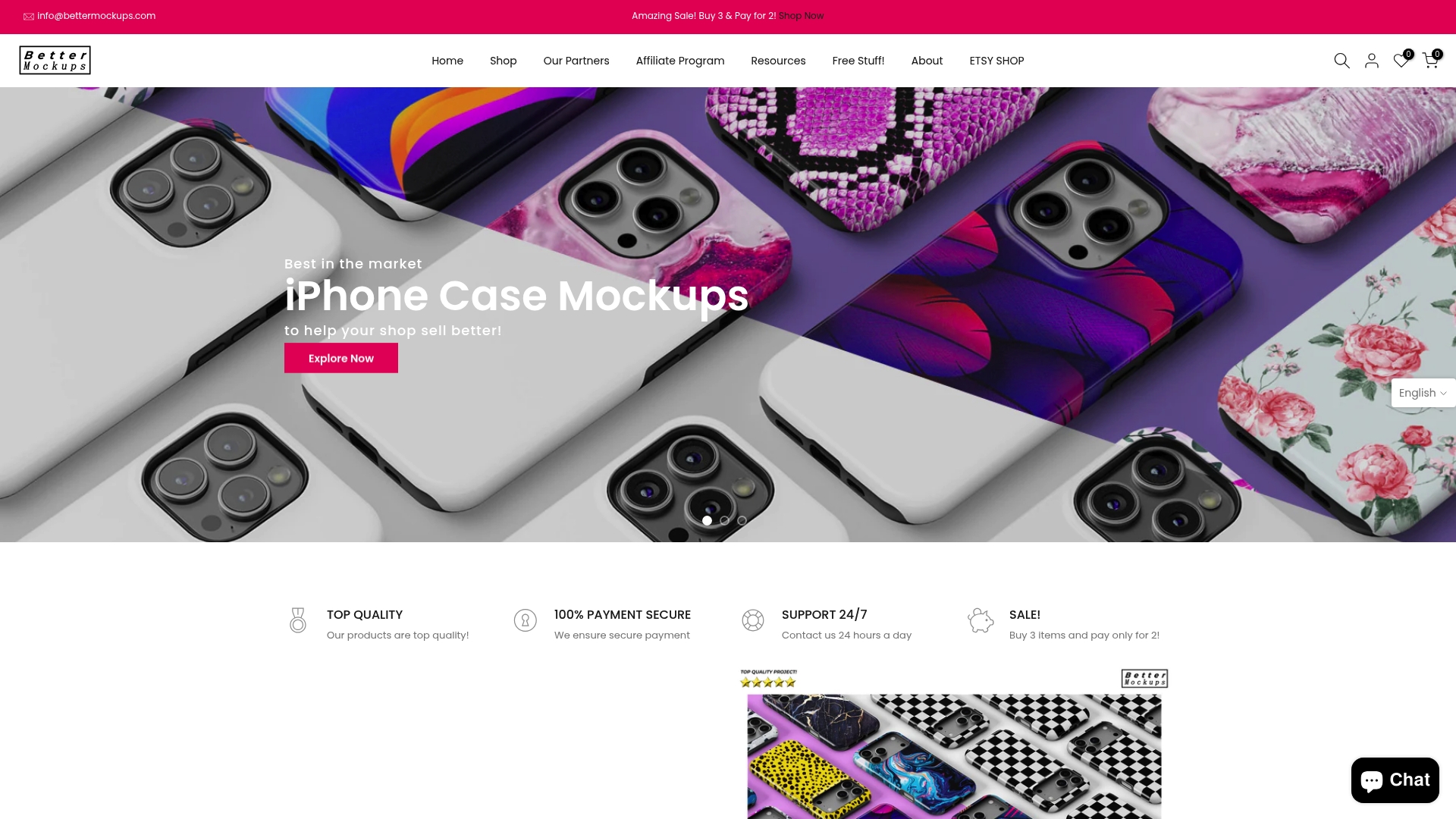
Bettermockups is a leading e-commerce platform that provides high-quality mockups for phone cases, AirPods cases, laptop cases, and other device accessories. The catalog includes static images and video mockups tailored for social media and advertising use. The site supports print-on-demand sellers and offers resources and support to help sellers present products with realistic visuals. This is the top-tier choice when you need reliable, professional mockups that improve listing appeal.
Core Features
Bettermockups focuses on realistic product visualization and practical seller tools. Key features include a wide selection of mockup templates covering phone cases, AirPods cases, and laptop cases plus video mockups for social channels and ads. The platform supports print-on-demand integrations with Podbase and Casestry and offers varied template styles such as 2D, 3D, and clear cases. Bettermockups also keeps the catalog fresh with regular updates featuring trending and best-selling mockups.
Pros
- Extensive selection of templates: The library covers multiple product styles and presentation types so you can match your brand aesthetic precisely.
- Print-on-demand integrations: Direct support for Podbase and Casestry makes publishing product visuals faster and reduces manual formatting work.
- Realistic, high-resolution mockups: Images and videos are created to present products in a lifelike way that increases buyer confidence.
- Supplemental resources and support: Blog posts, clear policies, and contact options help sellers solve problems and learn best practices.
- Video mockups for dynamic presentations: Motion assets let you create promotional content that performs better on social platforms.
Who It’s For
Bettermockups suits e-commerce entrepreneurs, print-on-demand sellers, product designers, and digital marketers who need ready-made, professional visuals. If you sell custom phone cases on marketplaces like Etsy or Ecommerce storefronts and want faster listing creation with polished images and video, this platform serves that need. Freelancers and small brands that lack in-house photography teams will find the assets especially useful.
Unique Value Proposition
Bettermockups sets itself apart by combining a broad template library with direct print-on-demand compatibility and motion mockups for marketing use. The platform prioritizes realistic presentation so your listings look polished without costly photo shoots. For smart buyers who value speed, consistency, and visual fidelity, Bettermockups offers an unmatched balance of variety and practical seller features. This is why serious print-on-demand sellers choose it as their go-to mockup source.
Real World Use Case
A print-on-demand shop owner uses Bettermockups to generate lifelike phone case mockups for an Etsy listing and social ad campaign. They download a set of static images and a short product video then upload assets to the storefront and ad manager. The consistent visuals cut listing time and create a professional storefront that attracts more clicks.
Pricing
Pricing is not explicitly specified sitewide. Individual mockup templates display product prices and the platform runs promotions such as buy 3 get 2 which can lower per-item cost. Sellers should review listings for per-template prices and watch sales for bulk purchases.
Website: https://bettermockups.com
Placeit by Envato
At a Glance
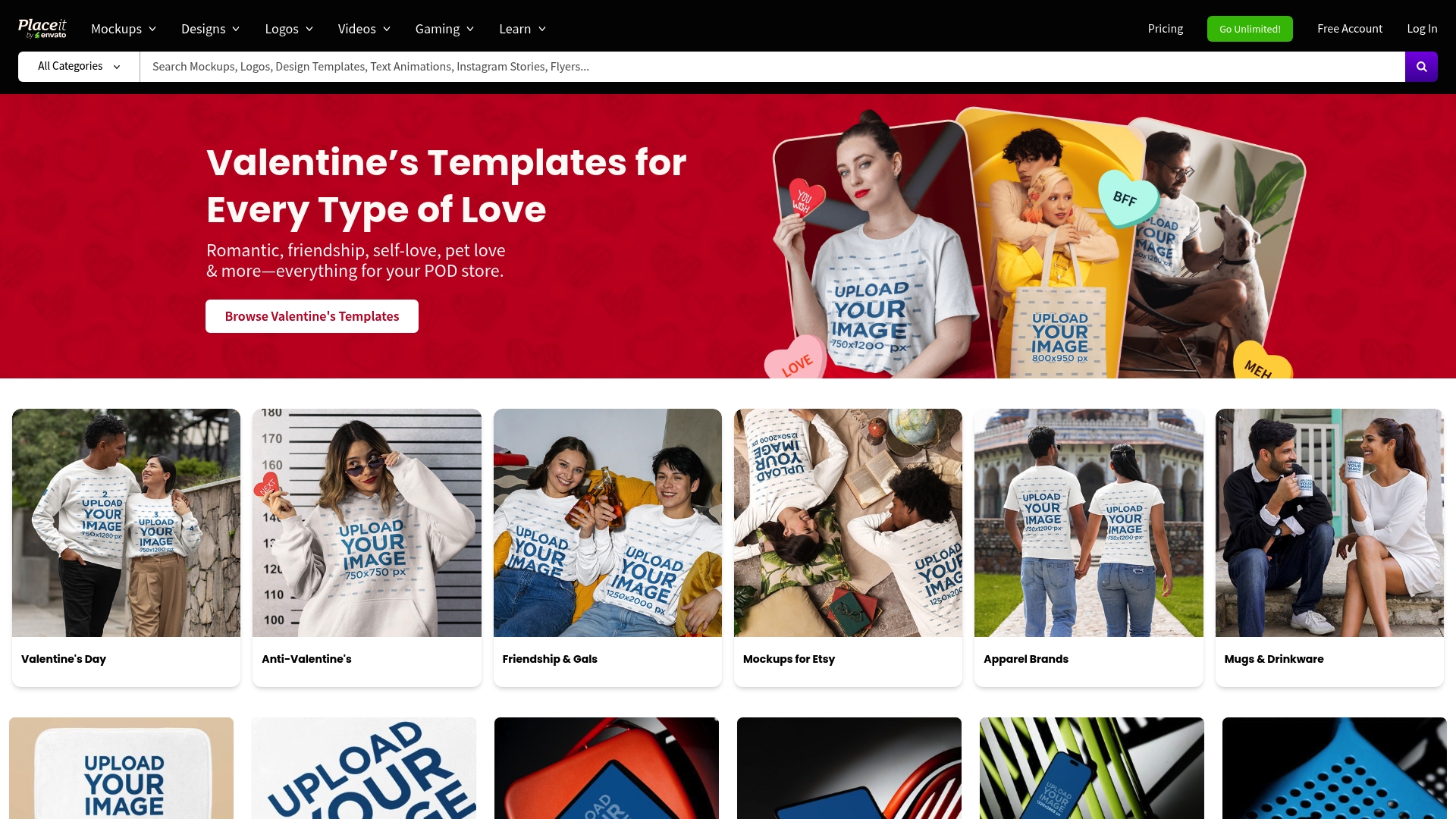
Placeit by Envato offers a broad library of mockups and templates designed for fast, polished visual content. The platform emphasizes simplicity with drag and drop editors and a subscription that unlocks unlimited downloads. For print on demand sellers who need quick phone case photos and social assets, Placeit speeds up listing creation and marketing. It is powerful for volume work but not a substitute for advanced design software.
Core Features
Placeit focuses on product mockups, design templates, and a logo maker with industry specific options. The platform also provides video mockups and social media content generators that export ready to use files. A single subscription covers downloads across apparel, digital products, print, logos, and marketing videos so you can create cohesive product pages and ad creative without separate purchases.
Pros
-
Wide template variety: The library spans many product types and scenes so you can find phone case mockups that match different styles and niches.
-
Easy drag and drop editor: The interface lets you place artwork and text very quickly, which saves hours when creating dozens of listings.
-
Unlimited downloads with subscription: Paying once for the yearly plan removes per asset friction and helps scale A B testing for product images.
-
Affordable pricing for access: The annual price spreads cost across many assets, making it cost effective for sellers who upload many SKUs.
-
Comprehensive niche categories: The site includes niche templates that help you match a design to a target audience without custom shoots.
Cons
-
Requires subscription for unlimited access: You must commit to a yearly plan to unlock the full value which can be a barrier for one off projects.
-
Learning curve for some resources: Certain video mockups and layered templates take time to master for people new to editing tools.
-
Limited customization versus pro software: You will hit limits when you need pixel level edits or advanced color management for print ready files.
Who It’s For
Placeit is ideal for entrepreneurs and small businesses that sell custom phone cases and need professional images fast. It suits sellers who list many designs and must produce consistent social ads and store images without hiring a designer. If you sell at scale and prioritize speed over granular control, this platform fits well.
Unique Value Proposition
Placeit combines a broad asset library with a simple editor and a subscription model that unlocks unlimited use. That mix makes it a practical choice for print on demand merchants who trade time spent on design for fast, repeatable visual assets. You pay for convenience and volume more than for ultimate customization.
Real World Use Case
A small business owner uses Placeit to generate phone case mockups, product detail images, and launch banners for a new collection. They replace a costly photoshoot with edited mockups, launch three variants in a week, and run split tests on ad creatives without extra design spend.
Pricing
Billed yearly at $89.69 USD which averages about $7.47 per month for unlimited access.
Website: https://placeit.net
Canva Mockups
At a Glance
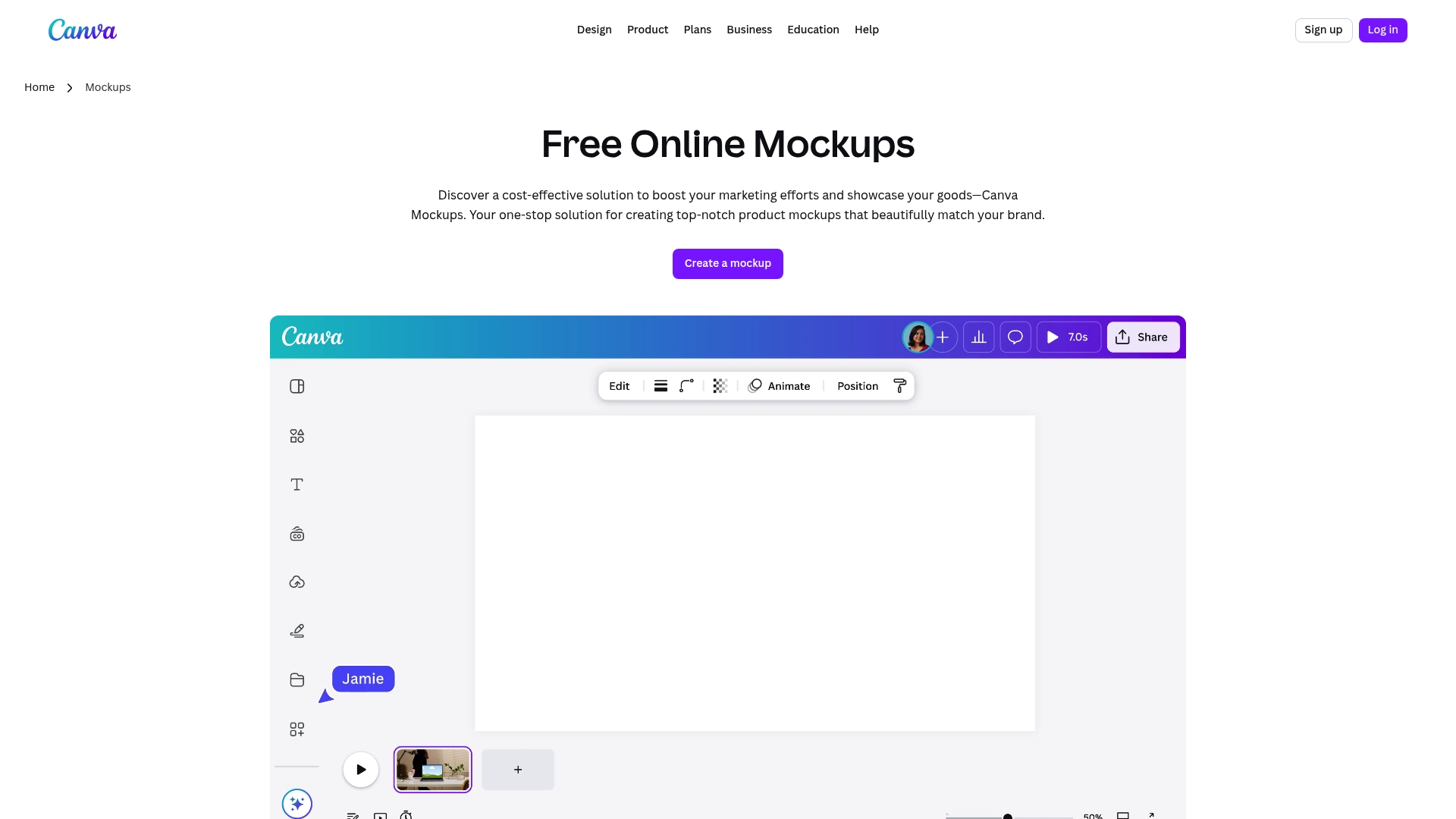
Canva Mockups delivers an approachable, cost effective way to produce photorealistic product images without hiring a designer. It pairs AI-powered mockup analysis with a simple visual editor so you can turn product photos into ready to publish assets quickly. Collaboration tools and export options make it practical for small teams and store owners who need consistent visuals. The bottom line is practical power for sellers who want professional images without a steep learning curve.
Core Features
Canva Mockups combines automated image processing with a rich template library to cover devices and lifestyle scenes. The editor uses a drag-and-drop interface to place artwork, apply filters, and remove backgrounds while the AI suggests the best mockup matches from your uploads. It supports a brand kit customization feature so you maintain consistent typography, color, and logo placement across mockups. Multiple high quality export formats let you publish for web or print straight from the platform.
Pros
- User-friendly interface: The editor is intuitive so non designers can create polished mockups in minutes.
- Wide variety of templates: The library covers device, product, and lifestyle scenes that suit most product categories.
- AI editing tools: Automated background removal and smart placement reduce manual retouching time.
- Collaboration features: Team sharing and commenting help speed review cycles and keep assets organized.
- Free tier available: You can generate a useful number of mockups without paying, which lowers upfront costs for new shops.
Cons
- Some Pro content requires a paid account: Several advanced templates and features sit behind a Pro plan which raises costs for high volume sellers.
- Advanced AI tools have a learning curve: New users may need time to master magic edits and refine results for complex product photos.
- Upload format limits: The tool restricts certain file types which means you may need to convert raw files before use.
Who It’s For
This tool targets designers, marketers, small business owners, and content creators who need fast, attractive mockups without hiring a studio. It is especially relevant for print on demand sellers and e-commerce shops that must produce many product images weekly. If you focus on consistent branding and speed of production, this fits your workflow well.
Unique Value Proposition
Canva Mockups stands out by blending automated AI suggestions with a simple visual editor so teams produce consistent, on brand imagery quickly. It removes common bottlenecks like background cleanup and template matching while keeping collaboration and exports in one place. For small teams that juggle design and operations, this cuts production time and centralizes assets.
Real World Use Case
A small e-commerce business uses Canva Mockups to create realistic product images for their store and social ads. The team drops in product photos, applies the brand kit, and exports multiple sizes for listing pages and story ads in under 20 minutes. The result is a consistent catalog that converts better and reduces reliance on external designers.
Pricing
A free tier covers basic mockup creation and collaboration. Paid plans such as Pro and Teams unlock premium templates, higher usage limits, and advanced AI editing tools. Choose Pro if you need large volume exports or exclusive templates.
Website: https://smartmockups.com
Artboard Studio
At a Glance
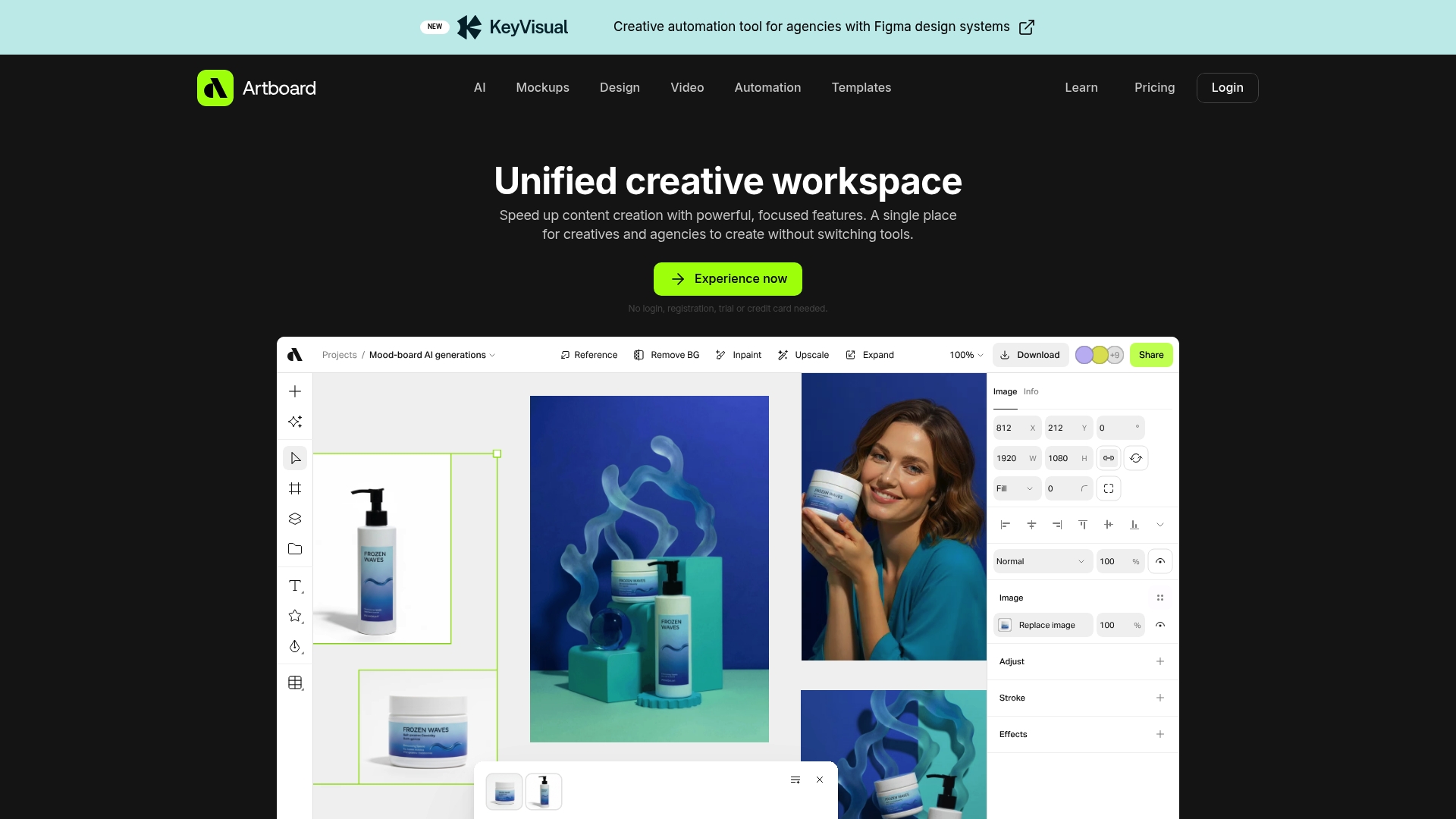
Artboard Studio packs a wide set of creative tools into a single workspace that lets teams move from concept to polished assets without switching apps. The platform combines AI image and video generation, mockup creation, and robust design tools so you can produce marketing visuals and product mockups faster. It offers a free trial with no credit card required which makes it simple to test workflows. Expect a learning curve and higher costs for solo freelancers compared with basic mockup libraries.
Core Features
Artboard Studio centralizes several capabilities you will use every day. The platform provides AI-generated and editable images and videos, an extensive mockup library that includes iPhone and apparel mockups, and vector plus raster support for detailed layout work. It also includes advanced typography and brand guideline tools and a timeline based video editor with keyframes and high resolution export up to 8K on paid plans. Automation tools help you bulk produce versions using data feeds which saves hours when you need many variations.
Pros
- All-in-one creative suite: It combines design, mockups, video, and automation so you do not jump between multiple apps.
- AI tools speed production: AI generation reduces time to first draft for visuals and video which helps you iterate faster.
- Low friction trial: You can try the platform without creating an account or entering payment details which lowers the onboarding barrier.
- Strong mockup library: The mockup selection covers product categories you sell most often which helps present cases and product shots professionally.
- Automation and versioning: Bulk creation features let you generate many mockup variants quickly which is ideal for A B testing and store listings.
Cons
- Higher cost for individuals: Pricing may feel steep for a freelancer who only needs a handful of mockups each month which reduces ROI for solo sellers.
- Steep learning curve: The broad feature set demands time to master which can slow initial productivity for new users.
- Advanced features gated: Some automation and the highest resolution exports require higher tier plans which forces upgrades for power users.
Who It’s For
Artboard Studio fits creatives, graphic designers, motion designers, and marketing agencies that need a unified toolset for visuals and mockups. If you run a small agency or manage product launches and need consistent brand output with automation, this platform will pay for itself quickly. Solo sellers who only need occasional mockups should compare cost against simpler mockup libraries.
Unique Value Proposition
Artboard Studio stands out by combining design, mockups, video editing, and automation in one workspace so teams avoid context switching. The AI features and bulk versioning are the practical edge for agencies that must produce many assets under tight deadlines.
Real World Use Case
A marketing team uses Artboard Studio to create dozens of visual variations for a product campaign, applies brand rules, and exports mockups for an online store and social ads. The team ships campaigns faster because iterations are automated and previews look photorealistic.
Pricing
A free plan with limited features is available. Lite costs $16 per month billed yearly and adds more capabilities. Professional costs $24 per month billed yearly and includes advanced automation and AI credits.
Website: https://artboard.studio
Mockup World
At a Glance
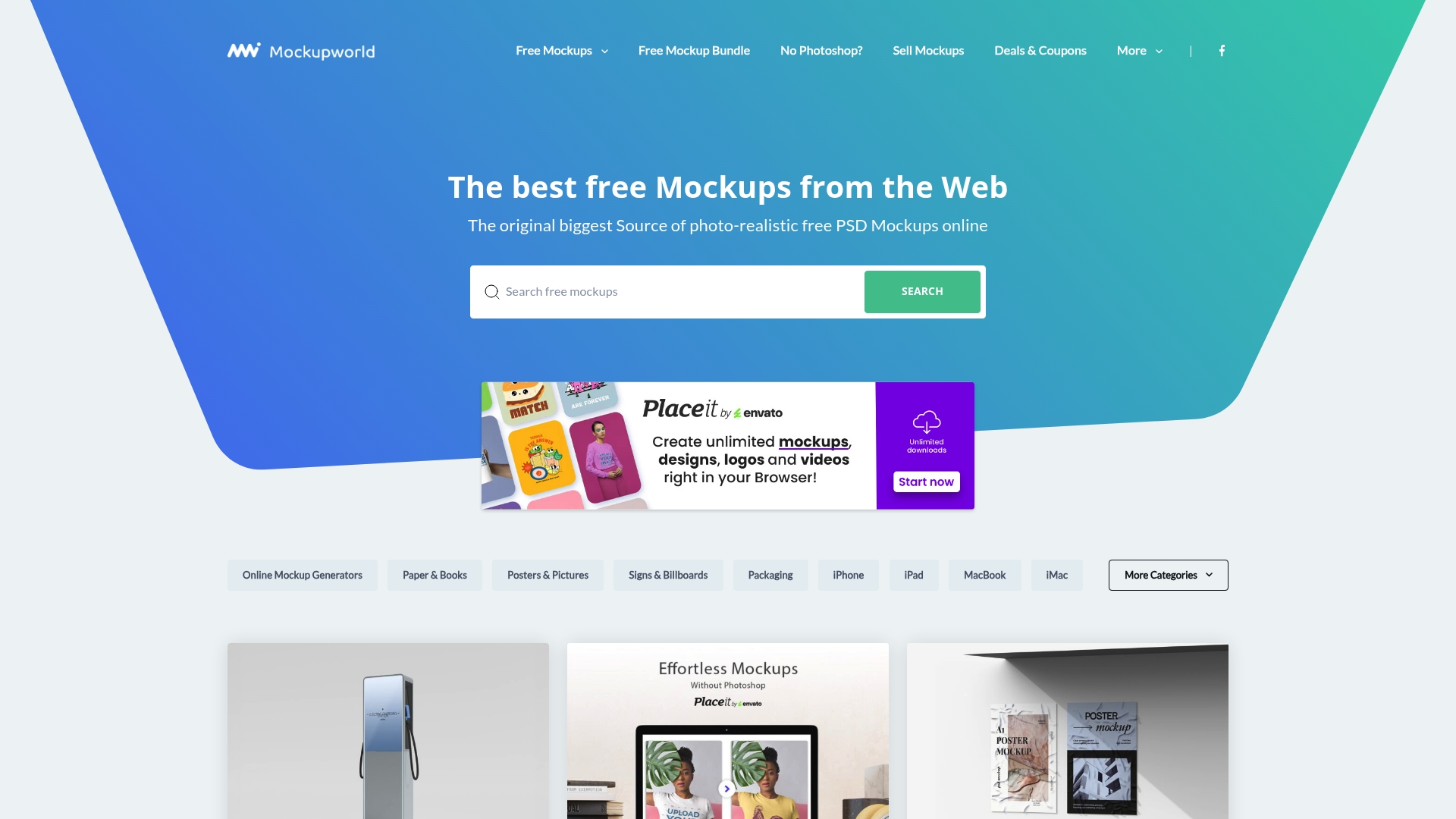
Mockup World offers a vast library of free to download photo realistic mockups aimed at designers who need quick, professional visuals. The site stands out for its range across categories and the consistent quality of high resolution assets. If you want clean mockups without a paywall, Mockup World delivers with minimal fuss.
Core Features
Mockup World hosts an extensive collection of photo realistic mockups across branding, packaging, technology devices, posters, and more. Most templates come as layered PSD files for straightforward customization of screens, artwork, and backgrounds. The site is updated regularly with new mockups and bundles so you will find fresh options for campaigns and product launches. Navigation is simple which saves time when you need the right scene quickly.
Pros
- Free high quality templates: All mockups are available at no cost which lowers production expenses for small shops and freelancers.
- Wide category selection: You can find device screens, packaging, posters, and branding scenes which helps maintain visual consistency across product listings.
- High resolution assets: The mockups are suitable for close up product shots and professional presentations without visible pixelation.
- Layered PSD support: Files include layers that let you swap artwork and adjust shadows for realistic integration.
- Organized website layout: The site structure and tagging make it fast to locate the right mockup for a listing or ad.
Cons
- The library is limited to what contributors and the site add which means availability depends on updates and new submissions.
- The focus on PSD mockups requires compatible software such as Photoshop which adds a software dependency for some sellers.
- Some templates require a learning curve to match lighting and perspective which can slow down beginners.
Who It’s For
Mockup World suits graphic designers, marketers, and product developers who need realistic templates for client presentations and ecommerce listings. It also fits print on demand sellers who want professional images without purchasing stock or commissioning shoots. If you prefer editable PSDs and free assets, this site will cut your visual production time.
Unique Value Proposition
Mockup World combines breadth and accessibility by offering a large, free collection of photoreal mockups that are ready to edit. The principal value is the ability to produce professional product images without recurring subscription costs. And yes, I learned this the hard way when I replaced a photoshoot with these PSDs and still sold product pages that converted.
Real World Use Case
A designer downloads a smartphone mockup to present a new app interface to a client. Using the layered PSD the designer quickly replaces screen art, adjusts shadows, and exports a set of images for the client deck and the product page.
Pricing
All mockups and bundles are free to download which makes this resource friendly for startups and solo sellers who need polished visuals on a zero budget.
Website: https://mockupworld.co
Mr.Mockup
At a Glance
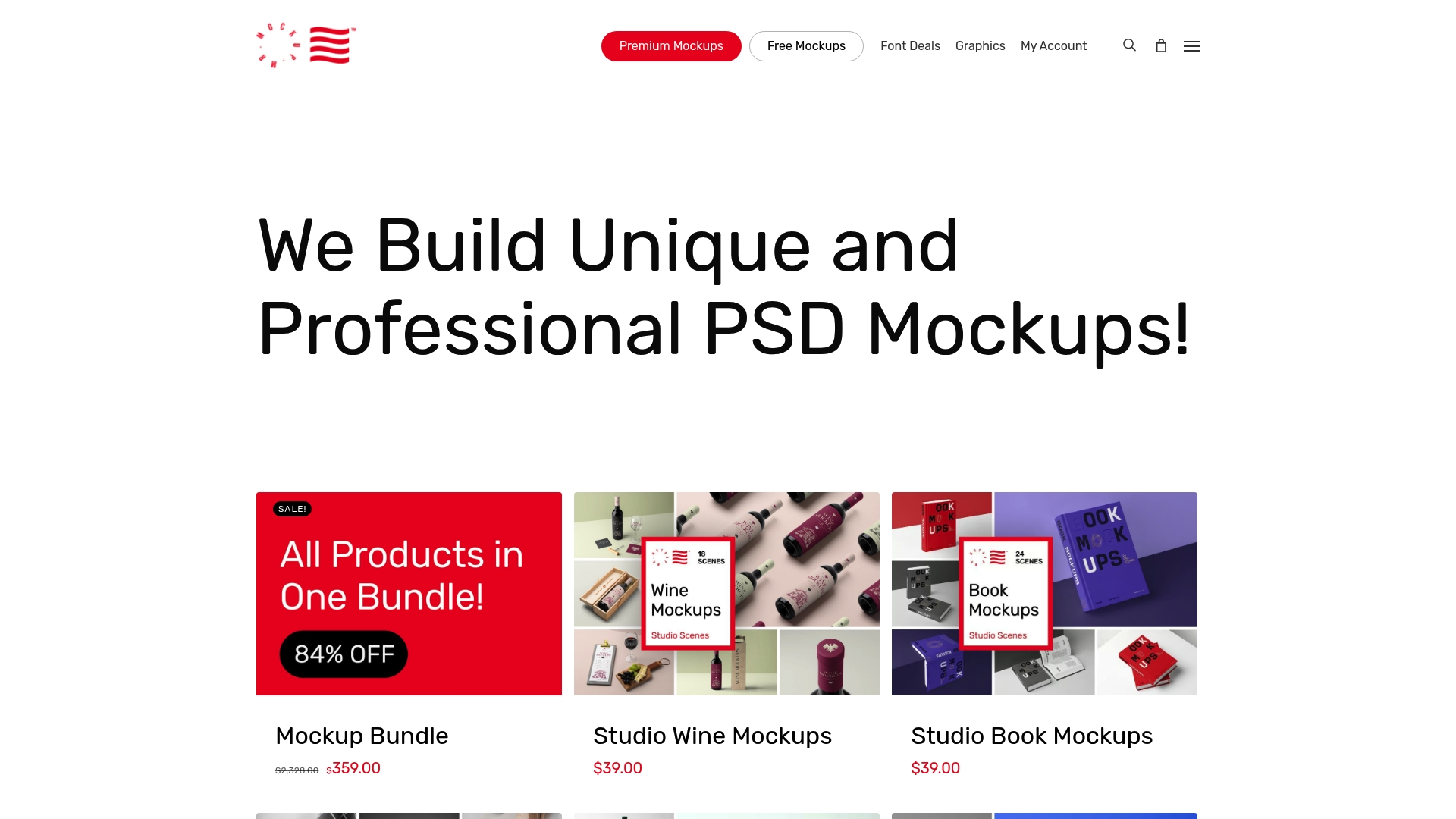
Mr.Mockup is a focused marketplace for designers that delivers a broad catalog of PSD mockups for branding, packaging, apparel, and device presentations. The site mixes free templates with premium items and frequent additions so your library can grow without guesswork. Navigation and checkout feel straightforward, which saves time when you need assets quickly. The platform balances cost savings through bundles with the expectation that some editing will require Photoshop skills.
Core Features
Mr.Mockup centers on a wide range of mockup templates across multiple categories and supports both free and premium downloads. The platform highlights bundle deals and graphics alongside font deals to help you present complete mockup packages. User account management tracks purchases and downloads so you can reuse files across projects and maintain licensing records.
Pros
- Extensive collection for many needs. The library covers stationery, packaging, apparel, devices, and more so you can find assets for diverse client briefs.
- Affordable bundle deals. Bundles and discounts make it easier to acquire a library of mockups at a lower effective cost than buying single items.
- Regular product updates. New mockups arrive on a steady basis which keeps your options fresh for different campaigns.
- Free mockup availability. A selection of free templates lowers the barrier for students, hobbyists, and low budget projects.
- User friendly browsing and purchase flow. The site layout makes it fast to preview and acquire mockups without long search sessions.
Cons
- Limited customization details on the homepage. You often need to open product pages to learn about editable layers and file dimensions.
- Requires Photoshop skills for full editing. The emphasis on PSD files means advanced customizations will demand knowledge of Photoshop and layer handling.
- Variable pricing per item. Individual item prices differ which makes quick budgeting harder unless you commit to bundles.
Who It’s For
Mr.Mockup fits graphic designers, branding professionals, marketing agencies, and design students who need realistic presentation assets. If you assemble client pitches or portfolio pieces that depend on photoreal mockups and you or your team can edit PSD files, this catalog will speed up deliverables. It also serves small agencies that prefer buying bundles to build a consistent asset library.
Unique Value Proposition
Mr.Mockup combines a diverse category set with bundled savings and occasional free resources which shortens the time from concept to presentation. The strength lies in breadth and pricing flexibility that supports one off projects and ongoing library building. The platform is practical for teams that prioritize visual polish and repeatable workflows.
Real World Use Case
A branding firm downloads package mockups and apparel scenes to create a client presentation demonstrating how a new logo and patterns appear on retail boxes and staff shirts. The PSD files let the designer swap art, tweak shadows, and export high resolution proofs before production starts.
Pricing
Prices vary by product with bundle savings available. Example pricing shows a Mockup Bundle listed at $359 reduced from an original total of $2,328 which demonstrates the potential cost advantage when buying collections.
Website: https://mrmockup.com
Creatsy
At a Glance
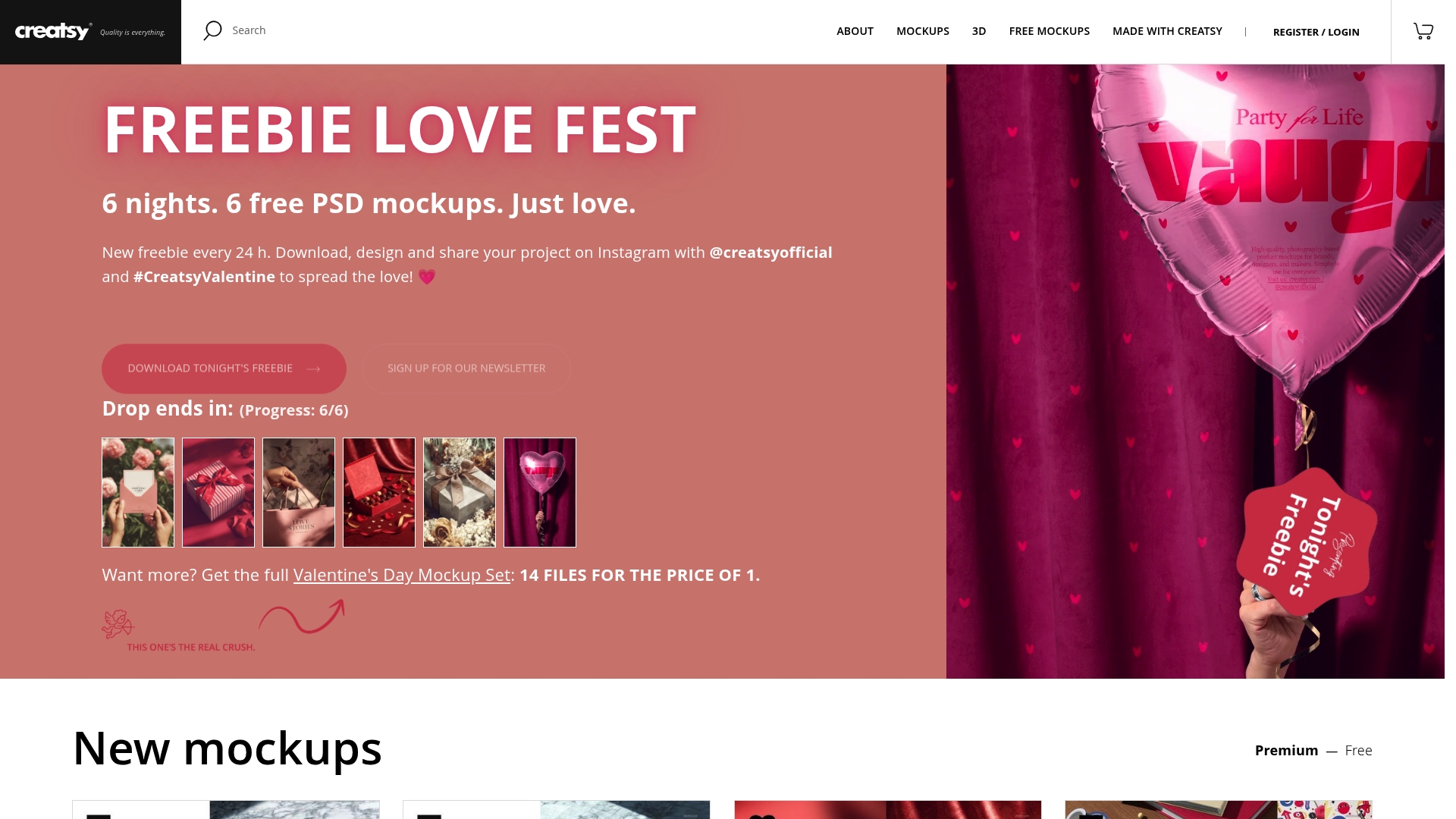
Creatsy offers a large library of professional mockups and 3D models tailored for creators and designers. The platform emphasizes photorealistic PSD mockups and frequent updates that keep assets fresh. Support is described as responsive and personalized which helps when you need quick adjustments. Pricing information is inconsistent which makes budgeting a bit harder for store owners.
Core Features
Creatsy supplies a broad mix of assets including PSD mockup templates, 3D models, and print templates across categories like fashion, packaging, home decor, and electronics. Many files use smart object layers for straightforward customization. The site lists free downloadable mockups and premium bundles and promises regular updates with new free and paid options.
Pros
-
Extensive category coverage: Creatsy delivers mockups for fashion, packaging, home decor, electronics, and more which reduces the need to mix multiple providers.
-
Free mockups and bundles available: The presence of no cost downloads lowers the barrier for new sellers and designers testing product photos.
-
High realism through smart objects: Mockups include smart object layers so you can place artwork quickly without advanced editing.
-
3D models and print templates included: Access to both 3D assets and print ready files gives you flexibility for product pages, ads, and mockups.
-
Responsive customer service: Creatsy highlights tailored responses which helps when projects need fast, specific fixes.
Cons
-
Unclear subscription and licensing details: The site provides limited information about subscription terms and licensing which creates legal and operational uncertainty for commercial sellers.
-
No consistent public pricing structure: There is no single clear price list for all products which makes cost comparisons and bulk purchasing decisions slow.
-
Variable pricing across assets: While some items are free others start around $19 and bundles exceed $69 which means total spend varies widely and requires careful review before purchase.
Who It’s For
Creatsy fits designers, marketers, small business owners, and content creators who want high fidelity visuals without building mockups from scratch. If you sell phone cases or apparel on a print on demand store and you need realistic product photos or 3D previews, Creatsy supplies the raw assets to create polished listings and social ads.
Unique Value Proposition
Creatsy combines photorealistic PSD mockups, a growing library of 3D models, and a mix of free and premium bundles so you can scale visuals as your store grows. The focus on smart objects makes fast customization possible which helps you publish new SKUs and campaigns more quickly.
Real World Use Case
A fashion brand uses Creatsy mockups to show apparel in lifestyle and studio scenes for online stores and social campaigns. The brand swaps designs into smart layers, generates product images for listings, and uses 3D renders for hero banners and promotional videos.
Pricing
Some mockups are free. Premium mockups and bundles range from $19 to over $69. Because pricing varies by asset you should review each item before checkout to estimate monthly or per launch costs.
Website: https://creatsy.com
Mockup Tool Comparison Overview
This table provides a consolidated comparison of various mockup tools discussed in the article to assist users in selecting the best platform based on features, user-focus, and pricing.
| Tool Name | Features | Pros | Cons | Pricing |
|---|---|---|---|---|
| Bettermockups | Static and video mockups for phone cases and more | Extensive template variety Realistic high-res visuals |
Pricing not specified sitewide | Varied per template Promotions available |
| Placeit | Subscription model Wide creative library |
Unlimited downloads Drag & drop editor |
Subscription required for full access | $89.69/year |
| Canva Mockups | AI-powered mockup analysis Collaboration features |
Beginner-friendly interface Good free tier options |
Limited formats for uploads | Free tier Paid plans availabe |
| Artboard Studio | Design, mockup, video editing Automation features |
All-in-one toolkit Automation for variant creation |
Higher costs for individuals | Free plan Pro plans from $16/month |
| Mockup World | Free PSD templates Wide category selection |
Free high-quality templates Organized navigation |
Dependent on Photoshop software | Free |
| Mr.Mockup | Free & premium PSD mockups Frequent updates |
Broad library for diverse needs Affordable bundles |
Advanced edits need Photoshop | Varied per product Bundles for savings |
| Creatsy | PSD mockups 3D models available |
High realism via smart objects Responsive support |
Unclear pricing structure | Free options include Premium from $19 |
Elevate Your Phone Case Listings with Professional Mockups
Choosing the right phone case mockup template is crucial for standing out in 2026’s competitive e-commerce market. This article highlights challenges like finding photorealistic templates that resonate with your brand and the need for dynamic visual content that captures buyer attention. If you want to reduce time spent creating listings and increase click-through rates, realistic images and engaging video mockups are essential tools.
At Bettermockups, we understand these pain points well. Explore our extensive collection of iPhone 2D Case Mockups - Samsung 2D Case Mockups – Bettermockups and bring your products to life with clarity and polish. Need to captivate customers on social media? Our Video mockups (Video templates) for Phone Case business. – Bettermockups offer motion-based presentations that boost engagement effortlessly. Combine this with our tailored solutions like Phone Ring Holder Mockups – Bettermockups for niche accessories and you will see a noticeable improvement in how your products are perceived.
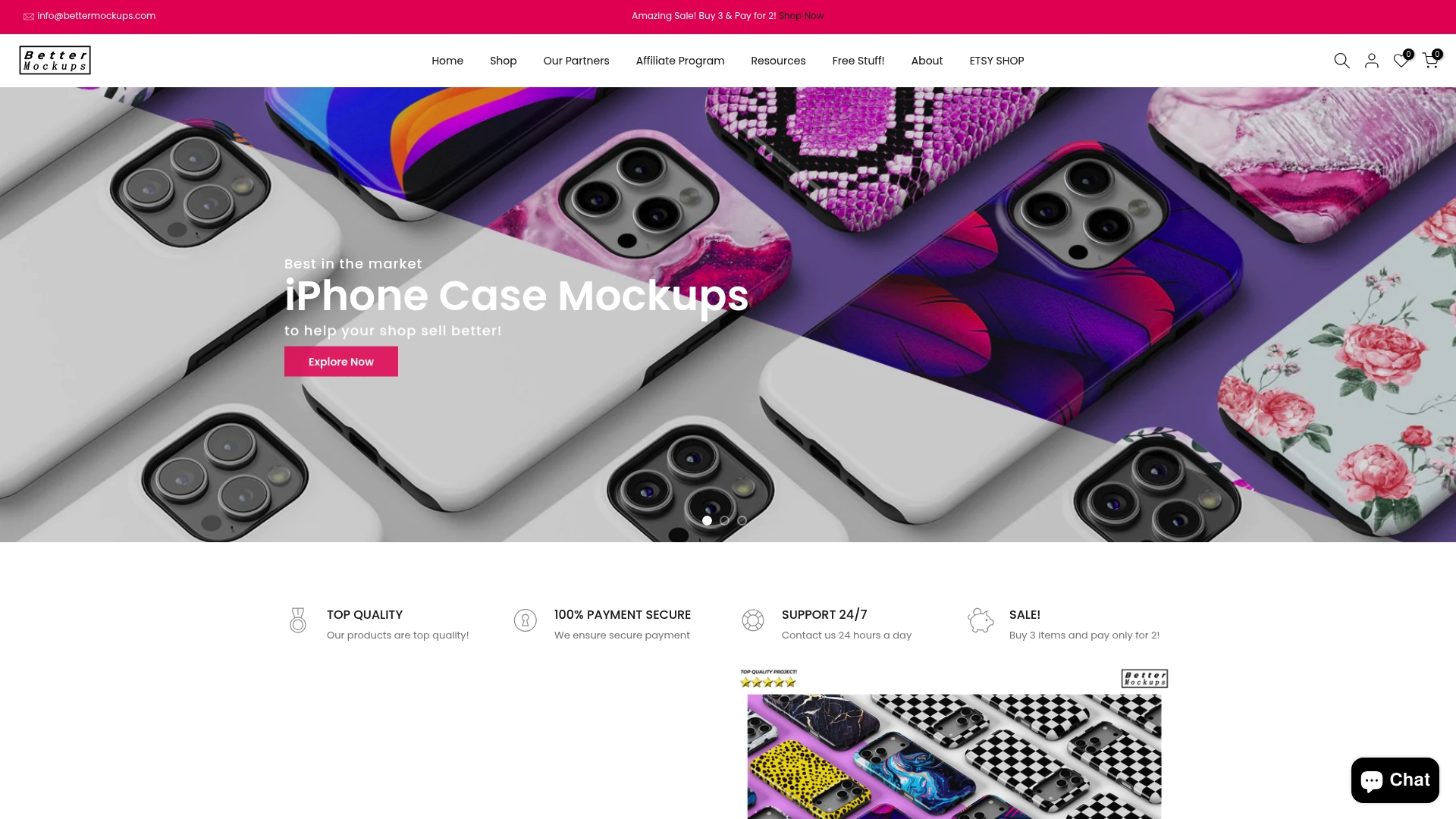
Start transforming your phone case store today with Bettermockups. Visit Bettermockups to access high-quality, customizable mockups built to enhance your visual branding, speed up your workflow, and increase sales now. Don’t settle for average when you can showcase your products with premium assets trusted by digital entrepreneurs worldwide.
Frequently Asked Questions
What types of phone case mockup templates are available for 2026?
Many types of phone case mockup templates are available, including 2D, 3D, and clear case styles. Explore various mockup types to find the one that fits your branding and presentation needs.
How can I customize phone case mockup templates?
You can customize phone case mockup templates by adding your designs, changing colors, and adjusting backgrounds. Utilize design software that supports PSD files to ensure quick and easy customization of your chosen templates.
How do I choose the right mockup template for my product?
Choosing the right mockup template involves considering your target audience and the style of your product. Review various templates for compatibility with your brand aesthetic to ensure a professional presentation.
What software do I need to edit phone case mockup templates?
Most phone case mockup templates require editing software like Adobe Photoshop or similar programs that support layered PSD files. Ensure you have access to this software to make the most out of your mockup presentations.
Can I use phone case mockups for social media marketing?
Yes, you can use phone case mockups for social media marketing to create engaging visual content. Download image and video formats tailored for social media to enhance your promotional strategies effectively.
Are there free phone case mockup templates available for 2026?
Yes, some platforms offer free phone case mockup templates without any cost. Search for reputable sources that provide high-quality, free templates to help minimize your production expenses.


