

High-quality product images including photorealistic mockups can increase e-commerce conversion rates by up to 40%. If you sell print-on-demand t-shirts online, every product image is a silent salesperson working around the clock. Yet most entrepreneurs underestimate how dramatically professional mockups influence buying decisions. This guide reveals why photorealistic mockups matter, how to select and deploy them effectively, and which mistakes kill conversions before customers ever click “add to cart.”
Table of Contents
- Introduction To Print On Demand T-Shirts And Mockups
- Why Photorealistic Mockups Improve Conversion Rates
- Key Features Of Effective Print-On-Demand T-Shirt Mockups
- Common Misconceptions About Print-On-Demand Mockups
- Comparison Of Popular Print-On-Demand Services And Mockup Tools
- Step-By-Step Guide To Integrating Mockups In Your POD Store
- Common Mistakes And How To Avoid Them In Mockup Use
- Conclusion: Leveraging Mockups To Boost Your Print-On-Demand T-Shirt Sales
- Discover High-Quality Mockups To Elevate Your POD T-Shirt Business
- Frequently Asked Questions
Key Takeaways
| Point | Details |
|---|---|
| Photorealistic mockups build trust | Detailed, realistic images increase conversion rates by reducing buyer uncertainty and returns. |
| Multiple views maximize engagement | 360-degree, lifestyle, and video mockups show products comprehensively and improve click-through rates. |
| Platform tools simplify creation | Leading POD services offer integrated mockup generators with customizable templates for streamlined workflows. |
| Common errors damage sales | Low-resolution images, single-angle photos, and generic designs erode customer confidence and reduce conversions. |
| Strategic implementation drives growth | Data-driven mockup optimization combined with brand-consistent visuals sustains long-term sales increases. |
Introduction to Print on Demand T-Shirts and Mockups
Print-on-demand is a fulfillment method where t-shirts are manufactured only after customers place orders, eliminating inventory risk and upfront costs. This business model has empowered thousands of entrepreneurs to launch apparel brands without warehouses or bulk orders. However, the online nature of POD creates a critical challenge: customers cannot touch, feel, or try on products before buying.
This uncertainty gap is where mockups become essential. Mockups are high-quality digital representations that simulate how your t-shirt design will appear in real life. Unlike flat design files, mockups place your artwork on realistic garment images, complete with fabric textures, shadows, and natural folds. They transform abstract concepts into tangible visions customers can evaluate.
Why does this matter? Online shoppers make split-second judgments based on visual information. Poor product images trigger doubt and abandonment. Professional mockups bridge the sensory gap inherent in e-commerce by:
- Providing visual proof your design works on actual apparel
- Demonstrating fit, drape, and fabric appearance convincingly
- Building emotional connections through lifestyle context
- Reducing perceived risk by showing multiple product angles
Without compelling mockups, even brilliant t-shirt designs struggle to convert browsers into buyers. The question is not whether to use mockups, but how to deploy them strategically for maximum impact.
Why Photorealistic Mockups Improve Conversion Rates
Photorealistic mockups outperform basic product images because they tap into psychological drivers of purchasing decisions. When shoppers encounter hyper-realistic visuals, their brains process the images as credible evidence of product quality. This perception directly influences trust, the foundation of online transactions between strangers.
Consider how detailed fabric textures, accurate color representation, and natural lighting create confidence. Shoppers can mentally visualize wearing the shirt, imagining how it fits their body and lifestyle. This mental ownership increases purchase intent significantly compared to flat, sterile product shots.
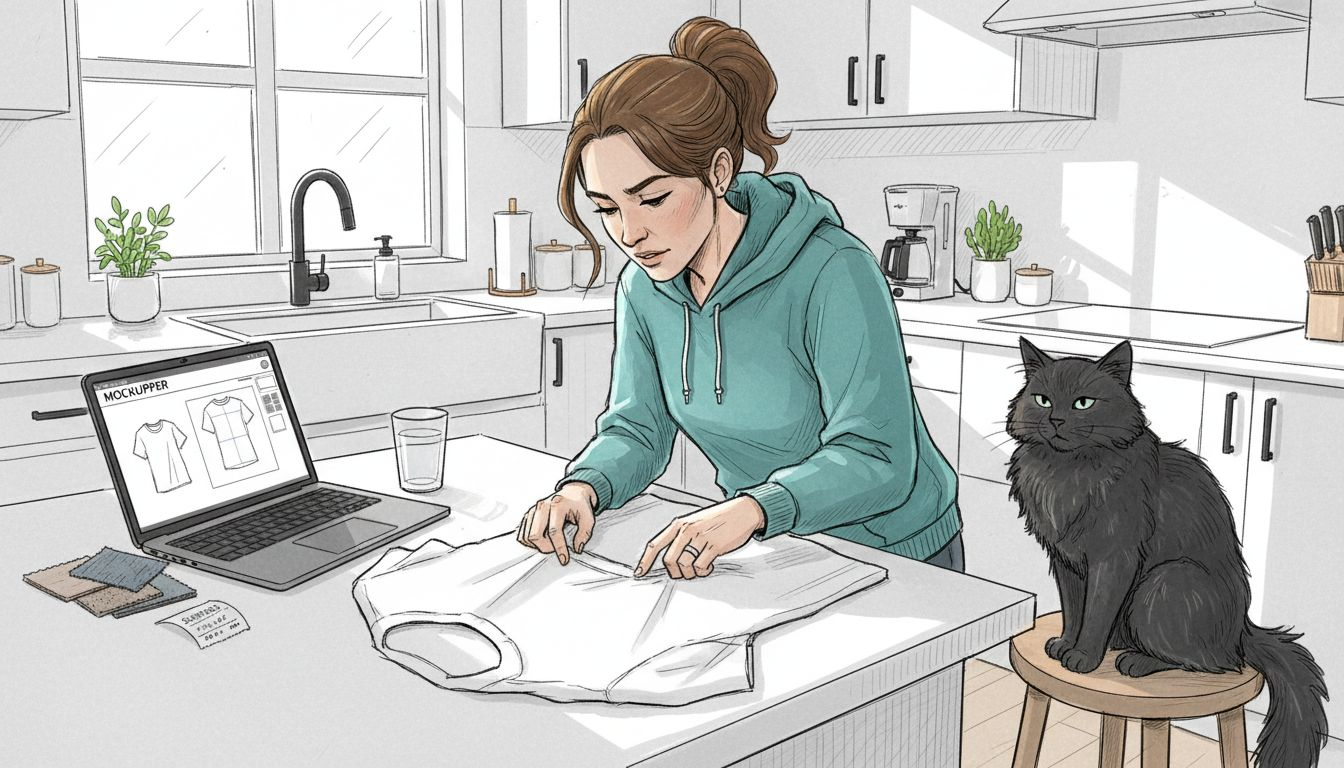
Multiple viewing angles compound this effect. A 360-degree view lets customers examine every design element, reducing uncertainty about back prints, side seams, or sleeve details. Lifestyle mockups showing t-shirts worn in relatable settings add emotional resonance, helping buyers picture themselves using the product.
Video and animated mockups elevate engagement further. Research shows animated mockups improve click-through rates by 15% compared to static images for online apparel. Movement captures attention in crowded marketplaces and communicates information quickly. A rotating t-shirt mockup conveys more detail in three seconds than six static photos require.
“High-quality mockups do not just display products. They tell visual stories that answer unspoken customer questions and eliminate objections before they form.”
The conversion lift from photorealistic mockups stems from:
- Reduced cognitive load: Customers instantly understand what they are buying
- Lowered return rates: Accurate representations set correct expectations
- Increased perceived value: Professional visuals signal premium quality
- Enhanced shareability: Impressive mockups drive organic social media promotion
Investing in photorealistic mockups is not about aesthetics alone. It is about engineering trust at scale.
Key Features of Effective Print-On-Demand T-Shirt Mockups
Not all mockups deliver equal results. The most effective templates share specific characteristics that maximize visual impact and operational efficiency. Understanding these features helps you select tools that actually move sales needles.
Customization flexibility ranks as the top priority. Your mockups must adapt to different t-shirt styles, colors, and design placements without requiring specialized skills. Popular POD platforms include robust mockup generation tools with templates optimized for various garment styles. Templates supporting quick color swaps and design adjustments streamline your workflow dramatically.
Comprehensive viewing angles separate amateur from professional presentations. Effective mockups provide:
- Front and back views showing complete design coverage
- Side angles revealing sleeve prints and garment drape
- Close-ups highlighting print quality and fabric texture
- Lifestyle shots demonstrating real-world context and fit
Animation and video capabilities future-proof your visual strategy. As social platforms prioritize video content, mockup templates supporting short clips and rotating displays become increasingly valuable. These formats work especially well for Instagram Reels, TikTok, and Facebook video ads.
Social media optimization cannot be overlooked. Your mockups should export in dimensions and formats matching platform requirements: square crops for Instagram feeds, vertical formats for Stories, and widescreen ratios for YouTube thumbnails. Pre-sized templates eliminate tedious reformatting.
Pro tip: Batch your mockup creation sessions. Prepare multiple color variations and angles simultaneously rather than creating mockups one at a time as orders arrive. This approach maintains consistent quality and speeds up your listing process.
Compatibility with standard editing software matters for accessibility. PSD files work seamlessly with Photoshop, while Canva-compatible templates serve entrepreneurs without Adobe subscriptions. The best mockup libraries offer both options, democratizing professional-grade visuals.
Common Misconceptions About Print-On-Demand Mockups
Several persistent myths prevent entrepreneurs from leveraging mockups effectively. Debunking these misconceptions removes barriers to implementing conversion-optimizing visual strategies.
-
“Flat product photos are sufficient for t-shirt sales” Flat-lay images showing designs on blank backgrounds dramatically underperform photorealistic mockups. Customers struggle to envision how flat graphics translate to worn garments. The disconnect between flat files and finished products triggers uncertainty and abandoned carts.
-
“Professional mockups require expensive software and design expertise” Modern mockup templates eliminate technical barriers. Drag-and-drop interfaces in platforms like Canva make customization accessible to complete beginners. Many POD services include mockup generators directly in their dashboards, requiring zero external tools.
-
“Mockup quality does not impact buying decisions significantly” Visual presentation directly correlates with perceived product value. Low-quality mockups signal low-quality products, regardless of your actual t-shirt quality. Customers make split-second judgments based on images alone, making mockup quality a primary conversion factor.
-
“Generic template mockups work as well as customized ones” Unmodified stock mockups appear identical across competitor stores, diluting your brand identity. Customization creates differentiation that helps your products stand out in crowded marketplaces. Branded backgrounds, consistent color schemes, and unique styling establish visual recognition.
-
“One or two mockup images per product listing suffice” Single-image listings leave too many questions unanswered. Comprehensive mockup sets addressing multiple angles, contexts, and use cases systematically eliminate objections and build confidence through visual completeness.
Pro tip: Audit your current mockups against competitor listings. If yours blend in rather than stand out, prioritize customization and quality upgrades immediately. Visual differentiation directly impacts click-through and conversion rates.
Comparison of Popular Print-On-Demand Services and Mockup Tools
Selecting the right POD platform significantly impacts your mockup capabilities and workflow efficiency. Leading services offer varying mockup features that align with different business priorities.
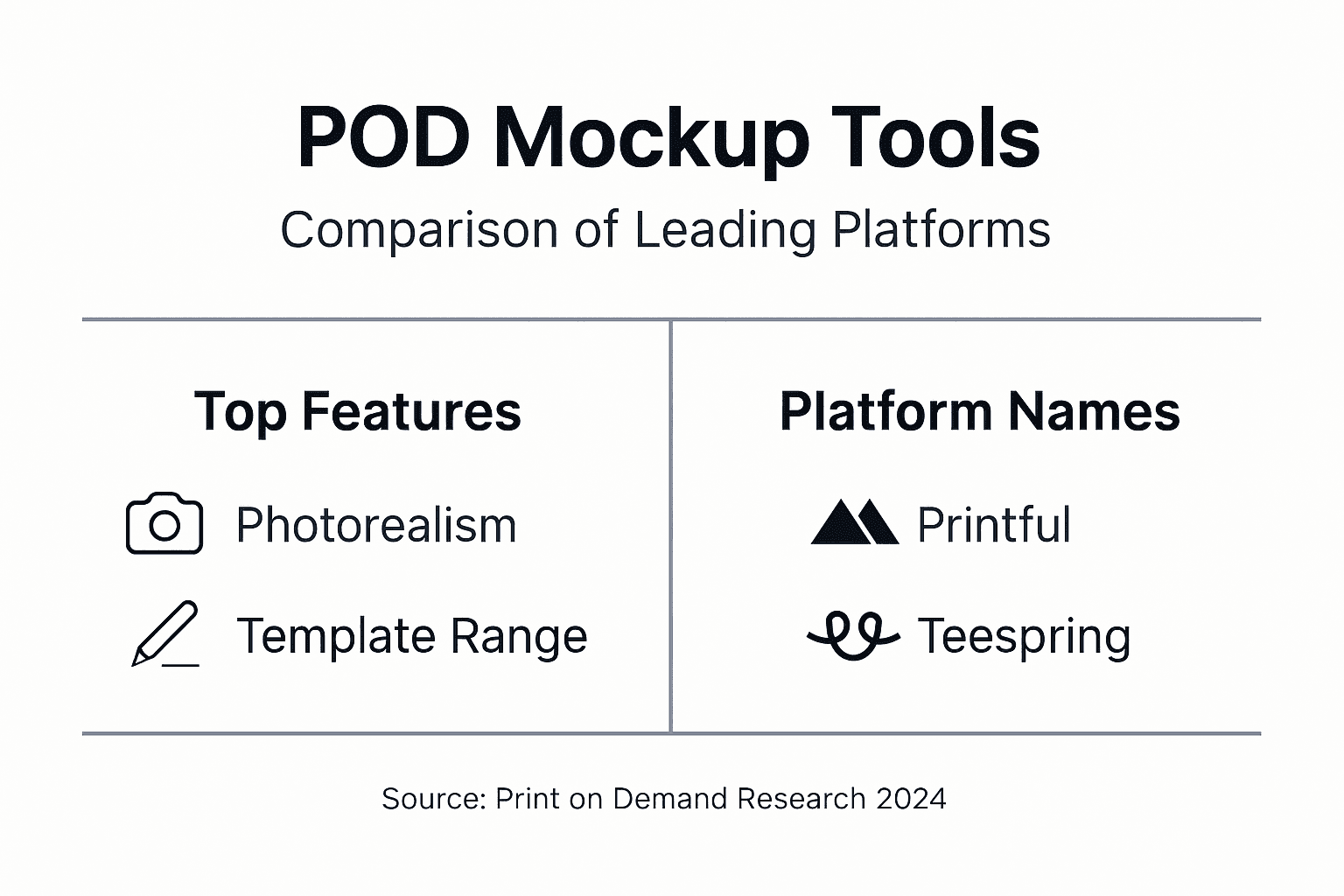
| Platform | Mockup Photorealism | Template Variety | Video/Animation Support | Customization Ease | Best For |
|---|---|---|---|---|---|
| Printful | Excellent | Extensive (100+ styles) | Limited | Moderate | Quality-focused brands prioritizing realism |
| Teespring | Very Good | Moderate | Strong | Easy | Creators wanting quick video content |
| Redbubble | Good | Wide product range | Basic | Simple | Multi-product stores needing variety |
| Printify | Good | Large (90+ providers) | Basic | Moderate | Budget-conscious entrepreneurs |
Printful delivers the highest photorealism with professionally photographed mockups across apparel categories. Their generator includes detailed fabric textures and accurate color matching, making it ideal for premium positioning. However, the platform charges slightly higher base costs, trading affordability for visual excellence.
Teespring excels in user-friendly mockup creation with robust video and animated options built directly into their dashboard. Creators targeting social media marketing appreciate the platform’s simplified export process for Instagram and TikTok content. The trade-off comes in fewer advanced customization controls compared to Printful.
Redbubble supports the widest product variety beyond t-shirts, offering mockups for stickers, phone cases, and home goods from a single design. This breadth benefits multi-category stores but comes with more basic mockup customization. The platform prioritizes speed and variety over granular control.
Printify aggregates multiple print providers, creating mockup variety through sheer supplier volume. Comparison across providers requires more research but unlocks competitive pricing options. Budget-conscious entrepreneurs willing to invest setup time find strong value here.
Your platform choice should align with your priority hierarchy: photorealism versus speed, customization depth versus simplicity, or product variety versus specialization. Most successful POD entrepreneurs test multiple platforms with small product batches before committing fully.
Step-by-Step Guide to Integrating Mockups in Your POD Store
Implementing effective mockups requires systematic execution across platform selection, customization, and optimization phases. Follow this proven workflow to maximize results.
-
Evaluate and select your POD platform based on mockup capabilities Compare mockup quality samples from Printful, Teespring, and competitors against your brand standards. Prioritize platforms offering templates matching your target t-shirt styles and color ranges. Request sample prints if photorealism accuracy concerns you.
-
Choose mockup templates with comprehensive viewing angles Select template sets including front, back, side, and lifestyle shots at minimum. Prioritize 360-degree options if available. Ensure templates support your primary t-shirt colors to avoid constant customization.
-
Customize mockups to reflect your brand identity Learn proper mockup usage through platform tutorials before starting. Adjust backgrounds to match your store’s color scheme. Add subtle branding elements like watermarks or consistent styling cues. Maintain uniform lighting and composition across all product mockups for cohesive presentation.
-
Optimize mockup files for fast loading and multiple devices Export images at appropriate resolutions: 2000 pixels minimum width for zoom functionality without excessive file sizes. Compress images using tools like TinyPNG to maintain quality while improving load speeds. Test mockup display on mobile devices since most shoppers browse on phones.
-
Upload mockups strategically across your sales channels Position your strongest mockup as the primary image in product listings. Sequence remaining images logically: front view, back view, detail shots, then lifestyle contexts. Update marketplace listings, social media profiles, and advertising campaigns simultaneously for consistent branding.
-
Implement A/B testing to refine mockup effectiveness Test mockup variations against each other using platform analytics or external tools. Compare conversion rates between lifestyle versus studio mockups, single versus multiple angles, and static versus video formats. Track sales training methodologies to systematically improve results.
-
Analyze performance data and iterate based on insights Monitor which mockups generate highest engagement and conversion rates monthly. Review customer questions and feedback for clues about missing visual information. Continuously upgrade underperforming mockups while replicating successful patterns.
This workflow streamlines your design process while building systematic improvement into your operations. Consistency matters more than perfection initially. Establish baseline mockup standards, then refine incrementally as data reveals opportunities.
Common Mistakes and How to Avoid Them in Mockup Use
Even well-intentioned entrepreneurs sabotage their sales through preventable mockup errors. Recognizing these pitfalls helps you sidestep costly mistakes.
Using low-resolution or pixelated mockup images immediately signals unprofessionalism. Customers associate blurry visuals with low-quality products and untrustworthy sellers. Always export mockups at 2000 pixels minimum width and verify sharpness before uploading. Zoom testing on mobile devices catches resolution problems early.
Relying on single-angle product shots leaves critical questions unanswered. Shoppers want to see back prints, side seams, sleeve details, and fit from multiple perspectives. Provide at least four distinct viewing angles per product. This completeness systematically eliminates uncertainty-driven abandonment.
Failing to customize generic template mockups creates visual sameness across competitor stores. When customers see identical mockup backgrounds and styling everywhere, your products blend into marketplace noise. Invest minimal time adjusting backgrounds, adding brand colors, and styling mockups uniquely. Small customization efforts yield disproportionate differentiation.
Ignoring mobile optimization in mockup design alienates your largest customer segment. Over 70% of e-commerce traffic comes from mobile devices. Test every mockup on smartphone screens to verify text readability, design visibility, and overall impact. Crop mockups to emphasize product details rather than excessive background space.
Neglecting mockup updates as trends evolve makes your store appear outdated. Visual trends shift rapidly in apparel marketing. Refresh your mockup library annually at minimum, adopting contemporary photography styles and popular color palettes. Avoid workflow mistakes by scheduling regular mockup audits.
Mismatching mockup quality across product listings creates confusion about your brand standards. Inconsistent visual presentation makes customers question product consistency. Establish mockup quality guidelines and apply them uniformly across your entire catalog.
Preventing these errors requires mindful execution and periodic quality audits. Allocate time monthly to review your mockup library with fresh eyes, identifying improvement opportunities before customers notice problems.
Conclusion: Leveraging Mockups to Boost Your Print-on-Demand T-Shirt Sales
Photorealistic mockups represent one of the highest-leverage investments in print-on-demand success. The 40% conversion rate increases documented across e-commerce prove that visual presentation directly determines sales outcomes. Yet mockup effectiveness depends entirely on strategic implementation, not just adoption.
The entrepreneurs who dominate POD markets understand mockups as systematic trust-building tools rather than optional decorations. They invest in comprehensive viewing angles, maintain brand-consistent styling, and continuously optimize based on performance data. This disciplined approach compounds advantages over competitors still using basic flat images.
Your next steps are clear. Audit your current mockup quality against the standards outlined here. Identify gaps in viewing angles, customization, and mobile optimization. Implement improvements systematically, measuring conversion rate changes as you upgrade visual presentation. The sales data will validate your investment quickly.
Remember that mockup excellence is not a one-time project but an ongoing competitive advantage. As visual standards evolve and customer expectations rise, maintaining mockup quality requires committed attention. The entrepreneurs who embrace this reality build sustainable growth engines that compound returns year after year.
Discover High-Quality Mockups to Elevate Your POD T-Shirt Business
Ready to implement the mockup strategies that convert browsers into buyers? Professional templates eliminate the technical barriers between you and sales-optimizing visuals. Our mockup collection provides photorealistic templates designed specifically for e-commerce success, supporting both static images and engaging video formats.
Every template includes comprehensive customization options compatible with Photoshop and Canva, making professional-grade mockups accessible regardless of your design experience. Detailed usage guides walk you through the entire process, from file setup to final export. Stop losing sales to inadequate product images. Discover how premium mockups transform your conversion rates and establish your brand as a quality leader in crowded POD markets.
Frequently Asked Questions
What formats do the best mockup files come in?
Professional mockups typically come as PSD files for Photoshop or editable templates for Canva. PSD files offer maximum customization control with layer-based editing, while Canva templates provide user-friendly interfaces for beginners. Many providers offer both formats to accommodate different skill levels and software preferences.
How many mockup views should I include in my product listings?
Include at least four distinct mockup views per t-shirt: front, back, side angle, and lifestyle context. This combination systematically addresses customer questions about design placement, garment fit, and real-world appearance. More views correlate with higher conversion rates up to about eight images, after which additional mockups show diminishing returns.
Can I create effective mockups without expensive software?
Absolutely. Free tools like Canva and GIMP provide mockup customization capabilities sufficient for professional results. Many POD platforms include built-in mockup generators requiring zero external software. While Photoshop offers advanced features, the gap between free and paid tool outputs has narrowed significantly for standard mockup needs.
Do animated mockups really increase sales?
Yes, research confirms animated mockups improve click-through rates by 15% compared to static images for apparel listings. Video content captures attention more effectively in crowded marketplaces and communicates information quickly. However, animated mockups work best as supplements to comprehensive static image sets rather than replacements.
How often should I update my mockups?
Refresh your mockup library at least annually to maintain contemporary visual standards. Update immediately if you notice mockup styles appearing outdated compared to competitors or if seasonal trends shift dramatically. Monitor conversion rate changes after updates to validate that refreshed mockups improve performance rather than just changing aesthetics.


