

Selling phone cases online without high-quality product images is like fighting uphill. Blurry photos and generic visuals kill buyer trust and tank your conversion rates. Professional mockups transform your listings by showcasing your designs with photorealistic clarity that makes shoppers click buy. This guide walks you through creating and implementing phone case mockups that drive measurable sales growth.
Table of Contents
- Prerequisites: What You Need Before Creating Phone Case Mockups
- Step 1: Choosing The Right Mockup Style And Template
- Step 2: Customizing And Optimizing Your Mockups
- Step 3: Implementing Mockups Into E-Commerce Listings
- Common Mistakes And Troubleshooting When Using Phone Case Mockups
- Expected Results And Measurable Outcomes From Using High-Quality Mockups
- Explore Bettermockups For Perfect Phone Case Visuals
Key takeaways
| Point | Details |
|---|---|
| Quality mockups drive conversions | High-quality mockups can boost conversion rates up to 30% by building buyer confidence. |
| Accurate phone models prevent returns | Using exact phone model templates reduces return rates by ensuring visual accuracy matches the actual product. |
| SEO optimization maximizes visibility | Proper file naming and alt text improve search rankings and make listings more discoverable. |
| Common errors undermine effectiveness | Low resolution images and cluttered backgrounds reduce professional appeal and customer trust. |
| Performance tracking guides improvement | Monitoring click-through rates and conversions helps refine your mockup strategy over time. |
Prerequisites: what you need before creating phone case mockups
You need specific tools and knowledge before jumping into mockup creation. Starting without proper preparation wastes time and produces subpar results that hurt your listings.
First, understand exactly which phone models and case types you sell. Know whether you’re selling iPhone 15 Pro cases, Samsung Galaxy S24 cases, or multiple models. This determines which mockup templates you need.
Second, access professional mockup templates. You can work with PSD files if you know Photoshop, or choose Canva mockup templates if you lack design experience. 2D phone case mockups offer clean, professional templates that work for most sellers.
Third, develop basic graphic editing skills or use platforms designed for beginners. Canva specifically makes professional mockup creation accessible without steep learning curves.
Fourth, prepare your original artwork files. Have your case designs ready in high resolution formats like PNG or PSD with transparent backgrounds. Your artwork quality directly impacts the final mockup appearance.
Finally, know your platform requirements. Different e-commerce sites have specific image size and format standards:
- Shopify recommends 2048 x 2048 pixels for square product images
- Amazon requires minimum 1000 pixels on the longest side
- Etsy accepts images up to 4000 x 3000 pixels
- Instagram posts work best at 1080 x 1080 pixels for square formats
Gathering these prerequisites upfront streamlines your workflow and prevents frustrating do-overs later.
Step 1: choosing the right mockup style and template
Template selection makes or breaks your mockup effectiveness. The wrong choice creates mismatched visuals that confuse buyers and increase returns.
Start by matching the exact phone model and color. If you sell iPhone 15 Pro cases, use iPhone 15 Pro mockups, not iPhone 14 templates. Color accuracy matters too. A mockup showing a black phone when your customer ordered a blue one creates disappointment.
Next, decide between static photorealistic images and animated mockups based on your marketing goals. Static images work perfectly for standard product listings. Video mockups showing 360-degree views or lifestyle scenarios boost engagement for social media and premium listings. Check out this PSD iPhone case mockup guide for detailed iPhone-specific tips.
Consider your brand aesthetic when evaluating backgrounds and lighting. Clean white backgrounds suit minimalist brands and Amazon requirements. Lifestyle backgrounds with natural settings appeal to Instagram audiences. Consistent lighting across all mockups maintains professional cohesion.
Verify template compatibility with your selling platforms. Some templates include specific sizing for Shopify product pages while others optimize for Amazon thumbnail requirements. If you sell Samsung cases, explore Samsung case mockup creation techniques.
Balance cost against quality and customization needs. Free templates often lack professional polish and limit editing options. Premium templates provide better lighting, more angles, and easier customization. Browse phone case mockup templates to compare options.
Pro Tip: Create a mockup style guide documenting your chosen background colors, lighting angles, and phone positions to maintain consistency across all product listings.
| Mockup Type | Best Use Case | Average Engagement Lift |
|---|---|---|
| Static photorealistic | Product listings, catalogs | 15-20% higher click-through |
| 360-degree video | Premium products, social ads | 35-40% higher engagement |
| Lifestyle scene | Instagram, Facebook ads | 25-30% higher shares |
| Multiple angle set | Detailed product pages | 20-25% lower return rates |
Step 2: customizing and optimizing your mockups
Customization transforms generic templates into powerful sales tools. Poor execution here undermines even the best template selection.
Apply your phone case artwork onto PSD or Canva templates using smart object layers or design placeholders. Most quality templates include instructions for inserting your design. Position your artwork precisely to avoid visible gaps or misalignments that scream amateur.
Maintain high image resolution throughout editing. Export final mockups at minimum 300 DPI for print quality and 72 DPI at large pixel dimensions for web use. Pixelated images destroy credibility faster than anything else.
Optimize file names and alt text for SEO before uploading. Name files descriptively like “iphone-15-pro-floral-case-mockup.jpg” instead of “IMG_1234.jpg”. Write alt text describing the image for accessibility and search visibility: “Floral pattern iPhone 15 Pro case mockup on white background.”
Preview your final mockups on various devices. Check how images display on desktop monitors, tablets, and mobile phones. Colors and details can shift across screens. What looks perfect on your laptop might appear too dark on smartphones.

Keep lighting and backgrounds natural to highlight your product. Overly dramatic shadows or busy backgrounds distract from the case design itself. Simple, clean presentations convert better.
Pro Tip: Using Canva mockup templates speeds up customization dramatically if you lack Photoshop skills, letting you create professional mockups in minutes instead of hours.
Consult using phone case mockups effectively for platform-specific optimization strategies. For iPhone sellers, master iPhone case templates to streamline your workflow.
Step 3: implementing mockups into e-commerce listings
Proper implementation ensures your beautiful mockups actually drive sales. Many sellers create great images then upload them incorrectly, losing potential impact.
-
Follow your platform’s recommended image specifications exactly. Upload images meeting size requirements to avoid automatic compression that degrades quality. Shopify, Amazon, and Etsy each have specific guidelines posted in their seller resources.
-
Use multiple image views including front, back, and side angles. Shoppers want to see every detail before buying. Provide at least four different angles showing case edges, button cutouts, and camera protection clearly.
-
Add video mockups where your platform allows. Video thumbnails attract more clicks than static images. Even a simple 5-second rotation video increases engagement significantly.
-
Test loading speed and responsiveness after uploading new images. Large file sizes slow page loading, which kills conversions. Compress images using tools like TinyPNG while maintaining visual quality.
-
Monitor analytics to evaluate performance changes after implementing new mockups. Track metrics like click-through rate, time on page, add-to-cart rate, and conversion rate. Compare these numbers to your previous listings to quantify improvement.
Implementation extends beyond just uploading images. Update product descriptions to reference the mockup views. Mention specific features visible in different angles. This helps shoppers connect the visuals with product benefits.
For comprehensive guidance on building a successful phone case business with professional visuals, explore this phone case business success guide.
Common mistakes and troubleshooting when using phone case mockups
Even experienced sellers make avoidable errors that sabotage mockup effectiveness. Recognizing these mistakes helps you course-correct quickly.
Low-resolution or mismatched mockups destroy buyer trust instantly. Blurry images signal cheap products. Using an iPhone 14 mockup for an iPhone 15 case creates confusion and returns. Always verify phone model accuracy before publishing.
Neglecting SEO optimization leaves money on the table. Images without keyword-rich file names and alt text miss search traffic opportunities. Every image should work double duty as both a visual asset and an SEO asset.
Cluttered backgrounds compete with your product for attention. Busy patterns, multiple props, or inconsistent styling dilute your message. Clean, consistent backgrounds maintain professional appeal across your entire catalog.
Lighting inconsistencies make your catalog look disjointed and unprofessional. Some images appear bright and clear while others look dim or shadowy. Standardize lighting angles and intensity across all mockups.
Platform compatibility issues waste time and cause frustration. Uploading images in unsupported formats or sizes forces you to re-edit and re-upload. Check platform requirements before creating mockups, not after.
Understand the difference between design intent and actual production. Your mockup might look perfect digitally but translate poorly to physical products if proportions are off. Learn from design vs print production issues to avoid this disconnect.
- Review every mockup at 100% zoom before uploading to catch resolution problems
- Create a pre-upload checklist covering file name, alt text, format, and size
- Maintain a swipe file of your best-performing mockups to guide future creations
- Test mockups on actual product photos occasionally to verify accuracy
- Get feedback from customers about image accuracy and helpfulness
Expected results and measurable outcomes from using high-quality mockups
Understanding realistic outcomes helps you set proper expectations and justify the investment in quality mockups.
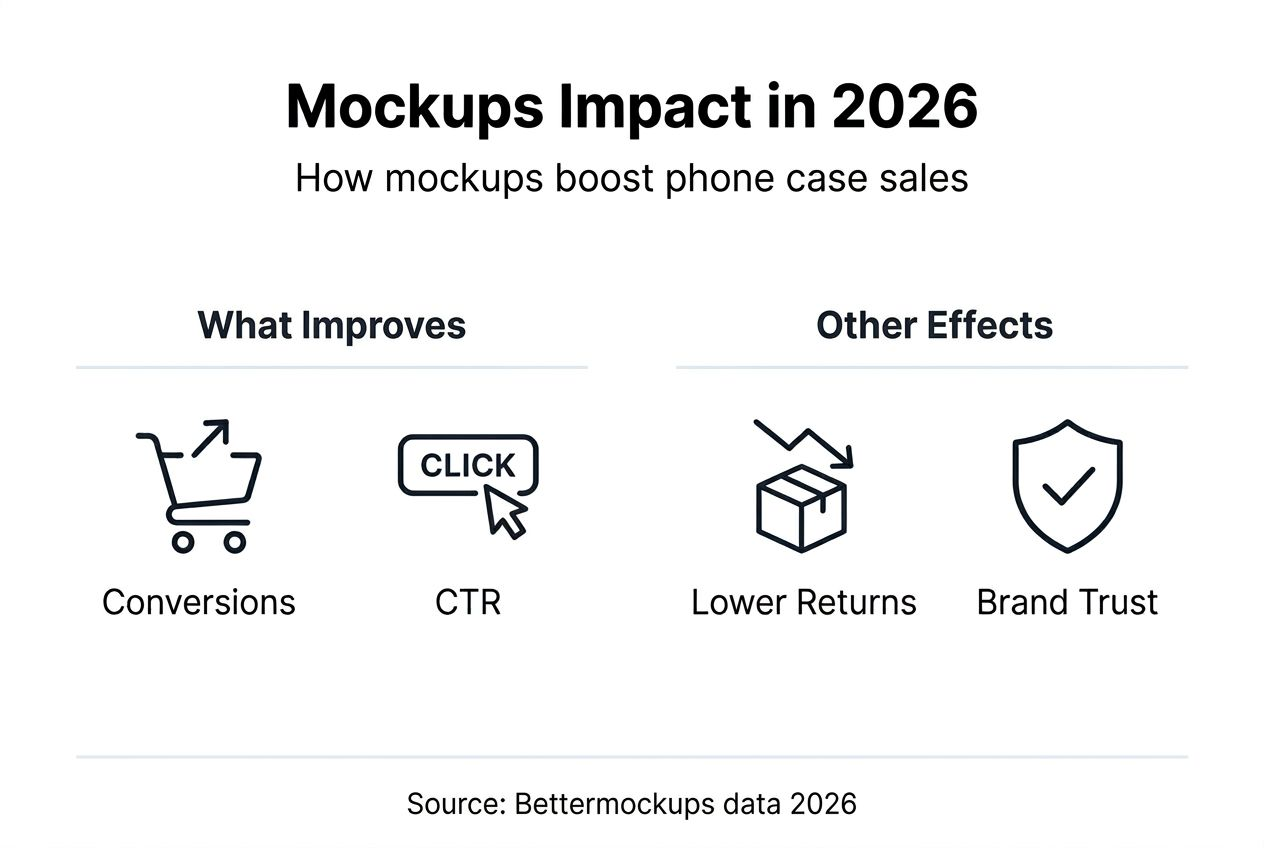
Conversion rate improvements rank as the most significant benefit. Sellers typically see 20-30% higher conversion rates after upgrading to professional mockups. The visual confidence boost directly translates to more completed purchases.
Click-through rates on product listings improve by approximately 22% with quality visuals. Better thumbnails and main images attract more clicks from search results and category pages.
Animated mockups deliver even stronger engagement gains. Video content showing your phone case from multiple angles boosts customer engagement by up to 40% compared to static images alone.
Return rates drop when mockups accurately represent products. Sellers report 10-12% fewer returns after implementing photorealistic mockups that set proper customer expectations.
Customer retention grows through stronger brand credibility. Professional visuals signal quality and attention to detail, encouraging repeat purchases. Retention rates can increase 15-20% as your brand reputation strengthens.
Check out phone case mockups marketing success strategies to maximize these outcomes.
| Metric | Average Improvement | Timeframe to See Results |
|---|---|---|
| Conversion rate | 20-30% increase | 2-4 weeks |
| Click-through rate | 22% increase | 1-2 weeks |
| Engagement rate (video) | 35-40% increase | 1-3 weeks |
| Return rate | 10-12% decrease | 4-8 weeks |
| Customer retention | 15-20% increase | 8-12 weeks |
| Average order value | 8-12% increase | 4-6 weeks |
These improvements compound over time. Better conversion rates generate more sales. Lower return rates reduce costs and improve margins. Higher retention creates predictable revenue streams.
Track your specific metrics before and after implementing professional mockups. Document baseline numbers for conversion rate, average order value, and return rate. Compare monthly performance to quantify your ROI on mockup investments.
Explore Bettermockups for perfect phone case visuals
You now understand how professional mockups drive measurable sales growth. Implementing these strategies requires access to quality templates and resources designed specifically for phone case sellers.
Bettermockups offers an extensive collection of photorealistic phone case mockups covering every major device. From iPhone to Samsung to Google Pixel, you’ll find templates matching your exact product lineup.
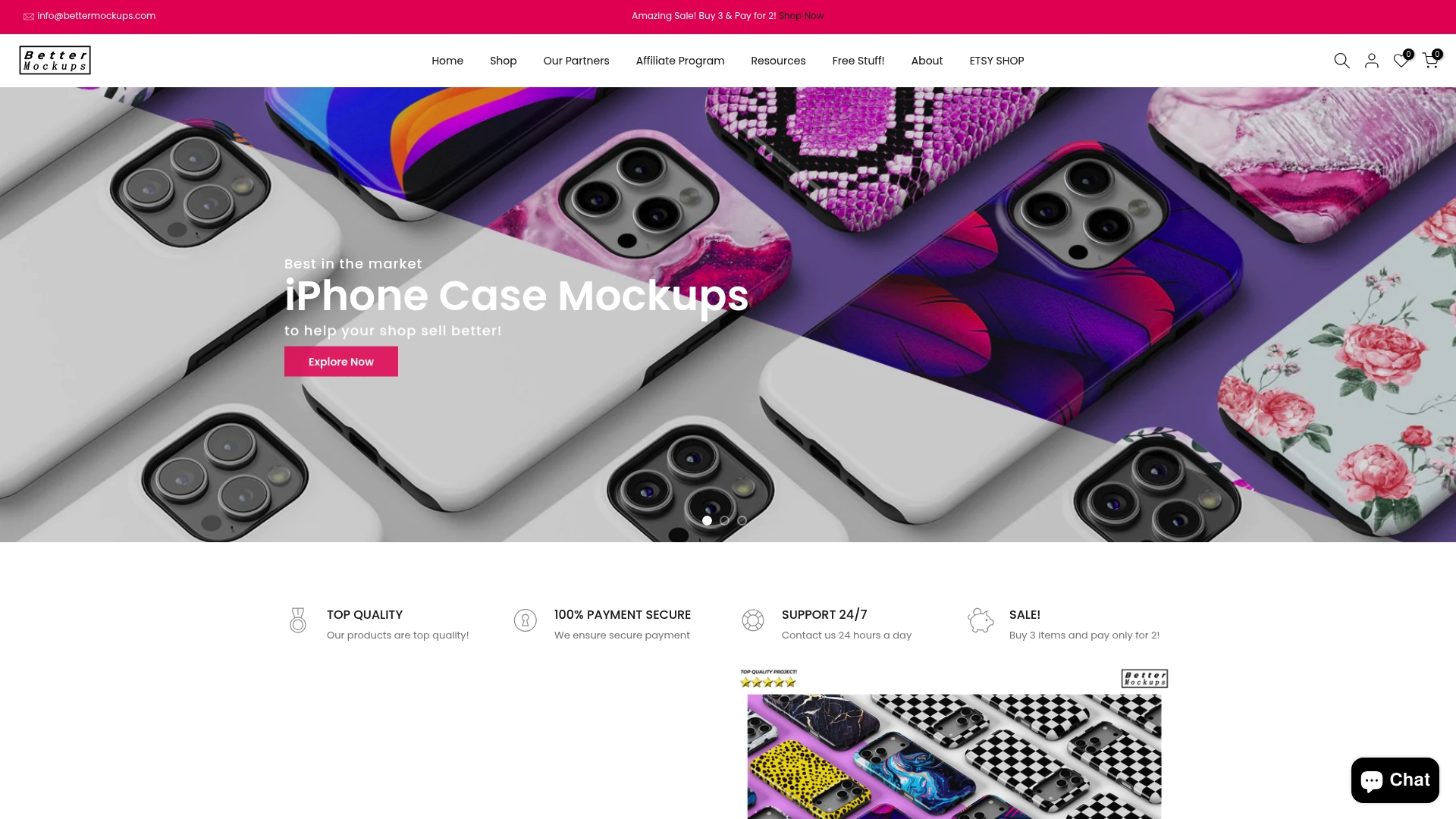
Explore video mockups for phone cases to create engaging animated content that stops scrollers on social media. These professional video templates showcase your cases in motion, building buyer confidence through dynamic 360-degree views.
Stay ahead of trends by browsing new phone case mockups regularly. Fresh visual styles keep your listings current and competitive. New arrivals include the latest phone models and trending presentation styles.
Not sure where to start? Check how to use our mockups for step-by-step guidance tailored to different skill levels and platforms.
Frequently asked questions
What file format works best for phone case mockups?
PSD files offer maximum editing flexibility for Photoshop users, while PNG files with transparent backgrounds work perfectly for Canva and quick edits. Choose PSD for complex customization and PNG for faster turnaround on simpler designs.
How many mockup images should I use per product listing?
Use minimum four to six images showing front, back, side angles, and lifestyle context. More angles reduce customer uncertainty and questions. Amazon sellers often use seven images including infographics highlighting features.
Can I use the same mockup template for multiple case designs?
Absolutely. Quality templates support unlimited design swaps using smart objects or design placeholders. This consistency strengthens brand recognition while dramatically reducing production time per listing.
Do animated mockups really improve sales compared to static images?
Yes, video mockups typically boost engagement 35-40% over static images alone. The movement catches attention in crowded feeds and provides more comprehensive product views. Use video for your hero image or in social media ads for maximum impact.
How often should I update my product mockups?
Refresh mockups when launching new phone models, rebranding, or when performance metrics decline. Review quarterly and update any images underperforming your catalog average. Stay current with design trends to maintain competitive visual appeal.
What’s the biggest mistake new sellers make with mockups?
Using low-resolution images or wrong phone models tops the list. These errors immediately signal unprofessionalism and increase return rates. Always verify phone model accuracy and maintain minimum 2000 pixel dimensions for main product images.


