

Photorealistic mockups aren’t just pretty pictures. Multi-angle product presentations increase conversion rates by 30% for tech accessory sellers. The difference between a sale and a bounce often comes down to how real your product looks on screen. This checklist helps you create mockups that build trust, reduce returns, and turn browsers into buyers. Whether you’re selling phone cases or AirPods covers, getting these details right transforms your product listings from forgettable to irresistible.
Table of Contents
- Selection Criteria: How To Evaluate Mockups Effectively
- Key Checklist Items For Mockup Design
- Common Mistakes To Avoid In Mockup Design
- Mockup Formats Comparison: PSD Vs Canva
- Summary Comparison Table
- Situational Picks: Choosing The Right Mockup For Your Needs
- Boost Your Tech Accessory Sales With Our Mockup Solutions
- Frequently Asked Questions
Key takeaways
| Point | Details |
|---|---|
| Photorealism drives conversions | Accurate lighting and device matching increase buyer confidence by 30% and cut returns by 15%. |
| Checklist covers essential elements | Focus on lighting quality, brand consistency, multiple angles, platform optimization, and file specs. |
| Format choice matters | PSD offers deep customization for pros, while Canva speeds up social content for beginners. |
| Common mistakes kill sales | Poor shadows, wrong device models, and cluttered branding destroy perceived product quality. |
| Match tools to your situation | Select mockup type based on design skills, budget constraints, and specific campaign goals. |
Selection criteria: how to evaluate mockups effectively
Choosing the right mockup starts with understanding what separates professional assets from amateur attempts. Visual realism tops the list. Your mockup needs photorealistic lighting that mimics natural or studio conditions, complete with accurate shadows that ground the product in space. Without these elements, even the best design looks flat and fake.
Device accuracy matters more than most sellers realize. Using the wrong iPhone model or outdated Samsung design signals carelessness to buyers. When your mockup shows an iPhone 14 but your actual product fits an iPhone 15, you’re setting up disappointed customers and return requests. Match your template to your exact product specifications every time.
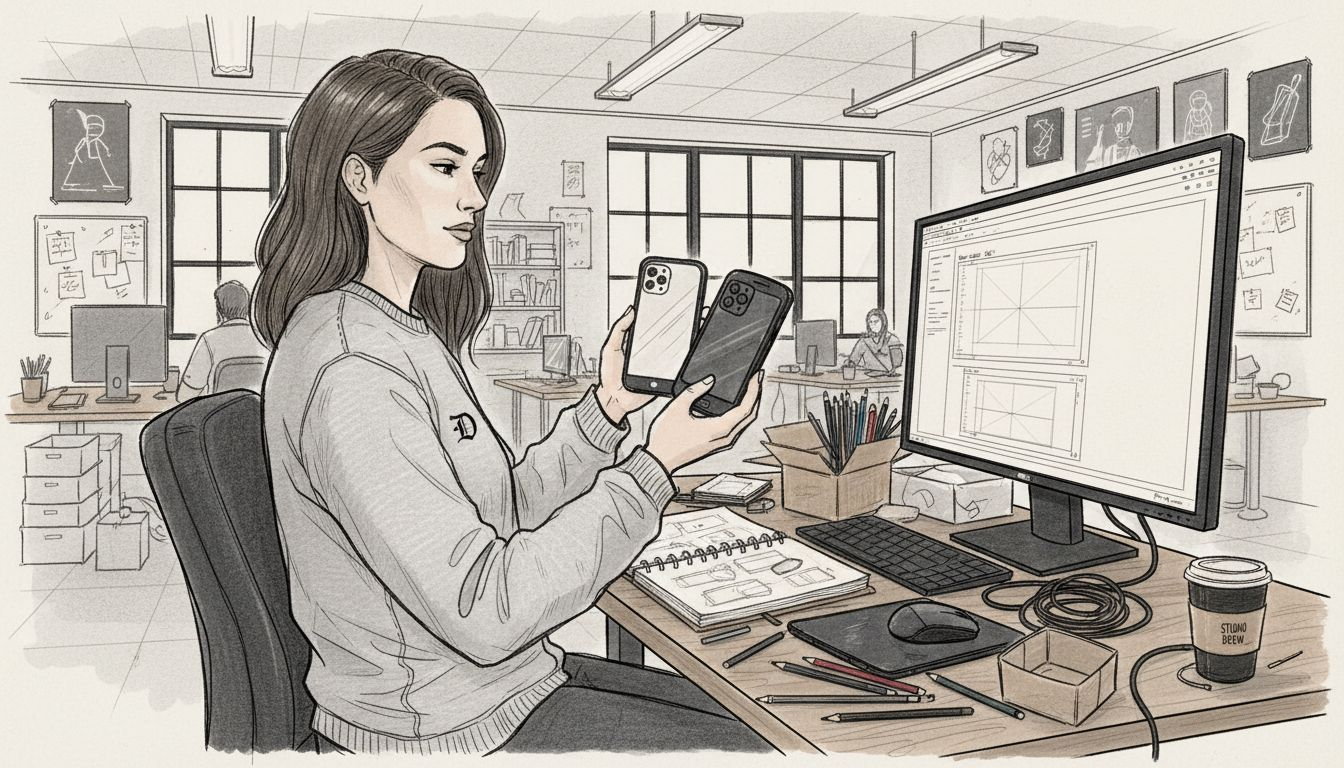
Brand consistency across all mockups builds recognition and trust. Your logo placement, color palette, and typography should remain uniform whether someone sees your product on Instagram, Amazon, or your own store. This consistency makes your brand memorable and professional.
Adaptability for different marketing platforms determines how far your mockup budget stretches. Mockups optimized for social media platforms yield 18% higher engagement compared to generic images. A mockup that works for Facebook ads might fail on Pinterest or TikTok due to aspect ratio or visual density issues.
Format selection between PSD and Canva templates depends on your technical skills and customization needs. PSD files offer layer control and advanced editing but require Adobe Photoshop knowledge. Canva templates provide drag and drop simplicity but limit deep customization. Budget conscious startups often start with Canva, while established brands invest in PSD for precise photorealism techniques in mockups.
Pro Tip: Before buying any mockup template, check the shadow direction and light source. Mismatched lighting between product and background screams fake to experienced online shoppers.
Key checklist items for mockup design
Building effective mockups follows a structured process that ensures nothing gets overlooked. This step by step approach keeps quality high while speeding up your workflow.
-
Select device accurate templates. Match your mockup template exactly to the product model you’re selling. iPhone 15 cases need iPhone 15 templates, not iPhone 14 or generic smartphone mockups. Samsung Galaxy S24 cases require S24 specific designs. Generic templates cost you credibility and increase return rates.
-
Apply photorealistic lighting and shadows. Position your light source consistently across all product angles. Shadows should fall naturally based on light direction. Avoid harsh, unrealistic shadows or completely flat lighting. Soft, diffused lighting works best for most tech accessories.
-
Integrate brand elements consistently. Place your logo in the same position across all mockups. Use your exact brand colors with correct hex codes. Apply your chosen typography with consistent sizing and weight. This repetition builds brand recognition.
-
Create multiple angle presentations. Including multiple mockup angles and contexts can increase conversion rates by 25% because buyers want to see products from every side. Front view, back view, side profile, and closeup details all serve different buyer questions. Lifestyle shots showing the product in use add emotional connection.
-
Optimize for platform specifications. Instagram requires 1080x1080 pixels for feed posts but 1080x1920 for Stories. Amazon recommends 2000x2000 pixels minimum for main images. Facebook ads perform best at 1200x628 pixels. Export separate versions sized correctly for each platform rather than stretching one master file.
-
Verify resolution and file compatibility. Export final mockups at 300 DPI for print quality and 72 DPI for web use. Save in PNG format with transparency when needed, or JPG for smaller file sizes. Test files in your target platform before bulk exporting.
Pro Tip: Create a master mockup workflow for tech accessories template with preset lighting, shadows, and brand elements. This cuts production time by 40% while maintaining consistency across your entire product line.
Common mistakes to avoid in mockup design
Even experienced sellers make mistakes that undermine mockup effectiveness. Knowing these pitfalls helps you sidestep costly errors.
Ignoring realistic shadow and lighting effects ranks as the most damaging mistake. Neglecting shadow realism and lighting leads to 20% decrease in perceived product quality according to UX design research. Flat lighting makes products look cheap. Harsh, inconsistent shadows create an unnatural appearance that triggers buyer skepticism.
Using wrong or generic device models creates immediate disconnect with buyers. When someone shopping for a Samsung Galaxy S24 case sees it displayed on an iPhone, they question whether you actually sell what you claim. Generic smartphone outlines lack the specific details that make mockups convincing.
Overloading mockups with too many branding elements clutters the visual space and distracts from the product itself. Your logo doesn’t need to appear five times on one image. Excessive text overlays, multiple taglines, and competing design elements confuse rather than convert.
Failing to optimize for platform specifications wastes the quality you built into your mockups. Uploading a square image to a Story slot crops out important details. Using low resolution files on high end marketplaces makes your brand look amateur compared to competitors.
Skipping multiple angle product representations leaves buyer questions unanswered. Front view only mockups hide potential design flaws or miss opportunities to showcase unique features. Buyers who can’t see all angles often abandon carts or choose competitors with complete presentations.
- Poor lighting creates flat, unconvincing product images
- Wrong device models destroy buyer confidence
- Cluttered branding distracts from the product
- Unoptimized files fail on target platforms
- Single angle mockups leave buyers uncertain
“The biggest mockup mistake I see is sellers using outdated device models because they already own the template. Spending $15 on a current model template prevents hundreds in lost sales from confused buyers.”
Avoid these common pitfalls in mockup creation by following your checklist religiously and investing in current, high quality templates for each product line.
Mockup formats comparison: PSD vs Canva
Choosing between PSD and Canva formats shapes your entire mockup workflow. Each offers distinct advantages depending on your skills and needs.
PSD mockups provide 50% more customization options through layer based editing. You control every shadow, highlight, and texture detail. Advanced users manipulate lighting angles, adjust perspective, and fine tune brand elements with precision impossible in simpler tools. This format demands Adobe Photoshop knowledge and comfortable navigation of complex layer structures.
Canva mockups prioritize speed and accessibility. Drag and drop interfaces let beginners create professional looking results in minutes rather than hours. Template libraries offer pre designed layouts optimized for social media. The tradeoff comes in limited deep customization. You can’t adjust individual shadow layers or manipulate lighting with the same granular control PSD provides.
Cost differences favor Canva for budget conscious sellers. Canva Pro subscriptions run around $13 monthly with access to thousands of templates. Individual PSD mockups range from $15 to $50 each, plus the Photoshop subscription cost. However, PSD files offer unlimited use and complete ownership.
Brand consistency requirements often tip the scale toward PSD. When you need exact color matching, specific typography, and precise logo placement across dozens of products, PSD’s layer control proves essential. Canva works well for varied social content where perfect consistency matters less than posting frequency.
Campaign goals determine format choice. Quick Instagram Stories and Facebook ads suit Canva’s rapid turnaround. Major product launches, Amazon main images, and print catalogs justify PSD’s quality and control. Many successful sellers use both, matching format to specific campaign needs. Explore different PSD vs Canva mockup formats to understand which scenarios favor each approach.
| Feature | PSD Mockups | Canva Mockups |
|---|---|---|
| Customization depth | Full layer control, unlimited adjustments | Template based, limited layer access |
| Learning curve | Steep, requires Photoshop skills | Gentle, intuitive drag and drop |
| Speed | Slower, detailed editing takes time | Fast, minutes per mockup |
| Cost | Higher upfront, $15 to $50 per template plus software | Lower, $13/month subscription |
| Best use case | Professional branding, print quality, precise control | Social media content, quick iterations |
Summary comparison table
This consolidated view helps you quickly match mockup characteristics to your specific requirements.
| Characteristic | PSD Mockups | Canva Mockups |
|---|---|---|
| Visual quality | Highest achievable, print ready 300 DPI | High for web, optimized for digital platforms |
| Customization flexibility | Complete control over every element | Preset options with some adjustment room |
| Ease of use | Requires design software expertise | Beginner friendly interface |
| Price range | $15 to $50 per template, plus software costs | $13/month for Pro access to template library |
| Marketing adaptability | Unlimited formats, any size, any platform | Pre optimized for social media specs |
| Production time | 30 to 60 minutes per detailed mockup | 5 to 15 minutes per template based mockup |
| File ownership | Purchase once, use forever | Subscription dependent access |
| Team collaboration | File sharing required | Built in cloud collaboration |
Situational picks: choosing the right mockup for your needs
Your specific situation determines which mockup type delivers the best return on investment. Match these scenarios to your current business stage.
Canva templates work best for beginners and small businesses just starting their tech accessory stores. The low learning curve means you create professional looking mockups on day one without design school. Monthly costs stay predictable. Social media focused sellers who post daily across multiple platforms appreciate Canva’s speed.
PSD mockups serve professional designers and established brands requiring pixel perfect precision. When your brand guidelines specify exact Pantone colors and typography weights, PSD’s granular control becomes necessary. Companies producing print catalogs or large format displays need the 300 DPI resolution PSD provides.
Animated video mockups boost social media engagement by showing products rotating or features appearing dynamically. These work exceptionally well on Instagram Reels, TikTok, and Facebook video ads where motion catches scrolling attention. Video mockups increase session duration by 35% compared to static images.
Mid range PSD templates or premium Canva options balance quality and cost for bootstrapped startups. You get professional results without the highest tier pricing. This sweet spot works when you need better quality than free templates offer but can’t justify $50 per PSD file yet.
Selection depends on honest assessment of your design skills, available budget, and marketing goals. A skilled designer wastes Canva’s simplicity. A beginner drowns in PSD complexity. Start with your skill level, then consider budget, finally match to campaign requirements. Check out our mockup workflow for tech accessories to see how professionals structure their selection process.
- Beginners: Start with Canva templates for immediate results
- Budget conscious: Canva Pro subscription maximizes template access
- Quality focused: PSD mockups for brand consistency and print use
- Social media heavy: Animated video mockups for engagement
- Growing businesses: Mix both formats based on specific campaign needs
Many successful sellers maintain a library of both PSD and Canva mockups. Use PSD for your main product images and Amazon listings where quality matters most. Deploy Canva for rapid fire social content and weekly promotional posts. Browse phone case mockups for beginners to see quality examples across different formats.
Boost your tech accessory sales with our mockup solutions
Putting this checklist into action becomes easier with the right resources. Our platform specializes in photorealistic mockups designed specifically for tech accessory sellers like you.
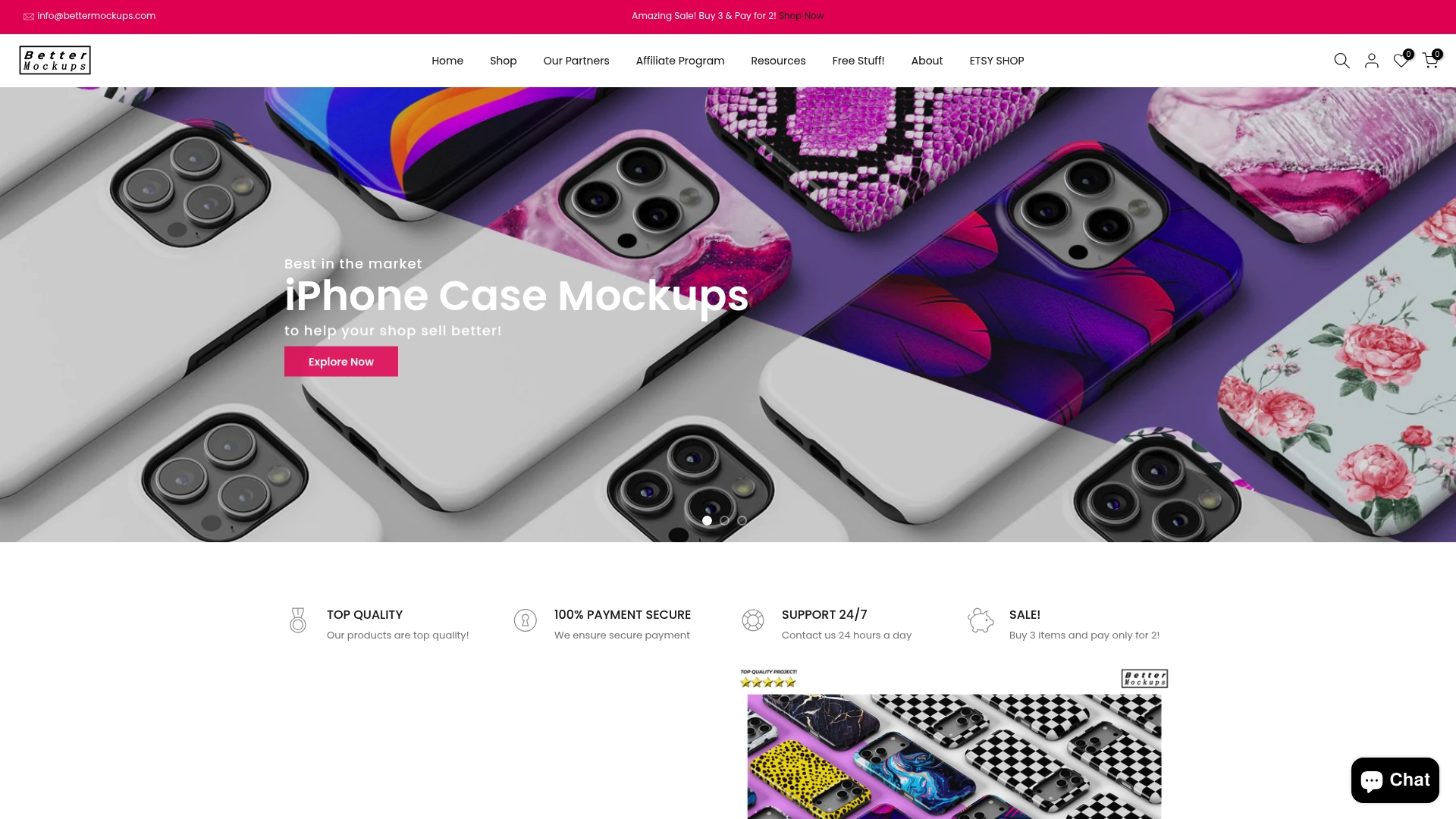
We offer both PSD and Canva templates tailored to phone cases, AirPods covers, and popular gadget accessories. Each mockup includes proper lighting, accurate device models, and platform optimized sizing. Our video mockups collection brings products to life with professional animations that increase engagement on social platforms.
Explore our latest mockup templates updated for 2026 device models. Every template includes the checklist elements covered in this guide. Follow our comprehensive mockup workflow guide to streamline your production process from selection to final export. Whether you’re a Canva beginner or PSD expert, we have solutions matching your skill level and campaign goals.
Frequently asked questions
What makes a mockup photorealistic?
Photorealism comes from accurate lighting that matches natural or studio conditions, realistic shadows that ground products in space, and precise device models. The light source must be consistent across all elements. Shadows should fall naturally based on light direction and distance.
How often should I update my mockups?
Update mockups whenever you launch new products, rebrand, or when device models change significantly. Seasonal campaigns also warrant fresh mockups. Using outdated device models signals carelessness to buyers and hurts conversion rates.
Can Canva mockups produce professional branding?
Canva works well for consistent social media content and quick turnarounds. For simple branding needs, Canva delivers professional results. However, precise color matching, advanced typography control, and complex layering require PSD files and design software.
Are animated mockups worth the investment?
Yes, especially for social media marketing. Animated video mockups increase engagement by 35% and keep viewers watching longer. They showcase product features dynamically and stand out in crowded feeds. The investment pays off through higher click through rates on ads.
How do I avoid common mockup mistakes?
Follow a detailed checklist every time you create mockups. Pay special attention to lighting consistency, shadow realism, and device model accuracy. Use templates designed for your exact product specifications rather than generic placeholders. Test mockups on target platforms before bulk exporting to catch sizing or quality issues early.
Recommended
- Mockup Design Tips 2026: 40% Boost for Tech Accessory Sales – Bettermockups
- Step-by-Step Mockup Design Boosts Sales by 40% in 2026 – Bettermockups
- Master Mockup Workflow for Tech Accessories Step-by-Step – Bettermockups
- Mockup Trends in 2026: Elevate E-Commerce Sales – Bettermockups
- 6 Best LED Lighting Tips for Cost-Saving UK Businesses


