

A strong brand doesn't happen by accident, it gets documented. Whether you're selling phone cases on Etsy or building a full product line across multiple platforms, a figma brand guidelines template gives you a single source of truth for logos, colors, typography, and visual rules. Instead of rebuilding these specs from scratch, a good template lets you plug in your brand assets and walk away with a polished, shareable style guide in a fraction of the time.
At Bettermockups, we build production-accurate mockup templates for POD phone case sellers, people who care deeply about visual consistency between what they publish and what ships. Brand guidelines are the foundation of that consistency. When your mockups, listing images, and social content all pull from the same documented standards, your store looks like a brand, not a random collection of designs.
Below, we've rounded up five of the best Figma brand guidelines templates available right now. Each one is fully customizable, easy to navigate, and built to help you create a professional brand book without starting from a blank canvas. We'll break down what makes each option worth your time, and where each one fits best depending on your needs and budget.
1. Figma Community brand guide template
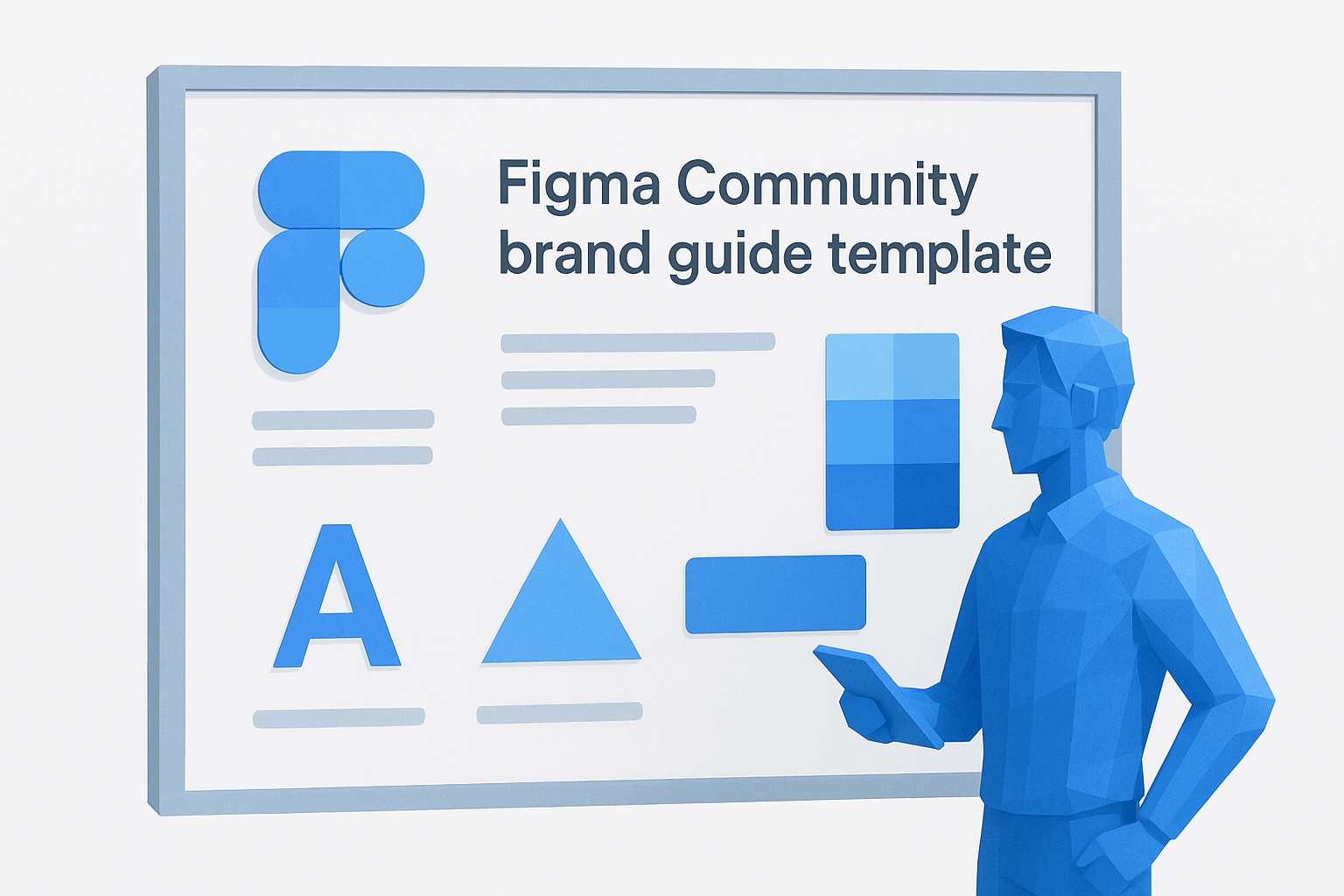
The Figma Community brand guide template is one of the most accessible starting points available, and it costs nothing to duplicate and use. It lives directly inside Figma, so there's no download or import process to deal with. You open it, duplicate it to your personal drafts, and start replacing placeholder content with your actual brand assets right away.
What you get and how it's structured
The template comes as a multi-frame Figma file organized around a linear presentation flow. Each frame functions as a standalone page in your brand guide, so you can present it as a slide deck or export it as a clean PDF without reformatting anything. The layout uses auto-layout components, which makes resizing and rearranging sections straightforward when your content doesn't fit the default dimensions.
Brand sections it covers well
This template handles the core visual identity elements cleanly: logo usage rules, color palette with hex and RGB values, typography hierarchy, and basic iconography. If your brand documentation starts and ends with these fundamentals, this template covers them without gaps.
If you need your first figma brand guidelines template up and running fast, this community option handles the essentials without friction.
Best fit for teams and workflows
This template works best for small teams or solo operators who need a shareable document to hand off to designers, manufacturers, or platform partners. It integrates naturally into existing Figma projects, so there's no separate tool to manage.
Tradeoffs to watch for
The template is community-maintained, which means update frequency and long-term support are inconsistent. If something breaks or a section doesn't fit your use case, you're on your own to fix it.
Pricing and licensing
This template is completely free through the Figma Community. The standard Figma Community license applies, covering personal and commercial use without restrictions.
2. Brand guidelines 50 plus slides template
This template steps up in scope significantly. Where the free community option covers basics, the Brand Guidelines 50+ Slides template gives you a dense, presentation-ready document built for brands that need to communicate identity across multiple surfaces and stakeholders.
What you get and how it's structured
You get over 50 organized, editable frames built around a logical brand documentation flow. The structure moves from brand story through visual identity to application examples, so you're not piecing together a narrative yourself.
Brand sections it covers well
This figma brand guidelines template covers logo construction, color systems, typography scales, photography direction, and real-world mockup applications more thoroughly than most free alternatives. It's genuinely comprehensive.
If your brand needs to communicate standards to external partners or agencies, this depth saves you from answering the same questions repeatedly.
Best fit for teams and workflows
This template fits growing brands and multi-person teams who need documentation detailed enough to hand to a contractor without a follow-up call. It works especially well when your brand is already defined and you need to formalize it in one document.
Tradeoffs to watch for
The volume of slides can feel excessive for smaller, simpler brands that only need a one-page reference. Editing all 50+ frames takes real time.
Pricing and licensing
This template is available through the Figma Community as a paid resource, typically priced between $15 and $25 depending on the publisher's current pricing.
3. The ultimate brand guidelines template
This template earns its name by focusing on clarity and visual hierarchy over raw volume. It's built for sellers and brand operators who want a document that looks polished the moment someone opens it, without spending hours rearranging frames.
What you get and how it's structured
The file delivers a tightly organized set of frames that guide you through brand identity in a logical sequence. Each section uses consistent spacing and typographic structure, so the finished document reads as a unified, professional asset rather than a patched-together collection of slides.
Brand sections it covers well
This figma brand guidelines template handles logo rules, color palettes, and typography with precision. It also includes tone-of-voice guidance, which most visual-only templates skip entirely.
If your brand communicates through copy as much as visuals, built-in tone sections save you from creating a separate document.
Best fit for teams and workflows
This template fits brand-conscious operators and small creative teams who want one clean document covering both visual and verbal identity standards.
Tradeoffs to watch for
The layout is opinionated by design, which means heavy customization requires rebuilding several components from scratch.
Pricing and licensing
This template is available on the Figma Community, typically priced between $12 and $20.
4. BRIX Templates brand book kit
BRIX Templates brings a design-system-first approach to brand documentation. This figma brand guidelines template is built with reusable components throughout, so editing one element updates it across the entire file automatically.
What you get and how it's structured
The kit delivers a component-driven file organized into clearly labeled sections. Each frame references shared styles, so your colors, fonts, and spacing stay consistent across every page without manual updates.
Brand sections it covers well
This template covers logo systems, color tokens, type scales, and grid specifications in detail. The grid and spacing documentation makes it especially useful for brands that need to communicate layout rules to developers or external designers.
If your brand work crosses into product or web design, built-in grid specs bridge the gap between brand identity and implementation.
Best fit for teams and workflows
BRIX works best for design-led teams or operators who already use Figma's component and variable features. You'll get the most out of it if your workflow involves multiple collaborators sharing a single source of truth.
Tradeoffs to watch for
The component structure adds learning time upfront. Sellers with simpler brand needs may find it over-engineered for a basic style guide.
Pricing and licensing
BRIX Templates brand book kit is available on the Figma Community, typically priced between $19 and $29.
5. One sheet brand guidelines by Falta Studio
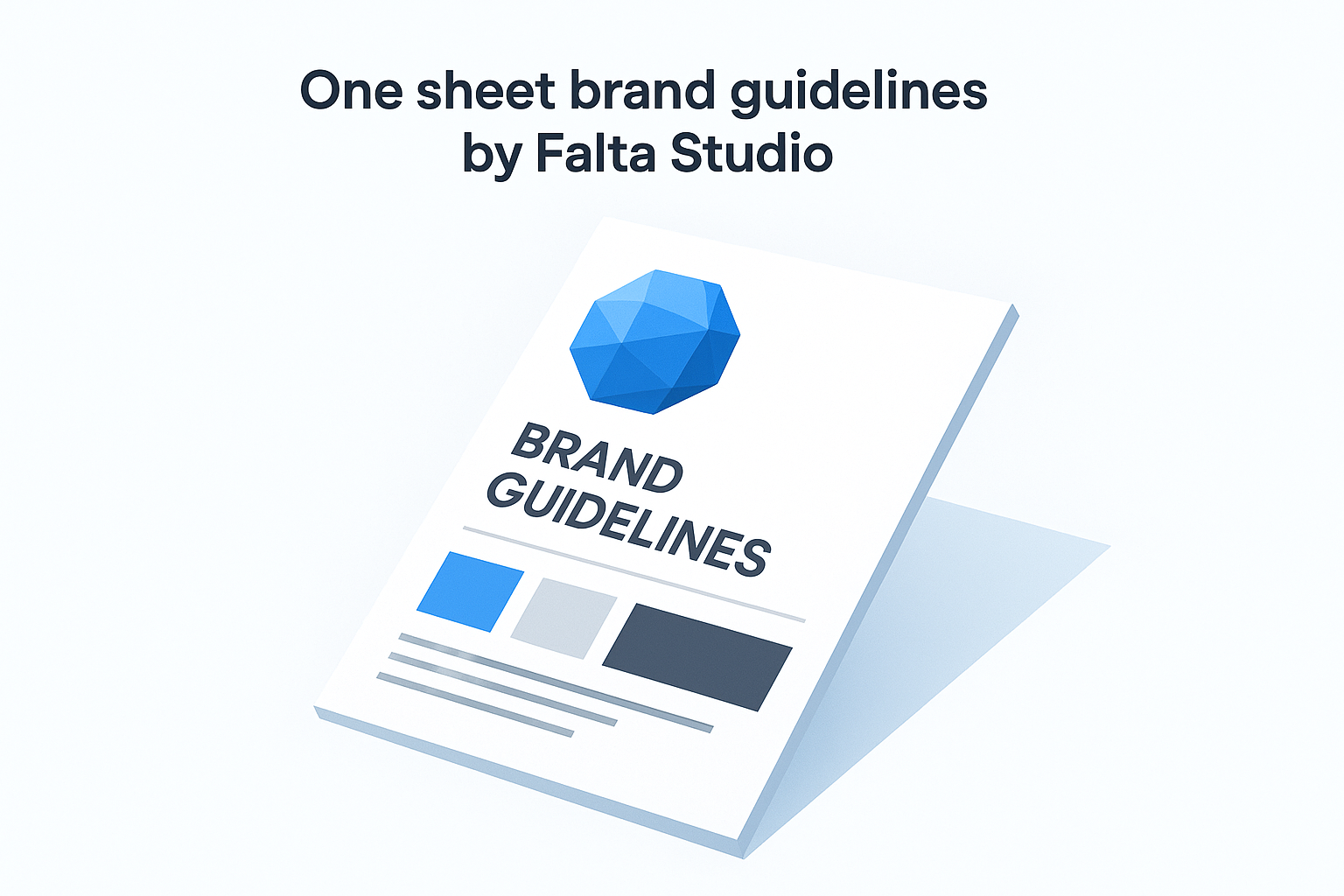
The One Sheet Brand Guidelines template by Falta Studio takes the opposite approach from every other option on this list. Instead of a multi-frame document, it compresses your entire brand identity into a single, scannable reference page built for speed and simplicity.
What you get and how it's structured
You get one tightly designed Figma frame that fits logo, color, typography, and usage rules into a clean, single-page layout. There's no slide sequence to navigate, just one document your team or contractor can open and reference instantly.
Brand sections it covers well
This figma brand guidelines template handles logo variants, color swatches, and type hierarchy efficiently. It's designed for brands with a clear identity that needs a quick-reference format rather than a deep documentation project.
If your audience needs fast answers about your brand, a one-page format removes every barrier to actually using the document.
Best fit for teams and workflows
This template fits solo sellers and small shops that need a brand reference without the overhead of a 50-slide document. It works well as a handoff asset for freelancers or print partners who need specs at a glance.
Tradeoffs to watch for
One page means limited depth. If your brand spans multiple product categories or platforms, you'll outgrow this format quickly.
Pricing and licensing
This template is available through the Figma Community, typically free or priced under $10.

Wrap it up and pick your template
Each of these five options solves a real problem, but the right choice depends on what your brand actually needs right now. If you're just starting out, the free Figma Community template gets you moving without spending anything. If you're formalizing a brand that already has real traction, the 50+ slides option or BRIX kit gives you the depth to hand off to contractors and partners without follow-up questions. For solo sellers who need something fast and usable, Falta Studio's one-sheet approach is hard to beat.
Your figma brand guidelines template should match the complexity of your current operation, not the complexity you hope to project someday. Start with what fits where you are, and add depth when the work actually requires it.
Once your brand standards are locked, every asset you publish should reflect them, including your product mockups. Explore production-accurate phone case mockups built to match exactly what your customer receives.


