

If you're a print-on-demand seller using Canva to create phone case designs, the Canva content license agreement determines what you can legally sell, and what could get your listings pulled. Most sellers scroll past the terms, upload their designs to Etsy or Shopify, and never think about it again. Until a takedown notice or a licensing dispute forces the question they should have asked on day one.
The agreement covers everything from what counts as permitted commercial use to where Canva draws the line on reselling its stock elements. For POD sellers specifically, the distinction between a design you built with Canva content and a product that is Canva content matters more than most people realize. Getting this wrong doesn't just risk a single listing, it can trigger platform penalties, intellectual property complaints, and the kind of review damage that takes months to recover from.
At Bettermockups, we build production-accurate mockup templates for phone case sellers who take their listings seriously. Part of taking listings seriously is understanding the licensing terms behind every asset you use, whether that's a mockup template, a stock photo, or a Canva graphic element. So we put together this breakdown of what Canva's license actually allows and restricts, written plainly for sellers who need answers, not legalese.
Here's what the agreement says, what it means for your store, and where the common misunderstandings live.
What the Canva content license agreement covers
The Canva content license agreement is the legal framework that governs how you can use the stock elements, photos, fonts, and templates Canva supplies through its library. It draws a clear line between content you bring to the platform yourself (your original artwork, your uploaded images) and content Canva provides. The agreement only governs the second category. Anything you create and upload yourself falls under your own copyright, not Canva's licensing terms.
The two categories of Canva content
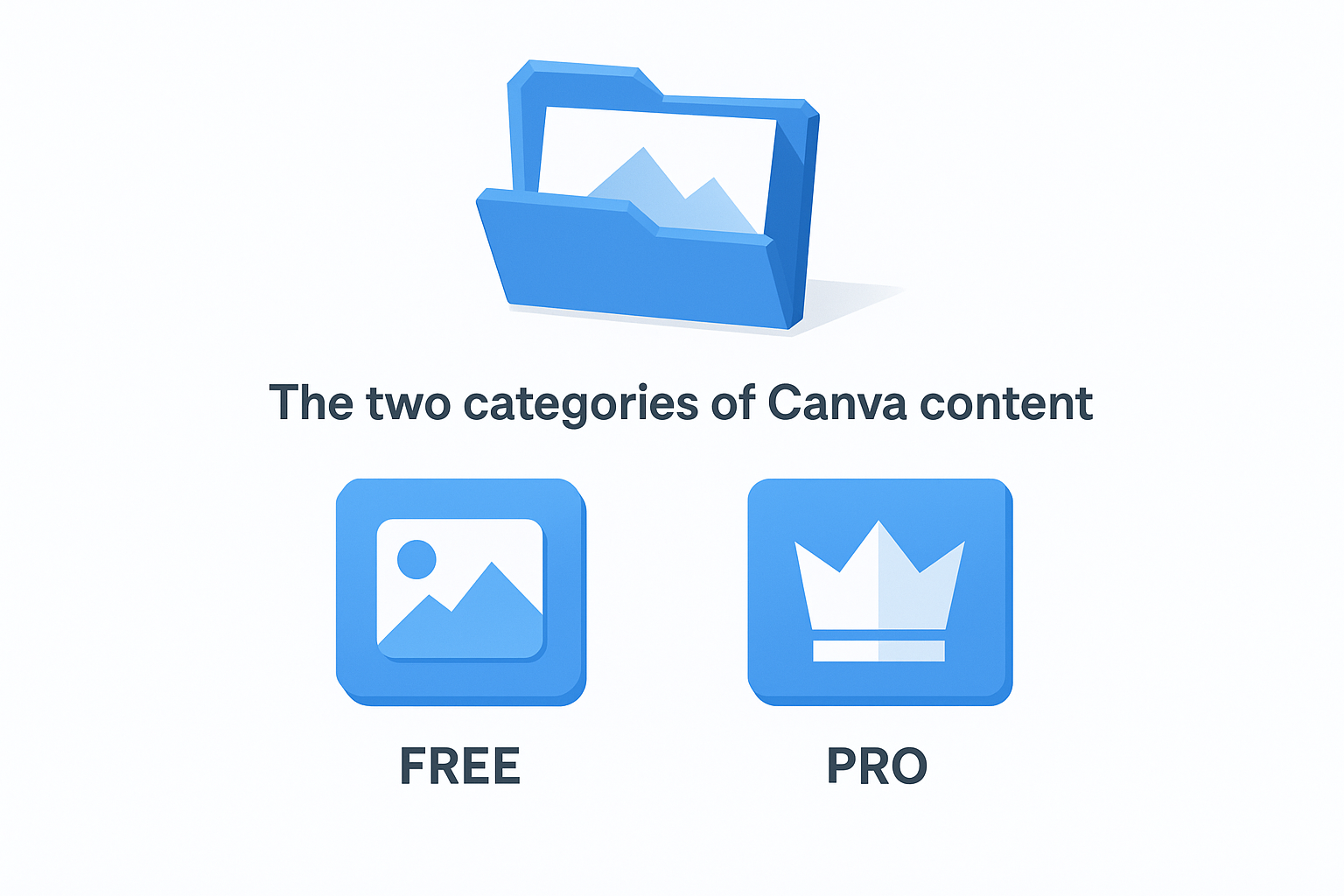
Canva splits its library into two buckets: free content available to all users, and Pro content available to paying subscribers. Both categories fall under the same overarching license, but the access rules differ by plan. Free users get a subset of elements; Pro subscribers unlock the full library. In both cases, the license grants you a non-exclusive right to use those elements in your designs, which means thousands of other sellers can legally use the exact same stock graphic you just built your phone case design around.
Non-exclusive means your design may not be as distinctive as you think if it relies heavily on Canva's stock elements.
There is also a third category: paid third-party content available as one-off purchases inside Canva's marketplace. These items carry their own individual license terms set by the creator, which can differ significantly from Canva's standard agreement. Always read the specific terms attached to any paid item before you use it in a product you plan to sell.
What the license actually grants
The agreement gives you permission to use Canva's content inside finished designs, but it does not transfer ownership of those elements to you. Canva and its third-party contributors keep all underlying intellectual property rights. What you own is the creative arrangement you built, not the individual components within it. For POD sellers, this is a practical distinction: your design rights only extend to your original contribution, not to the stock icon, background texture, or font you pulled from the Canva library.
Why the CLA matters for commercial use
When you sell a product, you're making a commercial claim about every asset inside it. The Canva content license agreement defines whether that claim is legally solid or a liability waiting to surface. For POD sellers, the stakes are higher than for someone designing a personal party invitation. Every listing you publish on Etsy, Shopify, or Amazon is a commercial transaction, and the licensing terms behind your design assets have to hold up to that standard.
Canva's license does permit commercial use, but only within specific limits that most sellers never read in full detail.
What "commercial use" actually means under the agreement
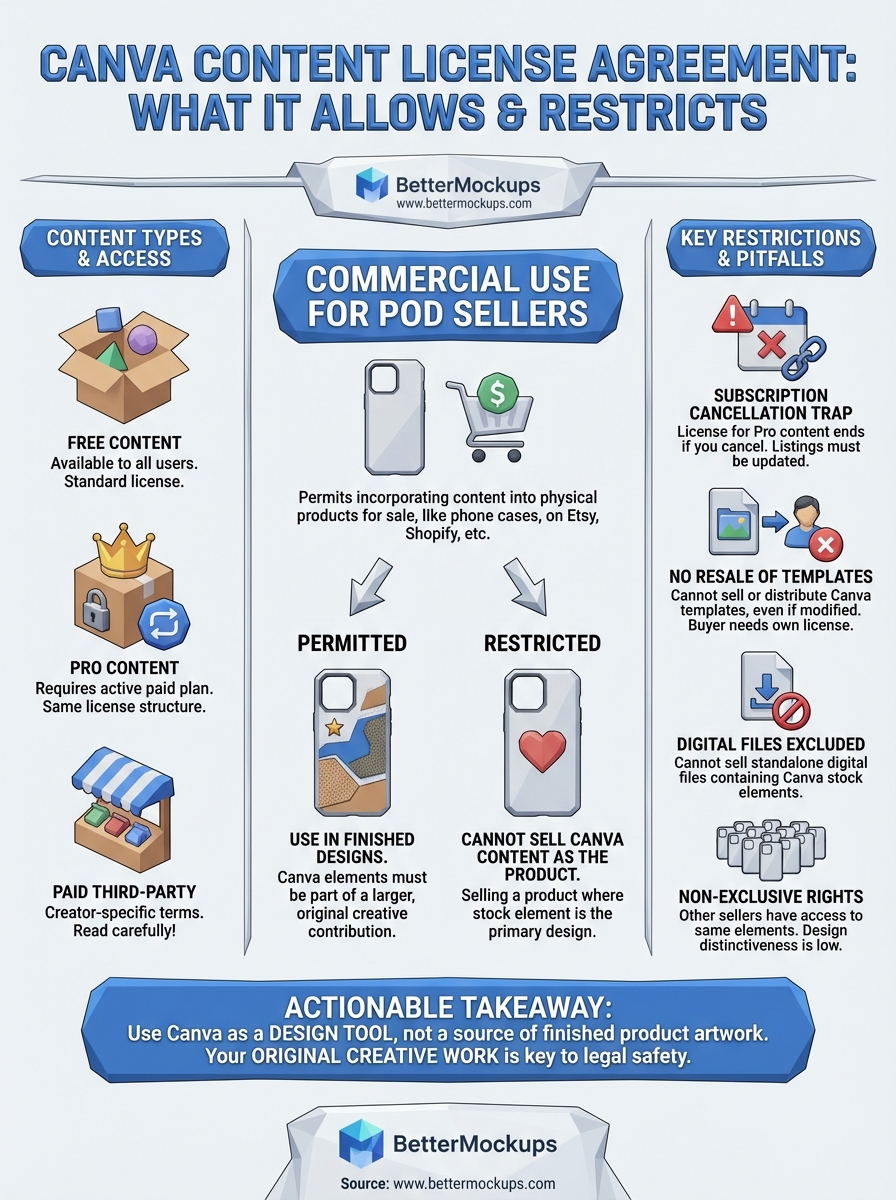
Canva defines commercial use broadly enough to cover most POD activity, but it sets clear limits. You can incorporate Canva content into designs you sell on physical products, including phone cases, as long as the stock element isn't the primary selling point. Using a Canva texture as part of your original design is permitted. Selling a product where the Canva stock graphic is essentially the entire design crosses into restricted territory.
Understanding this distinction protects your store from takedown requests and platform violations. Platform complaint systems don't evaluate your intent - they respond to intellectual property flags. If a rights holder flags your listing, the burden of proving compliant use falls on you. Reading the agreement before you publish costs nothing; sorting out the aftermath does.
How licensing works for Free, Pro, and paid items
Your access tier determines which elements you can legally use, but the canva content license agreement applies across all three categories. Free, Pro, and paid items each carry different conditions, and mixing them up in your workflow creates gaps in your licensing coverage that can surface later as disputes.
Free content
Free elements are available to every Canva user and fall under the standard license terms. You can use them in commercial designs, including products you sell on POD platforms. The catch is that every other seller on Canva has identical access, which means distinctiveness becomes a real concern if stock elements carry significant visual weight in your design.
Pro content
Pro content unlocks with a paid subscription and follows the same license structure as free elements, but the library is substantially larger. Using Pro elements in designs you sell is permitted, but your license only remains valid while your subscription is active. If you cancel your plan, you lose the right to continue selling products that incorporate Pro-only content.
Always audit your active listings before canceling a Canva Pro subscription to avoid unknowingly violating your license terms.
Paid third-party items
Individual marketplace items inside Canva carry creator-specific license terms set independently from Canva's standard agreement. Read those terms before you build anything for sale around a paid item, because restrictions vary widely between creators and can be far more limiting than the default license.
What you can and can't sell using Canva content
The canva content license agreement gives you real commercial flexibility, but it draws a firm boundary between using Canva content as a component in your design and selling Canva content as the product itself. Understanding where that boundary sits determines whether your listings are on solid legal ground.
What Canva permits you to sell
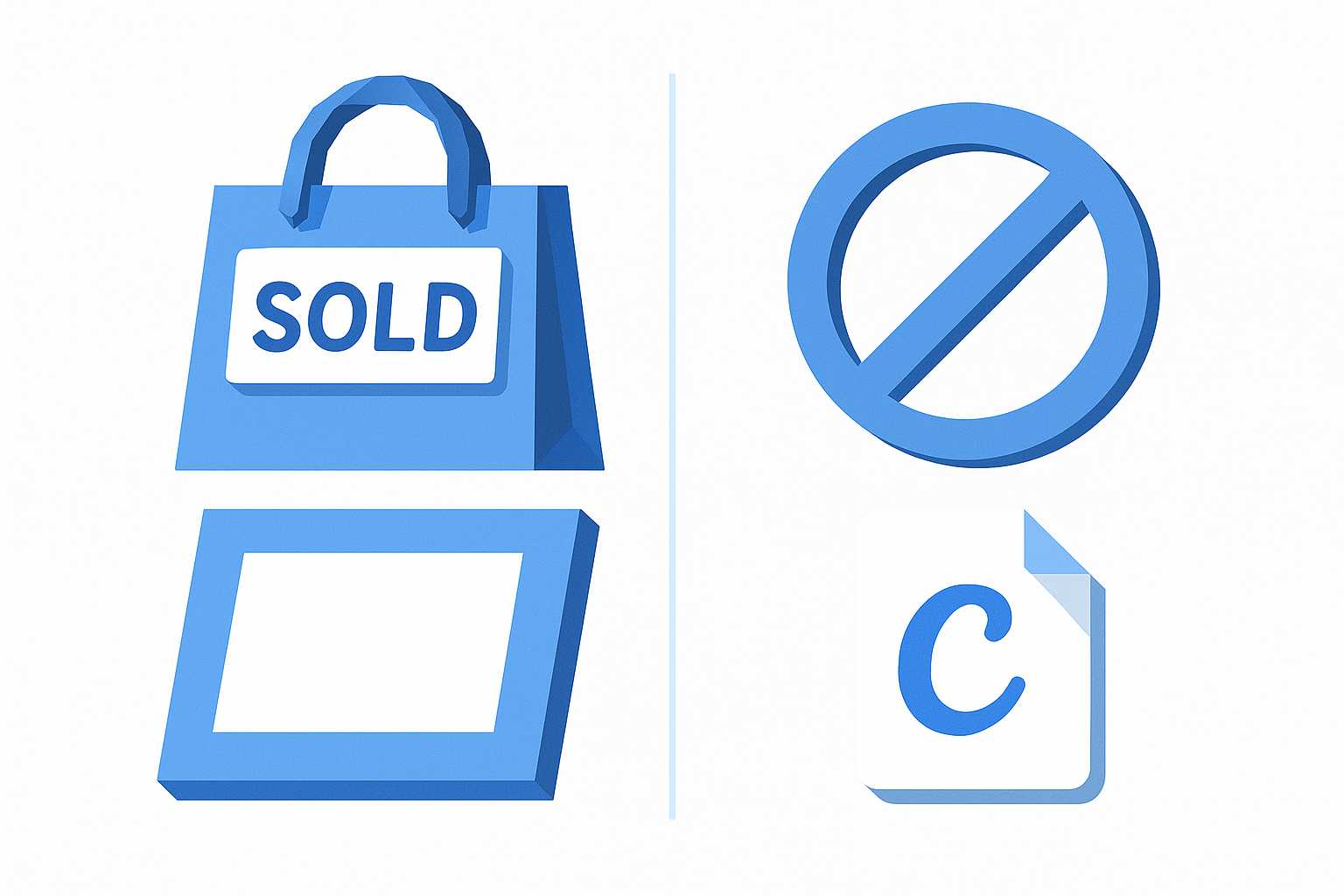
You can sell physical products that incorporate Canva elements as part of a larger original design. A phone case where you combined a Canva texture with your own typography and layout qualifies. The key is that your original creative contribution carries the design, and the Canva content plays a supporting role.
The license permits selling products that contain Canva content, not products that are Canva content.
Where Canva draws the line
Canva prohibits you from selling standalone digital files that contain its stock elements, such as downloadable Canva templates, printable art files, or digital products where a Canva graphic is the primary asset being purchased. You also cannot use Canva content in merchandise where the stock element itself is the design, for example, printing a Canva icon directly onto a phone case with no meaningful original creative layer around it. Both scenarios transfer Canva's licensed content to a third party, which the agreement explicitly does not allow.
Common restrictions that catch people off guard
The canva content license agreement includes several restrictions that sellers regularly miss because they're buried in sections most people skip. Knowing these before you scale your listings saves you from having to unwind a catalog built on shaky legal ground.
The subscription cancellation trap
Canceling your Pro subscription doesn't grandfather in your existing listings. The moment your plan lapses, your license to sell products containing Pro-only content lapses with it. Every active listing that uses a Pro element needs to be updated or removed once you downgrade. Many sellers discover this retroactively, after the violation has already been flagged.
The no-resale-of-templates rule
Canva prohibits you from selling or distributing Canva templates to third parties, even if you modified them. Selling a "done-for-you Canva template pack" violates the agreement regardless of how much you customized the original.
Modification does not transfer your license rights to a buyer. The restriction on resale applies to the template itself, not just the raw stock elements inside it.
Your buyer would need their own Canva account and their own license to use any Canva content legally. Passing content rights along through a template sale is not something the agreement permits, and platform intellectual property systems treat it as a violation the same way they would treat unauthorized redistribution of stock photography.
Quick recap and next steps
The canva content license agreement permits you to use Canva's stock elements in commercial products, but it does not transfer ownership of those elements to you. Pro content requires an active subscription to sell legally, paid marketplace items carry their own separate terms, and you cannot sell standalone digital files built primarily from Canva stock content. Modification does not override these restrictions, and platform intellectual property systems do not evaluate intent before flagging a violation.
For POD sellers, the practical takeaway is direct: use Canva as a design tool, not as a source of finished product artwork. The more original creative work you bring to each listing, the stronger your legal position and the more distinctive your store becomes in a market where thousands of sellers pull from the same content library.
Accurate listings start with accurate assets. If you want mockups that represent your phone cases exactly as they ship, browse production-accurate phone case mockup templates at BetterMockups and build listings your customers can trust on arrival.


