

If you've ever watched a logo animate into place, seen text slide across a screen in an ad, or noticed a product spin in a listing video, you've seen motion graphics in action. But when you search for a motion graphics definition, most results give you either a one-line dictionary entry or a film school lecture. Neither is particularly useful if you're trying to understand what motion graphics actually are, how they differ from animation, and why they matter outside of Hollywood.
That last part is worth paying attention to, especially if you sell products online. Motion graphics have moved well beyond title sequences and explainer videos. They're now a core part of e-commerce content, from TikTok Shop ads to product listing videos. At Bettermockups, we build video mockup templates for print-on-demand phone case sellers, and those templates are motion graphics: production-accurate case designs presented in motion to drive conversions on platforms that reward video over static images.
This article breaks down the full definition of motion graphics, walks through the main types and real examples, and clarifies the line between motion graphics and traditional animation, so you know exactly what you're looking at (and what you might want to start using in your own product listings).
What motion graphics are
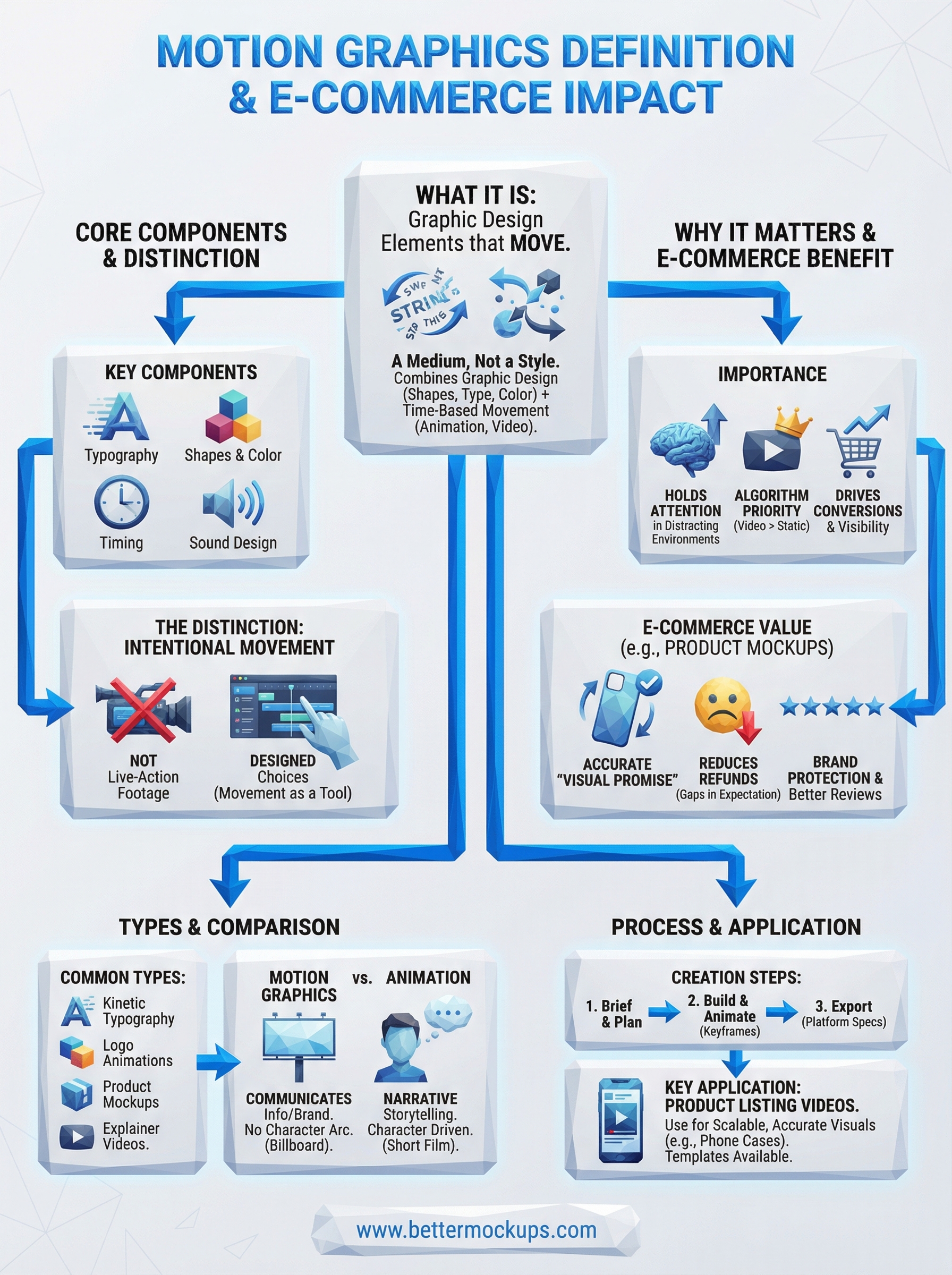
Motion graphics are graphic design elements that move. That's the simplest version of the motion graphics definition, and it covers everything from an animated logo to a spinning phone case in a product listing video. The term combines two disciplines: graphic design (shapes, typography, color, layout) and time-based movement (animation, video, transitions). Unlike a static image, motion graphics use movement to communicate something, whether that's a brand identity, a data point, or a product feature you want your customer to notice.
Motion graphics aren't a style. They're a medium. Any designed visual presented in motion, regardless of industry or purpose, qualifies.
The core components of motion graphics
Every motion graphics piece you encounter is built from a handful of reliable building blocks. Typography in motion is one of the most common, think text that fades in, scales up, or slides across the screen to emphasize a message. Shape and color transitions add structure and visual flow, guiding your viewer's eye through a sequence in a deliberate order. Sound design also plays a supporting role in most motion graphics work, particularly in ads and product videos where audio cues reinforce visual timing.
These components function together rather than separately. A product listing video that shows a phone case rotating while text highlights its key features uses all three: moving typography, shape animation, and sequenced timing. No single element is complicated on its own, but their combination is what makes motion graphics effective at holding attention long enough to influence a decision.
What separates motion graphics from other visual formats
The core distinction is intentionality behind movement. Motion graphics use movement as a design tool, not as a byproduct of recording something in the real world. A photo of a phone case is static. A video of someone holding one is live-action footage. A designed sequence that rotates the case, highlights the camera cutout, and displays your brand name in motion is motion graphics, because a designer made deliberate choices about what moves, how fast, and when.
That level of control is exactly what makes motion graphics so repeatable and scalable for product sellers working at volume.
Why motion graphics matter
Motion graphics matter because they hold attention in environments built to destroy it. Social feeds, product listing pages, and digital ads compete for the same fraction of a second your potential customer spends deciding whether to scroll past or stop. Static images no longer carry enough weight in that competition. Platforms like TikTok and Instagram actively prioritize video content in their algorithms, which means motion graphics aren't just a creative choice. They're a distribution advantage that directly affects how many people see your content in the first place.
When platforms reward video, sellers who use motion graphics get more visibility than those who don't, regardless of product quality.
Why product sellers specifically benefit
For anyone selling physical products online, the motion graphics definition stops being abstract the moment you see what a well-designed product video does to your conversion rate. Video mockups let you show your product from multiple angles, highlight specific features like camera cutouts or finish differences, and deliver a visual promise that a flat photo simply cannot match. Customers who watch a product video understand what they're buying before they click, which reduces the gap between their expectation and what actually arrives at their door.
That gap is where refunds and negative reviews live. Motion graphics, used accurately, close it. For POD phone case sellers managing hundreds of listings, closing that gap is brand protection at scale, not a minor listing tweak.
Common types of motion graphics
Once you understand the broader motion graphics definition, the specific types become easier to recognize. Kinetic typography, logo animations, explainer videos, and product motion graphics are the most common formats you'll encounter, and each serves a different purpose depending on where and how you need to communicate.
Kinetic typography and explainer videos
Kinetic typography puts text in motion to emphasize meaning, rhythm, or urgency. You see this in ads where a headline scales up on beat with audio, or in explainer videos where animated text walks a viewer through a process step by step. Explainer videos combine kinetic text with shape animations to break down complex ideas quickly, making them a standard format for software products and service-based businesses.
Kinetic typography works because movement draws the eye before the brain processes the words, giving you a fraction of a second of guaranteed attention.
Product and brand motion graphics
For product sellers, the most relevant types fall into two categories. Product mockup videos and logo animations are the formats that most directly affect your listing performance and brand perception.
- Product mockup videos: Present your item in motion, rotating it, displaying finishes, and highlighting specific features like camera cutouts or MagSafe rings, without requiring physical samples.
- Logo animations: Give your brand a professional entry point across social platforms and listing headers.
Both formats are repeatable and scalable, and far more effective at communicating product detail than any static image can manage.
Motion graphics vs animation and visual effects
The motion graphics definition gets blurry fast when you start comparing it to animation and visual effects. All three involve moving visuals, but they operate with different goals and production logic. Understanding the difference helps you make smarter decisions about which format belongs in your listings, ads, and brand content.
How motion graphics differ from animation
Animation tells a story through character movement and narrative sequence. Think of a cartoon character walking through a scene, reacting, and expressing emotion. Motion graphics, by contrast, use movement to communicate information or reinforce a brand identity rather than to narrate a plot. There's no character arc in a rotating phone case video or a kinetic headline. The movement serves a message, not a story.
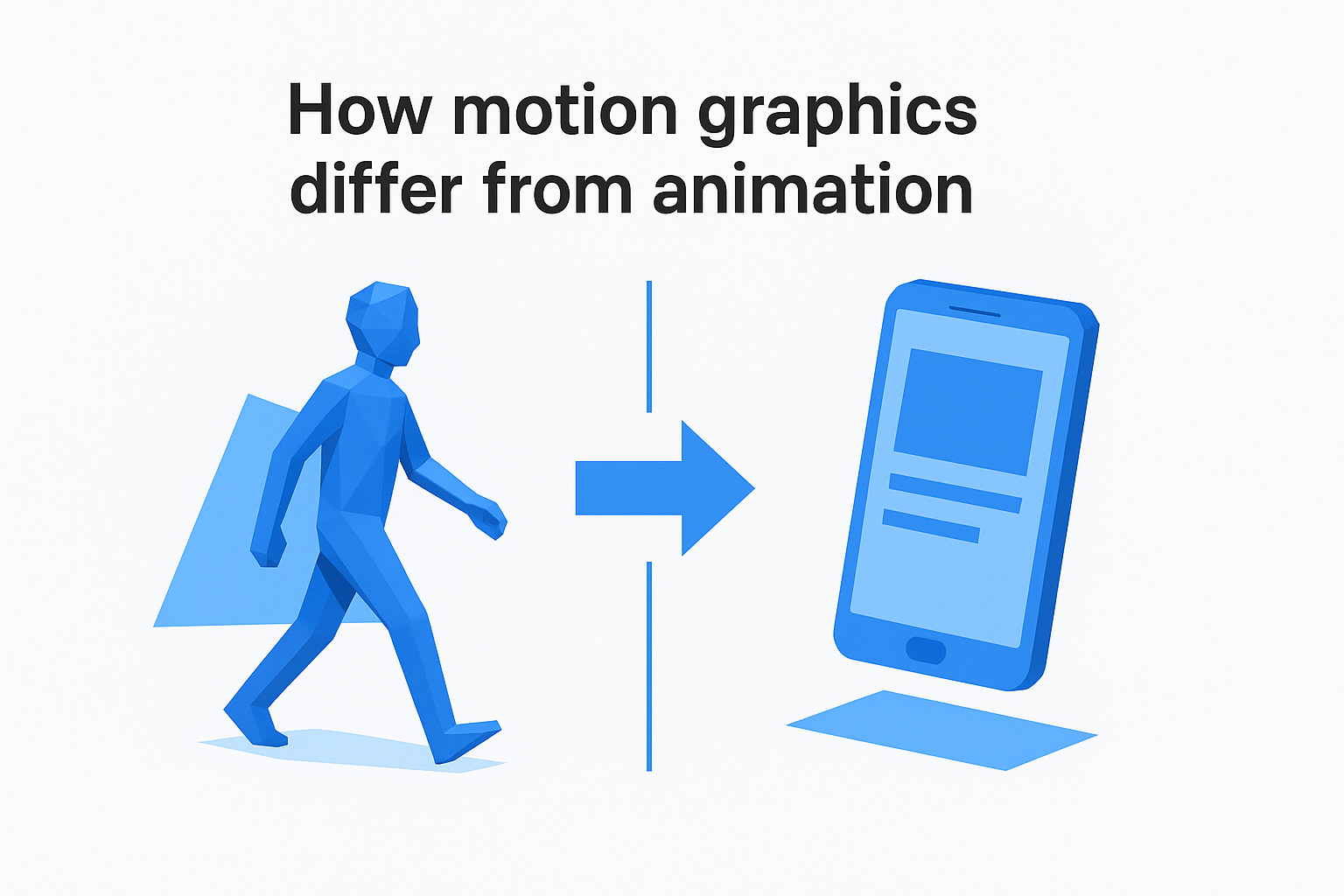
If animation is a short film, motion graphics are a well-designed billboard that happens to move.
Where visual effects fit in
Visual effects (VFX) are a different category entirely. VFX blend designed elements into live-action footage, adding explosions, creatures, or environments that don't exist in the real world. They require source footage to manipulate. Motion graphics, on the other hand, are built entirely from designed assets and don't rely on recorded footage as a base. A product listing video that uses a filmed hand holding a phone is live-action. A designed template that animates your case onto a rendered phone model is motion graphics. Both can be effective, but only one scales across 400 listings without a photoshoot.
How to create motion graphics step by step
You don't need a film school background to produce functional motion graphics. The process follows a repeatable structure that applies whether you're building a full explainer video or a simple product listing animation for your Etsy shop. Once you understand the core motion graphics definition, the production steps become logical rather than intimidating.
Start with a clear brief
Before you open any software, define what the motion graphic needs to communicate and where it will live. A TikTok product video has different timing, aspect ratio, and pacing requirements than a listing thumbnail animation. Locking in your platform, message, and duration upfront saves you from rebuilding assets later.
Build and animate your assets
With your brief set, you move into design and animation. Most motion graphics workflows follow the same basic sequence:
- Create your static assets: design shapes, select typography, and prepare your product visuals or brand elements
- Set keyframes: define where each element starts and ends in your timeline
- Apply easing: smooth out movement so transitions feel deliberate rather than mechanical
- Add sound: align audio cues to visual timing if your platform supports it
Motion graphics built from accurate source assets, like manufacturer-matched phone case templates, require fewer revision rounds because the base is already correct.
Export for your platform
Once animation is complete, export in the format your platform requires. Most e-commerce and social platforms accept MP4 at 1080p, but always verify specs before you render a final file.
Next steps
You now have a working motion graphics definition and a clear picture of how it applies to the content you put in front of buyers. Motion graphics use deliberate, designed movement to communicate faster and more effectively than static images, which makes them a direct lever for conversion, visibility, and brand trust on every platform where your listings compete.
The most immediate place to apply this is your product listing videos. If you sell phone cases through Etsy, Shopify, or TikTok Shop, accurate motion graphics remove the gap between what a customer sees and what they receive, which is where refunds start and five-star reviews end.
If you want to skip the production complexity and work from templates built to manufacturer specifications, explore the video mockup library at BetterMockups. Each template is production-accurate and ready to load your design into so you can publish listings that actually match the product you ship.


